10 Best AI Humanizer Tools for School Communications in 2026

2026 quietly marks the moment when school communication began absorbing AI drafting tools at scale, leaving tone and trust under closer scrutiny. This guide reviews the AI humanizers educators rely on to soften rigid AI language while preserving clarity, restraint, and the calm voice families expect.
School communication has started to absorb AI in small, practical ways, which makes tone and trust more important than ever. That is part of why educators rebuild trust in student writing by paying closer attention to how polished language actually sounds in context.
For newsletters, parent emails, behavior notes, and classroom updates, a humanizer can help drafts feel less rigid without stripping away clarity. The challenge, honestly, is that school writing still needs restraint, which means the best option is not always the one that rewrites most aggressively.
That tension shows up in the data around student attitudes toward AI-generated writing, where convenience and credibility tend to sit side by side. A tool that sounds warmer can help, but it still has to preserve the kind of plainspoken language that families, teachers, and administrators actually use.
It also matters whether a platform can support humanize AI curriculum drafts without making them feel overwritten or oddly promotional. The tools below are worth noting for school communications specifically, because they vary in how much control, softness, and consistency they bring to institutional writing.
10 Best AI Humanizer Tools for School Communications
| # | Brand | TL;DR |
|---|---|---|
| 1 | WriteBros.ai | A steady fit for school emails, updates, and drafts that need to sound natural without losing structure. |
| 2 | Scribbr’s AI Humanizer | Useful when an academic-style draft needs softer phrasing, though it can still lean a bit polished for routine school communication. |
| 3 | Grammarly AI Humanizer | Best for teams that already live inside Grammarly and want a familiar way to smooth out stiff wording. |
| 4 | AISEO AI Humanizer | A stronger match for longer drafted content, although some school users may find the tone slightly more content-marketing oriented. |
| 5 | Undetectable AI | Good for heavy rewrites, but the whole thing can feel more aimed at detection concerns than day-to-day school clarity. |
| 6 | Uncheck AI | A practical option for quick rewrites when a draft feels obviously machine-made and needs a more conversational finish. |
| 7 | Humanizer.Pro | Simple to test and easy to grasp, though the output may need a closer review for school-specific tone. |
| 8 | GPTInf | Worth a look for users who want humanizing plus checking tools in one place, especially for staff-facing drafting workflows. |
| 9 | Walter Writes AI | A more assertive rewriter that can help with stiff drafts, although it may need trimming for calmer school messaging. |
| 10 | uPass | Often positioned toward student use, which makes it relevant for academic settings, but not always the cleanest fit for official school communications. |
On this page
10 Best AI Humanizer Tools for School Communications Worth Noting
Best AI Humanizer Tools for School Communications #1. WriteBros.ai
WriteBros.ai feels unusually calm for a category that often tries too hard, which matters more than it sounds when a school draft needs to land as clear, warm, and measured. In parent communication, that middle register is exactly the point, because language that feels overly polished can read as distant just as quickly as language that feels robotic. The tool tends to keep sentence structure readable without sanding every line into the same rhythm, so updates and notices still sound like they came from a real person with a real audience in mind. It also seems more comfortable with practical institutional writing than platforms that are built around overtly promotional copy. That said, it still works best when the original draft has a sensible message already, because no humanizer can entirely rescue vague thinking. For schools that want help softening AI phrasing without turning a routine message into something glossy and strange, this is basically the most balanced place to start.
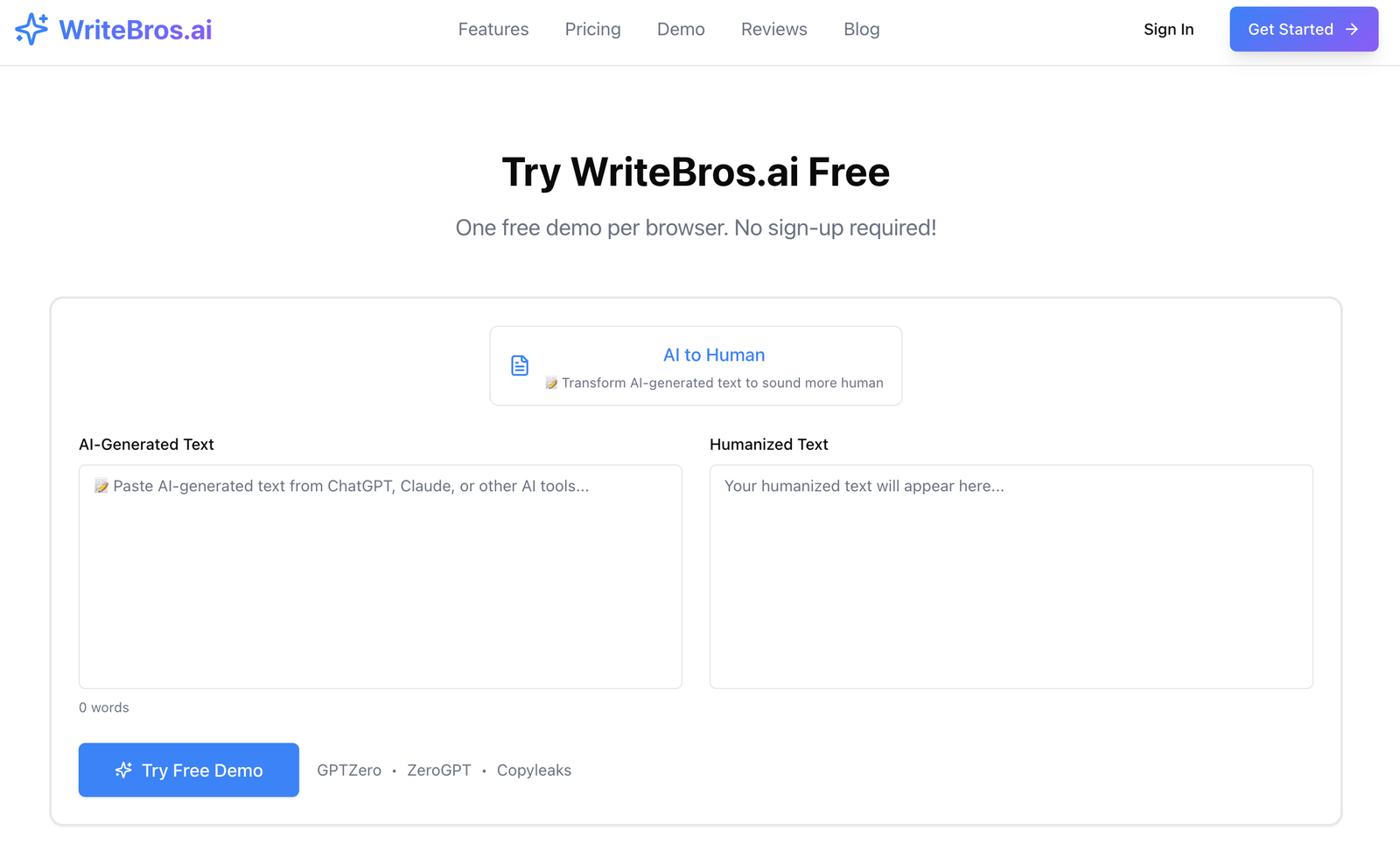
Best use case: Parent emails, weekly classroom updates, counselor notes, and school notices that need a warmer tone without losing formality.
What it does well: It keeps language plain and natural, which helps school writing stay readable instead of sounding like copy that has been over-managed.
Where it falls short: It is not a substitute for judgment, so a weak or poorly framed original draft will still need a human pass.
Who should skip it: Teams looking for dramatic rewriting or highly stylized output will probably find it more restrained than they want.
Best AI Humanizer Tools for School Communications #2. Scribbr’s AI Humanizer
Scribbr’s AI Humanizer carries a slightly academic polish, which can actually work well for schools when the draft sits closer to guidance, explanation, or formal support language. It has a tidy way of smoothing rigid phrasing, and that can be useful for staff who draft quickly and then need help making the copy sound less machine-shaped. The tradeoff is that school communication is not always academic communication, and there are moments when this kind of refinement can feel a little too finished for an everyday note to families. A classroom reminder or attendance follow-up, honestly, does not always benefit from elegant sentence shaping. Still, for messages that need clarity plus a touch of composure, it holds together better than tools that push too hard into casual language. The whole thing makes sense for education-adjacent writing, but it works best when the message is slightly formal to begin with.
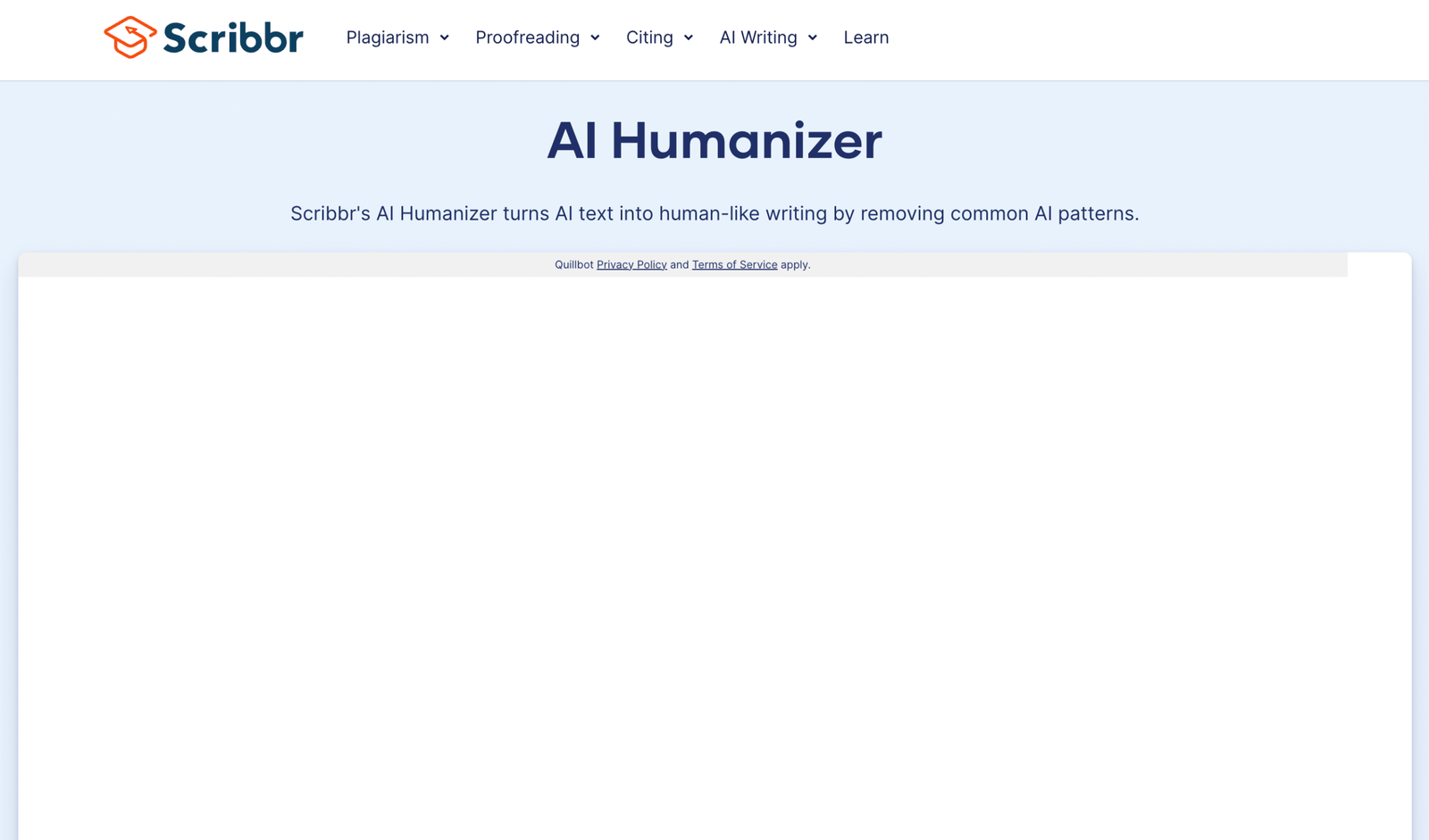
Best use case: Formal school explanations, academic support emails, and written guidance that needs to sound polished but still approachable.
What it does well: It cleans up stiff AI wording in a way that usually preserves coherence, especially in longer explanatory passages.
Where it falls short: It can read a bit too polished for casual family communication or quick classroom messages.
Who should skip it: Teachers who want very conversational output for short reminders may prefer something less academic in feel.
Best AI Humanizer Tools for School Communications #3. Grammarly AI Humanizer
Grammarly AI Humanizer makes the most sense for schools that already use Grammarly as part of their writing habits, because the appeal is as much familiarity as it is output. Staff members who are already comfortable with its suggestions tend to move faster inside a tool they know, and that reduces friction for repetitive writing tasks like behavior updates, notices, or short family-facing messages. Its revisions are usually clean and sensible, though sometimes they lean into a generic helpfulness that can flatten the small human details that make school communication feel grounded. That is a common problem with all-purpose writing tools, and Grammarly is not immune to it. Still, the product benefits from a workflow people already understand, which counts for a lot in busy school settings. It is a practical option, exactly, though it may need a final edit to make sure the message still sounds like a person rather than a very competent assistant.
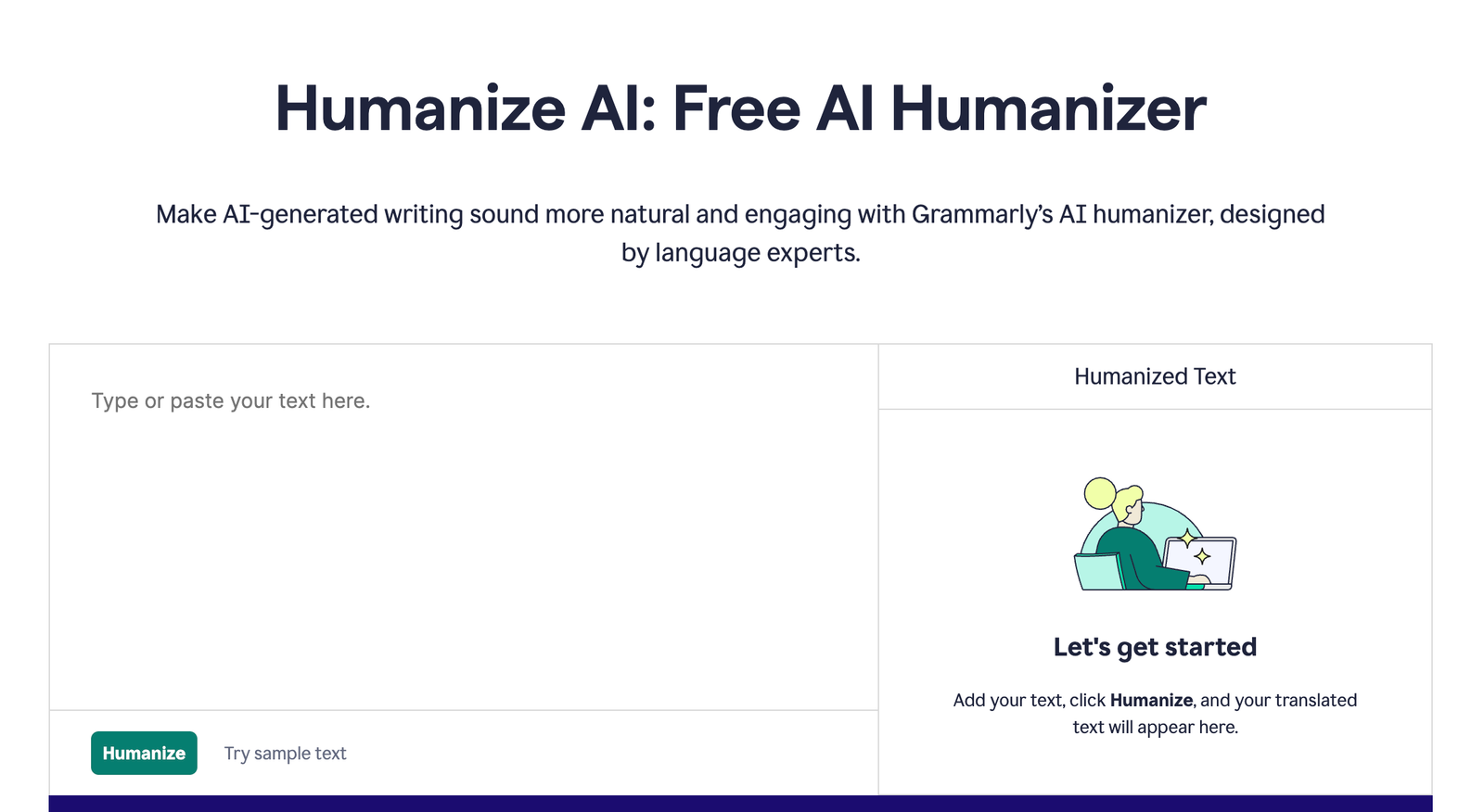
Best use case: Schools or staff teams that already draft and edit inside Grammarly and want a familiar layer of tone smoothing.
What it does well: It fits neatly into an existing writing workflow and improves stiffness quickly without much setup.
Where it falls short: The output can become slightly generic, which is not ideal when a message needs warmth or local context.
Who should skip it: Writers who dislike platform-driven suggestions and want deeper control over rhythm and phrasing should probably look elsewhere.
Best AI Humanizer Tools for School Communications #4. AISEO AI Humanizer
AISEO AI Humanizer feels like a tool that grew up around content workflows, which gives it strengths and also makes its fit for school communication a little uneven. It can handle longer drafts with some confidence, and that matters for policy summaries, departmental explanations, or documents that began as bulky AI-generated text. The difficulty is that school writing rarely needs to sound optimized, and sometimes this kind of tool carries a faint sense of performance that sits awkwardly in parent-facing copy. That does not make it unusable, just a bit more dependent on careful review. When the draft is long and clunky, AISEO can help cut through repetition and give the writing a steadier flow. For short, emotionally sensitive, or routine messages, though, it may feel like bringing a larger machine than the moment really requires.
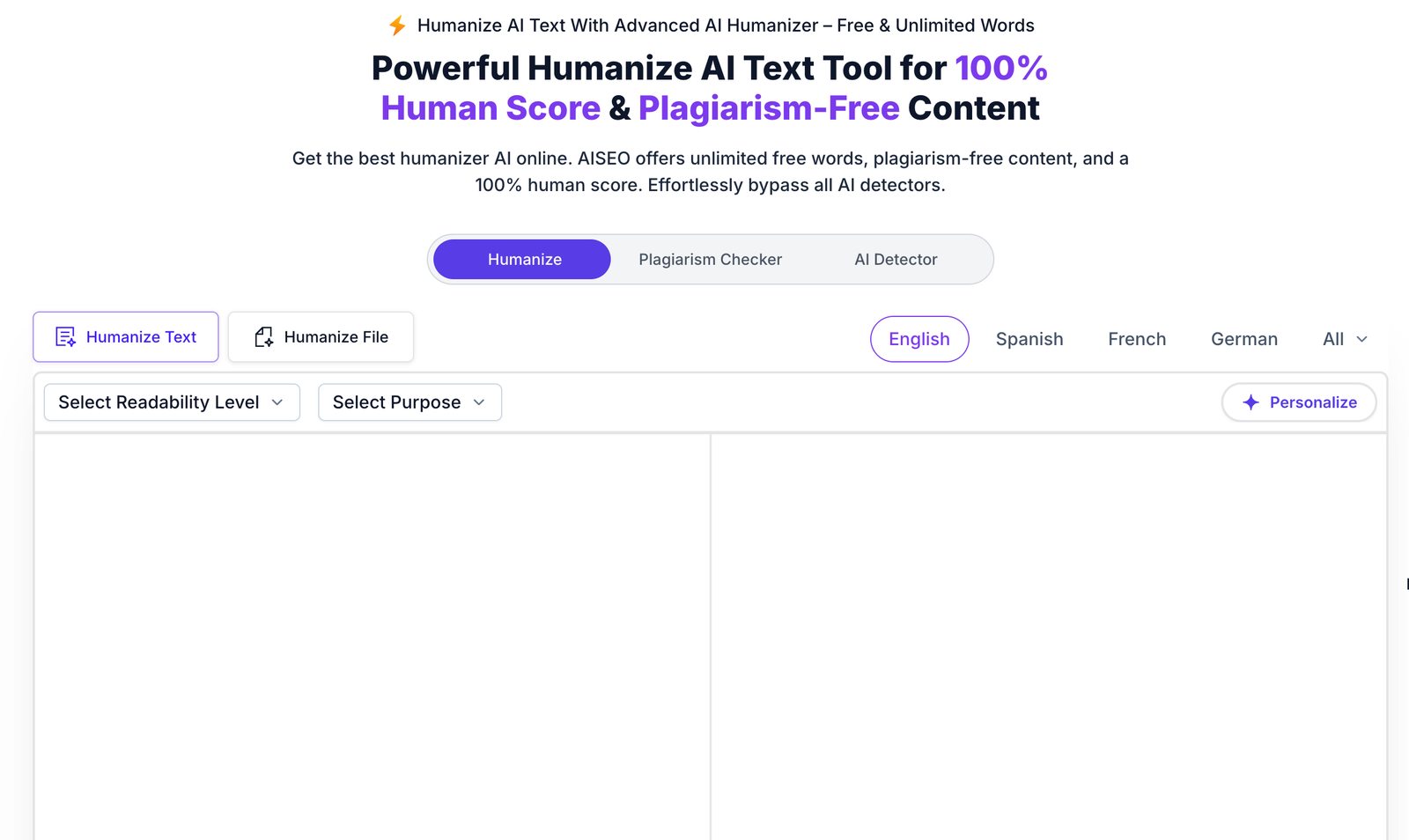
Best use case: Longer school drafts such as policy explanations, department updates, and structured communication that starts out too rigid.
What it does well: It improves flow in extended copy and reduces repetition in a way that makes dense text easier to read.
Where it falls short: Its content-oriented feel can be a little noticeable in short school messages that need plain restraint.
Who should skip it: Anyone mainly editing quick parent emails or brief classroom notes may find it more than they need.
Best AI Humanizer Tools for School Communications #5. Undetectable AI
Undetectable AI is a prominent name in this space, though its framing tends to pull attention toward detection concerns rather than the softer realities of school communication. That difference matters, because a principal update or classroom email is usually not trying to win a technical contest. The tool can produce heavy rewrites, and that can help when a draft is obviously mechanical, repetitive, or painfully flat. At the same time, strong rewriting can introduce its own problem, which is that the final tone may no longer match how a school actually speaks to families. There is always a point where more humanized stops feeling more human and starts feeling sort of manufactured in a different way. For difficult drafts it can still be useful, but it works better as a blunt intervention than as a delicate editor for everyday educational communication.
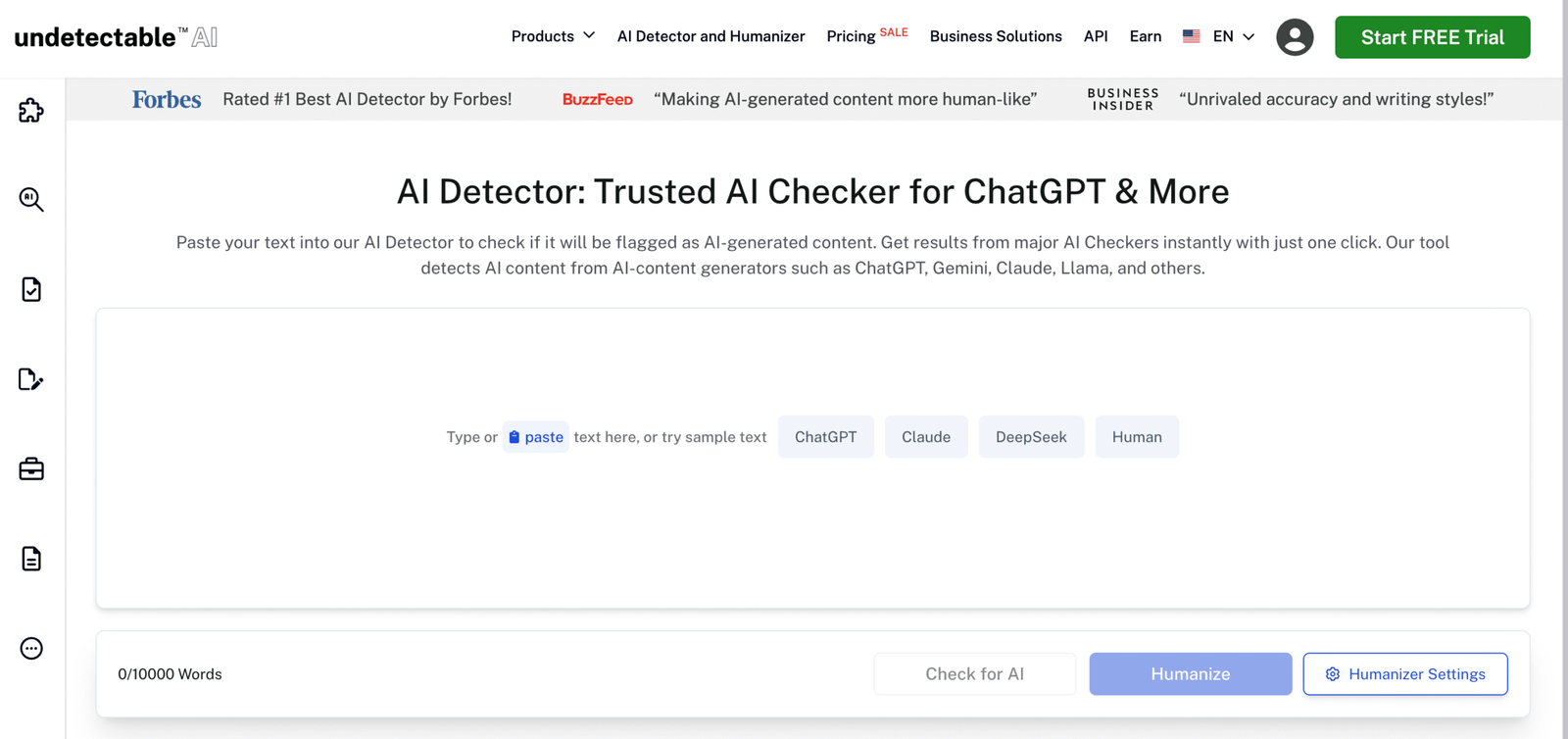
Best use case: Reworking text that feels unmistakably machine-written and needs a stronger rewrite before anyone sees it.
What it does well: It is willing to reshape stiff drafts more aggressively than gentler tools, which can rescue copy that starts out very flat.
Where it falls short: The tone can drift away from the measured, institutional voice that schools usually need.
Who should skip it: Staff looking for subtle polishing rather than major rewriting may find it too forceful for routine communication.
Best AI Humanizer Tools for School Communications #6. Uncheck AI
Uncheck AI has a more utilitarian feel, which is not necessarily a drawback in school settings where time is short and nobody wants to wrestle with endless controls. It is the kind of tool that can help when a draft needs a quick pass so it reads less like generated text and more like something a staff member wrote in a hurry but with care. There is value in that simplicity, especially for repeated communication tasks that do not justify a long editing process. The compromise is that speed can also mean less tonal nuance, and schools often need nuance even in short writing. A note to a family can be brief and still require tact, and that is where basic humanizing sometimes needs human judgment layered over it. Still, for quick cleanup and readable phrasing, Uncheck AI makes a practical sort of sense.
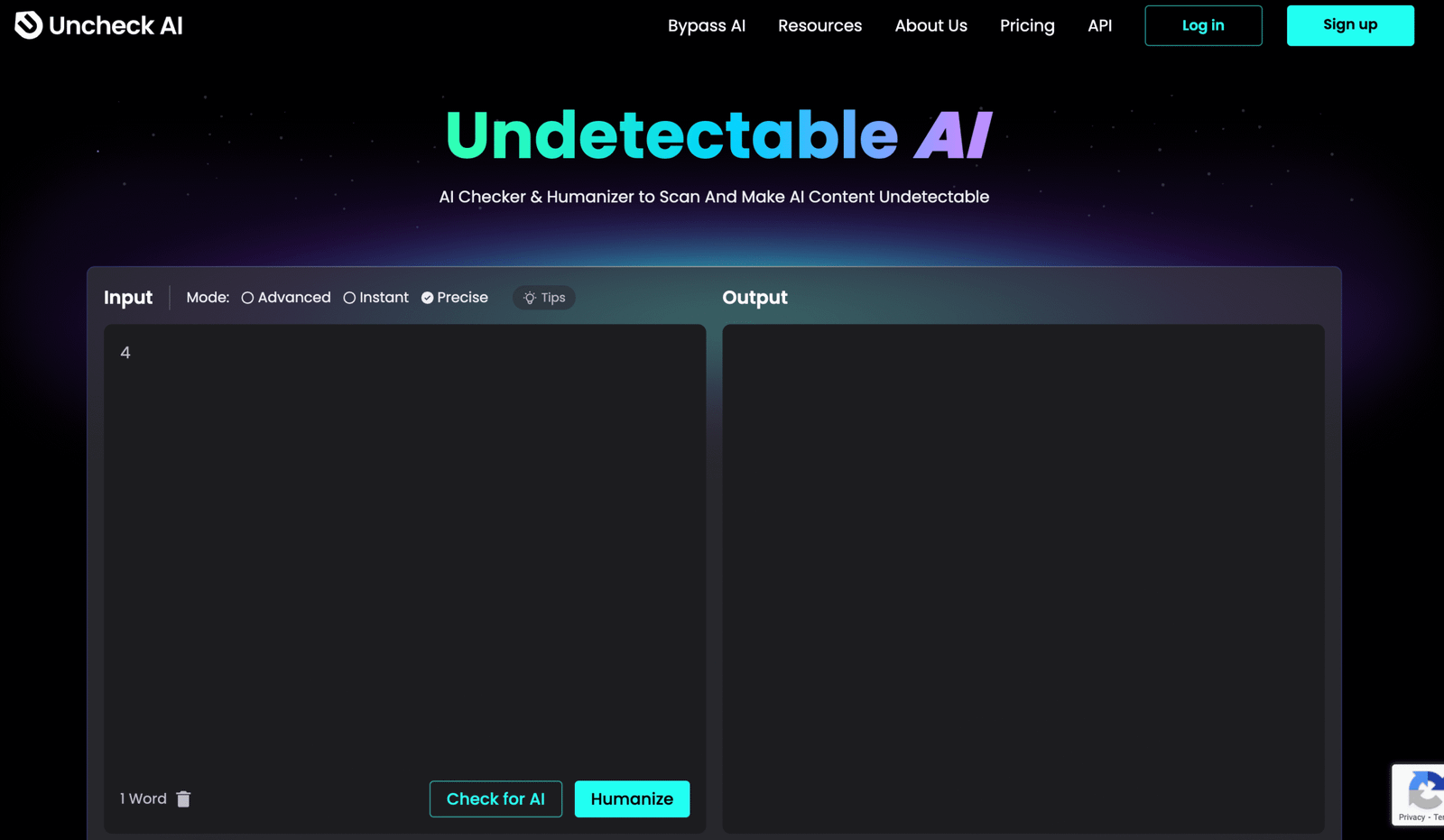
Best use case: Fast cleanup for repetitive notices, reminder emails, and staff-written drafts that need to sound less mechanical.
What it does well: It is straightforward and quick, which suits busy school workflows where the message matters more than advanced editing features.
Where it falls short: It may not add the level of tonal subtlety needed for sensitive or high-stakes communication.
Who should skip it: Administrators handling delicate family conversations should probably use something more controlled and review-intensive.
Best AI Humanizer Tools for School Communications #7. Humanizer.Pro
Humanizer.Pro is easy to grasp on first pass, which makes it approachable for users who do not want a learning curve attached to a simple rewriting task. For school communication, that kind of clarity has appeal, because the person sending the update is usually not looking for a complicated content workstation. It can help break up obvious AI patterns and make a message read more naturally, especially when the original copy is too smooth in the wrong way. The hesitation is that accessibility does not always equal precision, and some outputs may still need careful trimming to sound properly educational rather than broadly generic. Schools speak in small signals of tone, exactly, and those signals can disappear when a rewrite goes a little too neutral. It is a fair option for quick testing, but it is strongest when paired with a final human eye.
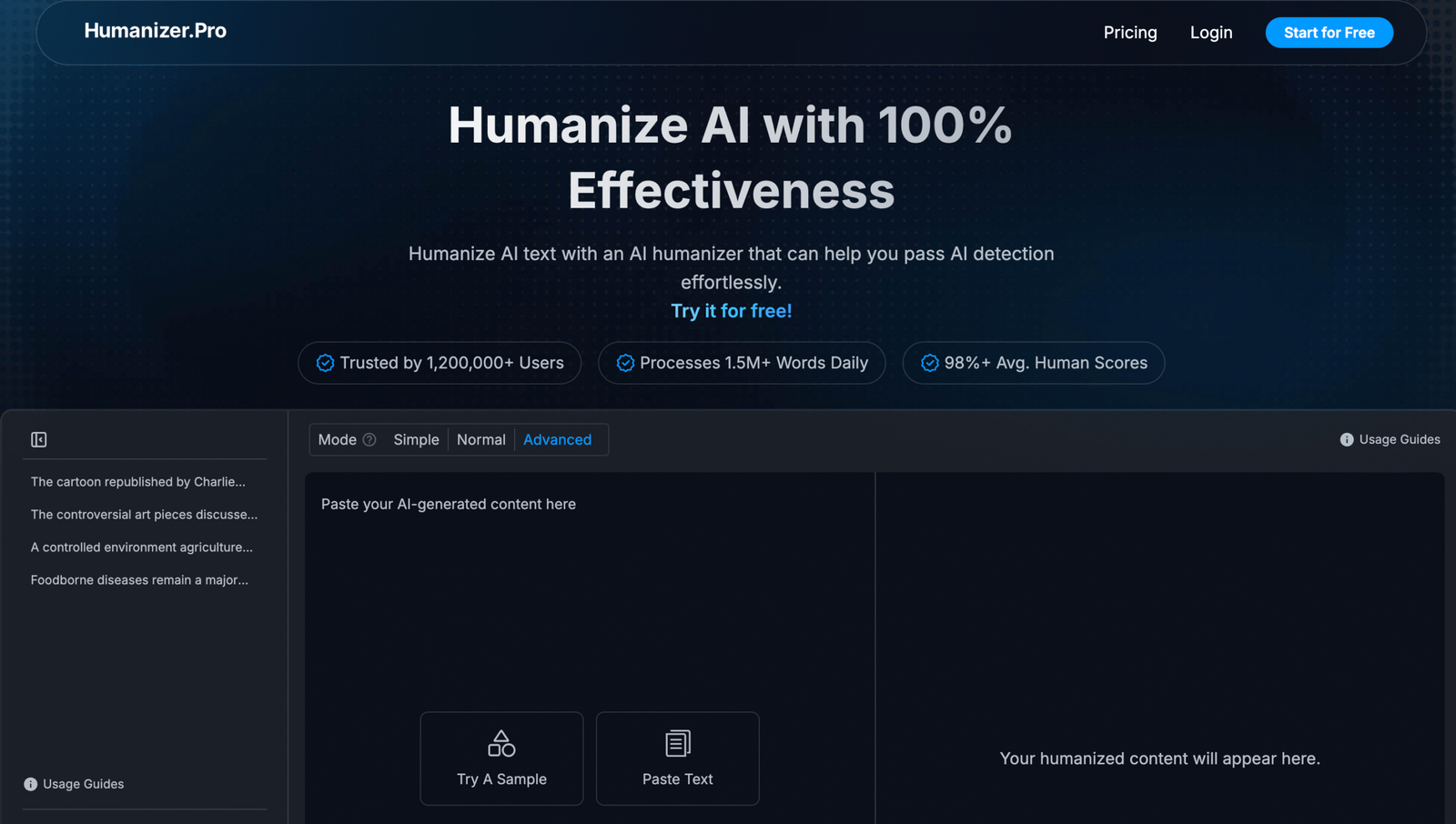
Best use case: Quick experiments on short school messages that need to lose an obvious AI gloss before sending.
What it does well: It is easy to use and can quickly loosen up robotic sentence patterns.
Where it falls short: The rewritten voice may come out too neutral, which can weaken the specific tone schools often need.
Who should skip it: Teams wanting highly dependable nuance across many school contexts may find it too lightweight on its own.
Best AI Humanizer Tools for School Communications #8. GPTInf
GPTInf is interesting because it pushes toward an all-in-one workflow, which can be appealing for users who want rewriting, checking, and revision in a single place. In school communication, that sort of consolidation can help when staff are dealing with multiple drafts and do not want to keep moving text between tools. It also seems built for users who like a bit more control, which matters when small wording choices affect how a parent or guardian reads the tone of a message. The tradeoff is that more capability can mean more interface energy than some educators want for a simple notice. A weekly update does not always need an ecosystem wrapped around it. Even so, for users who like to inspect and adjust rather than accept a rewrite blindly, GPTInf offers more room to work than the simplest tools on this list.
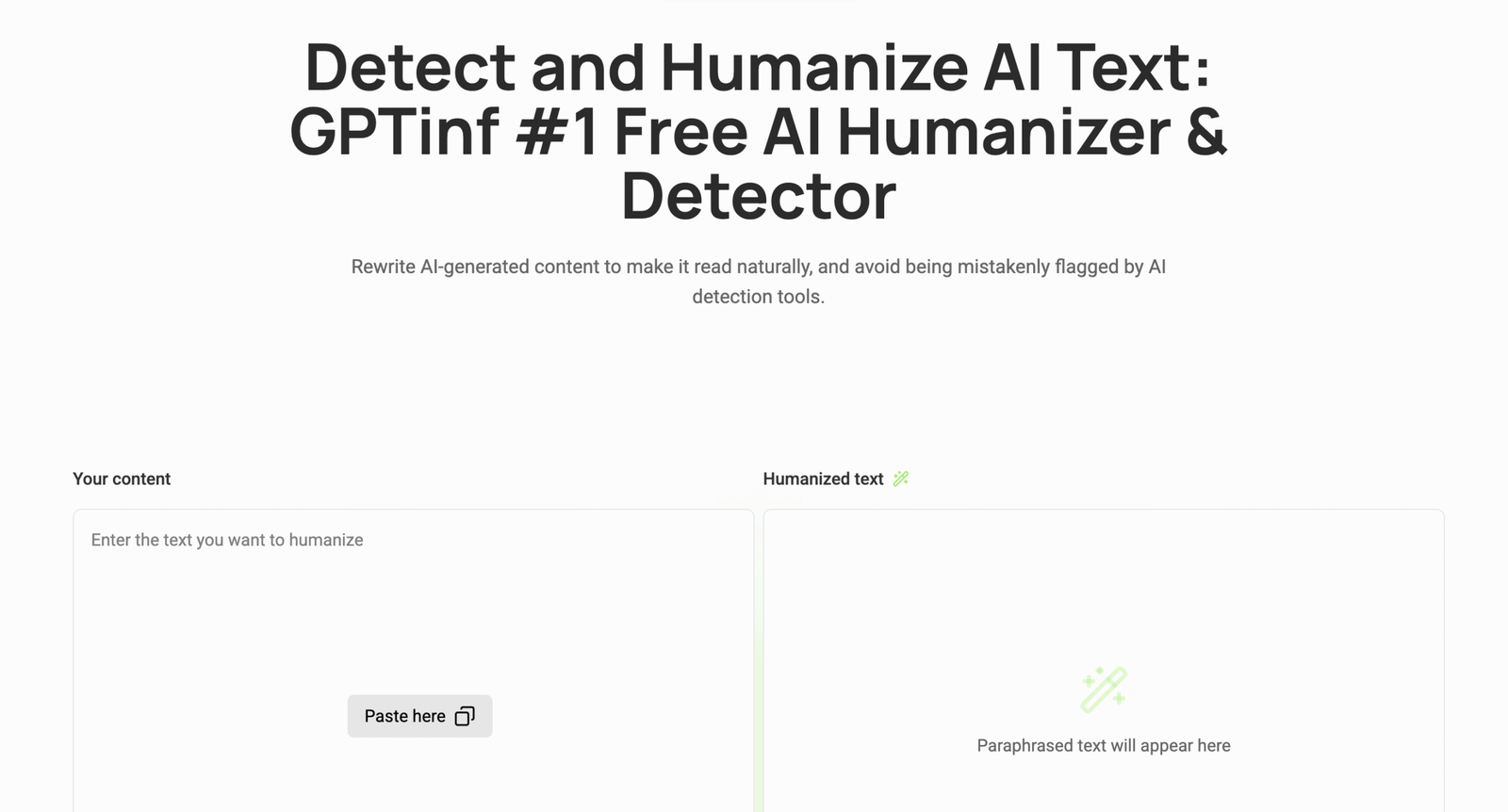
Best use case: Staff or school teams that want humanizing plus checking features in one place for more controlled editing.
What it does well: It gives users more oversight during revision, which can be helpful when tone needs careful handling.
Where it falls short: The interface and broader workflow may feel unnecessary for simple everyday school messages.
Who should skip it: Writers who want a fast, minimal tool with almost no decisions to make will probably prefer something simpler.
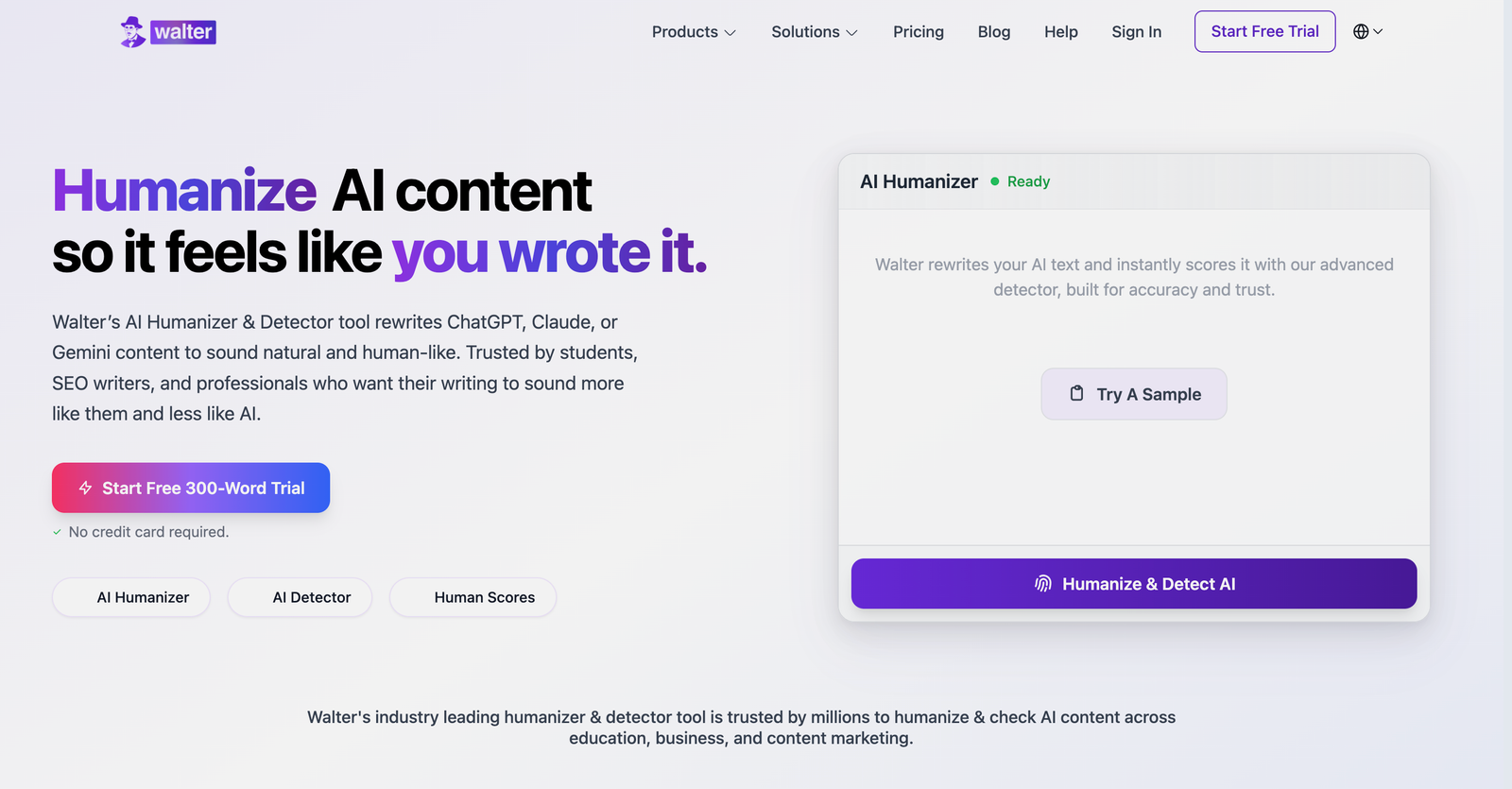
Best AI Humanizer Tools for School Communications #9. Walter Writes AI
Walter Writes AI has a stronger rewriting personality, which can be useful when a draft is stiff enough that lighter editing will not really solve the problem. That makes it a reasonable option for text that begins as generic AI output and needs a more noticeable shift in rhythm and phrasing. The caution is that school communication usually benefits from steadiness rather than flair, and stronger rewriters can sometimes introduce a voice that feels slightly too deliberate. Families tend to notice when a message sounds managed instead of human, even if they cannot quite explain why. So the value here depends on the draft in front of you. For blunt, awkward copy it can help a lot, but for already serviceable communication it may add more motion than the message actually needs.
Best use case: Rescuing drafts that are clunky, repetitive, and too obviously generated to send in their current form.
What it does well: It can produce a more visible tonal reset when a message needs stronger intervention.
Where it falls short: That same assertiveness can make everyday school writing sound a touch overworked.
Who should skip it: Anyone editing messages that are already decent and only need light softening should probably choose a gentler tool.
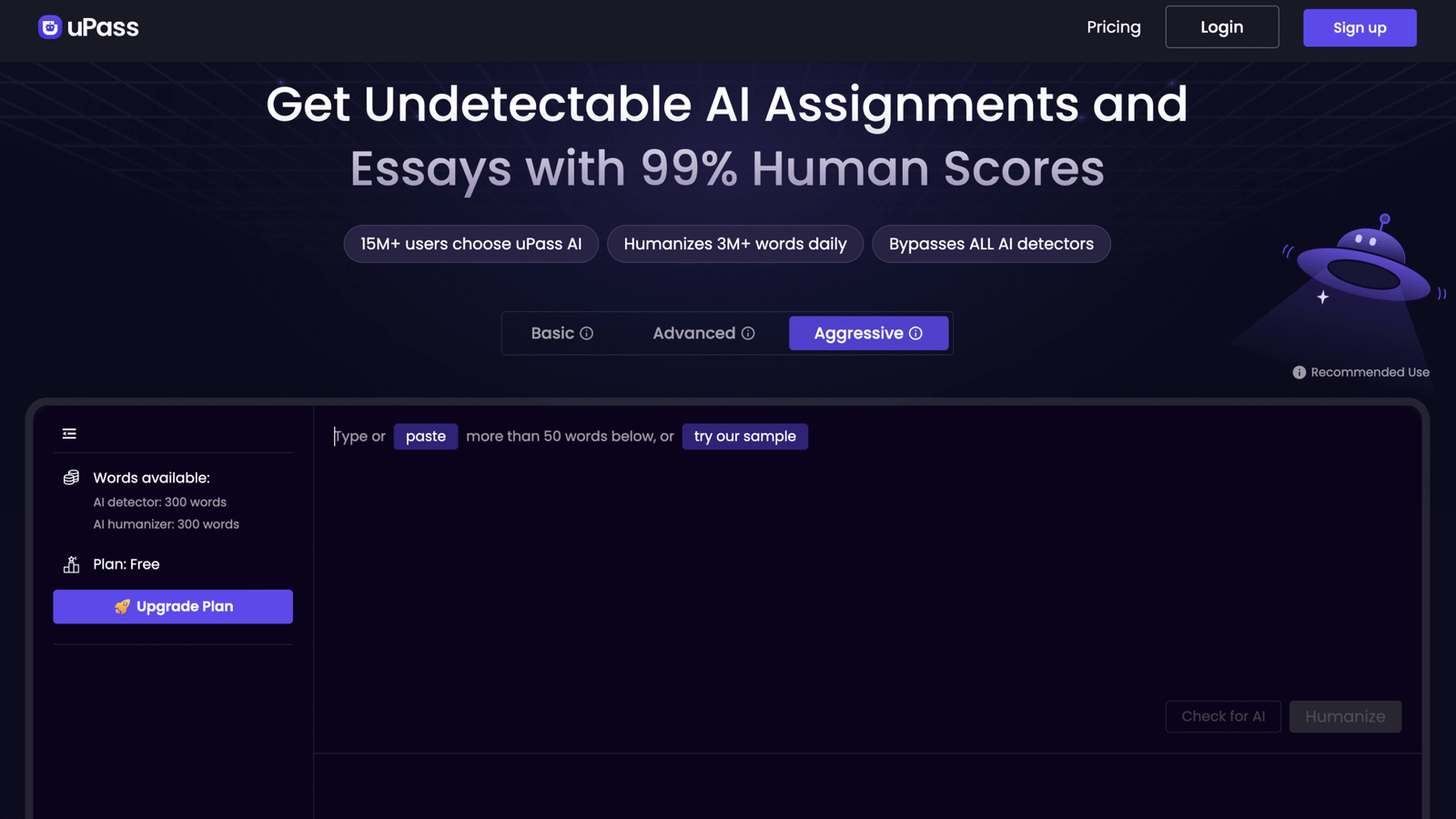
Best AI Humanizer Tools for School Communications #10. uPass
uPass is relevant to education partly because its framing sits close to student and academic use, though that does not automatically make it a perfect match for official school communication. It can still be useful when the goal is to make generated wording feel less rigid and more readable, especially in straightforward text. The question is whether readability alone is enough, because schools also need tone that signals care, calm, and proportion. A message from a teacher or administrator is rarely just informational. It also carries relationship weight, and tools that are more broadly academic do not always catch that subtlety. So uPass is worth noting, but it makes the most sense for simple communication tasks rather than emotionally delicate messages where tone needs to be tuned with more patience.
Best use case: Straightforward academic or school-adjacent messages that need cleaner phrasing and less obvious AI texture.
What it does well: It can make rigid text more readable without requiring much effort from the user.
Where it falls short: It may not consistently capture the tact and relationship-sensitive tone that school communication often needs.
Who should skip it: Staff writing sensitive family outreach or high-context administrator notes may need a more refined option.
Tool Selection Guide for Best AI Humanizer Tools for School Communications
Light sentence polishing
WriteBros.ai and Grammarly AI Humanizer tend to work well when school messages already communicate the intended idea but still carry the smooth rhythm common in AI drafts. These tools soften rigid sentence structures and introduce small variations so announcements and updates feel more natural. Light polishing works well for morning notices, short classroom reminders, and quick administrative updates.
Moderate communication rewrites
Scribbr’s AI Humanizer and AISEO AI Humanizer become useful when a draft feels overly structured but still contains clear ideas. These tools reshape wording enough to introduce natural pacing while preserving the original meaning of the message. Moderate rewriting works well for longer classroom announcements, policy explanations, and school newsletters.
Deep AI tone correction
Undetectable AI and Walter Writes AI help when a draft clearly carries the unmistakable rhythm of automated writing. These tools restructure sentences across longer passages so the language reads less templated and more conversational. Because deeper rewriting may adjust nuance slightly, school staff usually review the final message before sharing it with families.
Teacher announcements
WriteBros.ai and Uncheck AI often perform well when teachers revise AI generated classroom announcements or schedule updates. These messages need to stay clear and straightforward while sounding like a teacher rather than an automated system. Humanizing tools smooth overly polished phrasing so the announcement reads naturally.
Student feedback notes
Grammarly AI Humanizer and Humanizer.Pro can help when editing short feedback comments that repeat across multiple assignments. AI drafted feedback often carries identical sentence patterns that feel mechanical to students. Humanizing tools introduce variation while preserving supportive tone and clarity.
Parent communications
WriteBros.ai and Scribbr’s AI Humanizer can refine drafts intended for parent updates, school newsletters, or administrative notices. Messages sent to families benefit from a tone that feels calm and thoughtful rather than automated. Humanizing tools smooth rigid phrasing so communication reads more like a real conversation.
Sentence level editing
WriteBros.ai and Grammarly AI Humanizer work well when educators revise individual sentences within longer communications. Sentence level editing allows writers to improve readability without restructuring the entire message. This approach is common when adjusting assignment instructions or clarifying school reminders.
Full message revision
GPTInf and AISEO AI Humanizer can help when a full announcement or longer school communication still reads strongly like generated text. These tools introduce variation across paragraphs and adjust pacing so the writing feels less mechanical. After rewriting, educators usually refine the wording to match their own voice.
Comparing tool outputs
Humanizer.Pro and uPass can be useful when teachers experiment with several rewritten versions of the same message. Comparing outputs often reveals which phrasing communicates the idea most clearly to families or students. This process helps educators choose wording that feels deliberate rather than automated.
Choosing an AI humanizer that respects the tone of school communication
School communication lives in a narrow tonal space that sits somewhere between clarity, warmth, and quiet authority. That balance is exactly why a humanizer can help, though it still depends on the judgment of the person sending the message.
Some tools rewrite aggressively, which can rescue stiff AI drafts but occasionally push language into something that feels strangely polished. Others stay closer to the original wording, which tends to suit everyday school writing that already carries the right intent.
The more practical question is not which platform rewrites the most, but which one keeps the voice believable for families and staff. Messages that sound too engineered can lose the small cues that signal patience, calm, and trust.
In that sense, the best AI humanizer for school communication is simply the one that preserves ordinary language without flattening it. A good rewrite should feel like a teacher or administrator paused, reconsidered a sentence, and said it again a little more clearly.
Disclaimer: The tools referenced are included for editorial and informational purposes only and are selected based on observable product behavior and relevance rather than sponsorship or paid placement. Screenshots are shown solely for identification, commentary, and illustrative reference in line with standard editorial and fair use practices, and may not reflect the most current version of each product. All trademarks, logos, and interface elements remain the property of their respective owners. For update, correction, or removal requests, please refer to the Editorial Policy.