How to Rewrite AI Classroom Announcements: 15 Clarity-Focused Edits

Clear AI announcements reduce confusion and help students act faster. Research such as Sweller’s cognitive load theory study published in Educational Psychology Review shows that clearer instructions lower mental load and improve comprehension in learning environments.
How to Rewrite AI Classroom Announcements: 15 Clarity-Focused Edits
AI classroom announcements often sound formal, vague, or oddly structured once they reach students. Many teachers generate a draft quickly, then realize the tone feels distant or mechanical when compared with normal communication.
The issue usually comes from how AI organizes information instead of how teachers naturally speak. Simple adjustments grounded in human writing habits make announcements clearer and easier for students to follow.
Recent AI writing trends show students read digital instructions quickly and skip anything that feels robotic. This guide explains practical edits teachers use alongside reliable AI humanizer tools to make announcements clearer, more natural, and easier to act on.
| # | Strategy focus | Practical takeaway |
|---|---|---|
| 1 | Start with the action | Open announcements with what students must do so the message immediately feels relevant. |
| 2 | Remove generic openers | Cut filler introductions that delay the real information students need to read. |
| 3 | Use clear subject language | Replace vague wording with direct references to assignments, schedules, or classroom tasks. |
| 4 | Shorten long sentences | Break dense sentences into smaller parts so instructions are easier to scan quickly. |
| 5 | Replace formal phrasing | Swap overly academic language for wording teachers normally use in class. |
| 6 | Clarify timing details | Make dates, deadlines, and schedules visible so students can act without rereading. |
| 7 | Highlight required actions | Ensure students immediately understand what step they must take after reading. |
| 8 | Reduce instruction overload | Separate multiple instructions so each step feels manageable. |
| 9 | Add classroom context | Connect announcements to the current lesson or project so students recognize why it matters. |
| 10 | Mirror natural teacher tone | Adjust wording so the announcement sounds like something the teacher would say aloud. |
| 11 | Emphasize key changes | Make schedule updates or assignment adjustments clear to prevent confusion. |
| 12 | Remove redundant explanations | Cut repeated information that AI often adds when summarizing instructions. |
| 13 | Use structured flow | Arrange information in a logical order so students naturally follow the message. |
| 14 | Clarify submission steps | Specify where and how work should be submitted to prevent common mistakes. |
| 15 | End with a reminder | Close announcements with a short recap that reinforces the main task. |
15 Clarity-Focused Edits to Rewrite AI Classroom Announcements
How to Rewrite AI Classroom Announcements – Strategy #1: Start with the action
Many AI announcements begin with polite or generic introductions that delay the information students actually need, which often causes them to skim the message instead of fully reading it. When rewriting, move the core task or requirement to the very first sentence so students instantly understand why the message matters. This simple structural adjustment mirrors the way teachers speak in class, where the instruction usually appears before background explanation.
Placing the required action first improves comprehension because students mentally categorize the announcement as something that needs attention rather than passive information. In real classroom settings, teachers often write something like “Submit your draft by Friday” before explaining the context, and students respond much faster to that structure. AI announcements rewritten this way feel clearer, more direct, and far closer to normal classroom communication.
How to Rewrite AI Classroom Announcements – Strategy #2: Remove generic openers
AI frequently begins announcements with phrases that sound polite but add very little practical meaning, which can make the message feel longer and less focused than necessary. Teachers rewriting these messages should remove introductory filler so that the core instruction appears earlier in the text. This edit immediately improves clarity because students encounter the real information without having to read several unnecessary lines first.
Generic openers also create a subtle tone problem because they resemble automated emails more than everyday classroom communication. When teachers eliminate those openings and replace them with direct context, the announcement begins to sound more personal and easier to follow. The result is a message that students process quickly because it reflects the way real teachers naturally communicate important updates.
How to Rewrite AI Classroom Announcements – Strategy #3: Use clear subject language
AI often uses vague phrasing such as “the upcoming task” or “the relevant materials,” which forces students to interpret what the announcement actually refers to. Rewriting should replace those expressions with precise language that names the assignment, lesson, or activity directly. Clear references reduce confusion and allow students to connect the announcement with the exact classroom task being discussed.
Teachers already know that students understand instructions faster when the subject is explicit rather than implied, especially when several assignments happen during the same week. A message that states “the history reflection essay” or “the group science presentation” removes the need for guesswork. This level of clarity prevents unnecessary questions and makes announcements far easier for students to process quickly.
How to Rewrite AI Classroom Announcements – Strategy #4: Shorten long sentences
AI writing often produces long sentences that combine several ideas into one continuous statement, which makes instructions harder to interpret during quick reading. When rewriting announcements, teachers should break these dense sentences into separate statements that each carry a single idea. This structural change dramatically improves readability because students can process each instruction individually.
In practice, classroom announcements work best when students can scan them quickly between activities, assignments, or classes. Shorter sentences create natural pauses that help the reader identify deadlines, requirements, and changes in instructions. Teachers who make this edit consistently notice that students ask fewer clarification questions after announcements are posted.
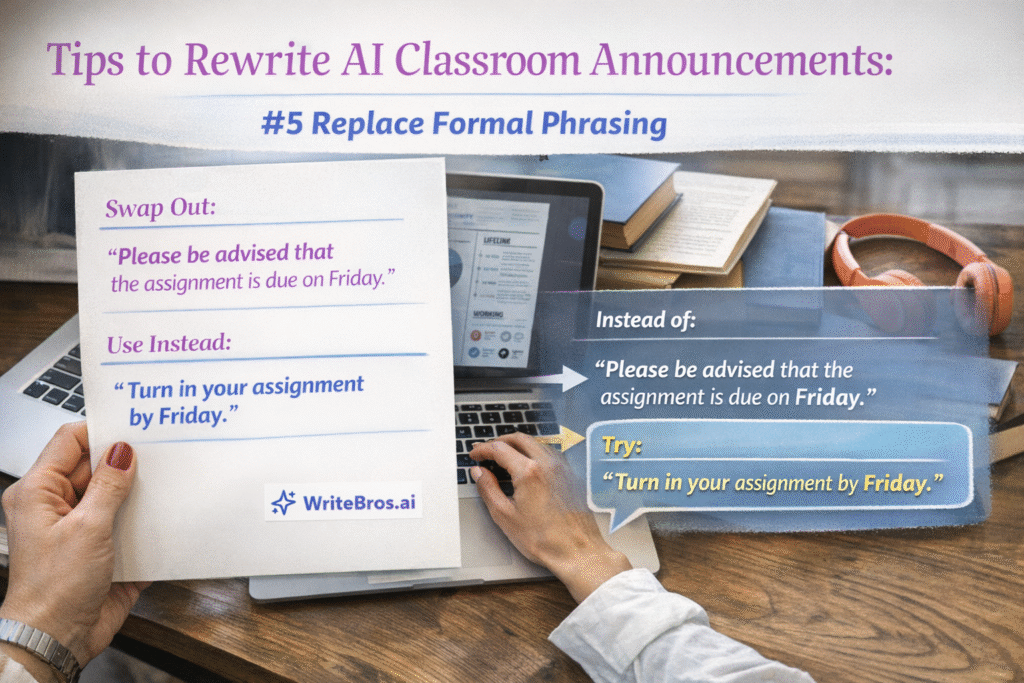
How to Rewrite AI Classroom Announcements – Strategy #5: Replace formal phrasing
AI tends to generate formal academic wording that sounds more like administrative writing than everyday classroom communication. When rewriting, teachers should replace these phrases with simpler language that mirrors the way they actually explain tasks during lessons. This adjustment helps students recognize the announcement as a normal classroom message rather than something overly official.
Students respond better when announcements sound conversational and familiar because the tone matches the communication style they experience during class discussions. Teachers often say things like “bring your notes tomorrow” instead of formal statements that sound detached. Rewriting AI text with this natural tone immediately makes announcements feel clearer and more approachable.
How to Rewrite AI Classroom Announcements – Strategy #6: Clarify timing details
AI announcements sometimes reference timing in ways that remain slightly ambiguous, using phrases such as “soon,” “upcoming,” or “later this week,” which can confuse students who rely on precise schedules. Teachers rewriting these messages should convert vague references into specific days, dates, or time frames that students can clearly recognize. Concrete timing language eliminates uncertainty and helps students plan their work more effectively.
Clear timing also reduces the number of follow up questions teachers receive after posting announcements online. Students respond much better when the message clearly states a day and time rather than a relative phrase that requires interpretation. When the schedule appears in direct language, the announcement becomes far easier to understand and act on.
How to Rewrite AI Classroom Announcements – Strategy #7: Highlight required actions
AI announcements sometimes describe tasks without clearly emphasizing the action students must take, which can lead readers to overlook the most important instruction. Rewriting should place the required step in a prominent position within the sentence structure so it stands out immediately. This adjustment ensures that students recognize what they are expected to do after reading the message.
In real classroom environments, students typically skim announcements quickly before returning to their work, which means the essential action must appear clearly and early in the text. When teachers rewrite AI drafts to emphasize that action, the announcement becomes far more functional. Students respond faster because the instruction is unmistakable.
How to Rewrite AI Classroom Announcements – Strategy #8: Reduce instruction overload
AI often attempts to include every piece of context within a single announcement, which can overwhelm students who are simply looking for the next step in their coursework. Teachers rewriting the text should separate complex instructions into smaller parts that focus on one idea at a time. This approach allows students to understand the message without feeling overloaded with information.
Breaking instructions into manageable segments mirrors the way teachers present tasks during class discussions. Students usually understand assignments more easily when information appears in clear stages rather than a single dense explanation. Rewriting announcements with this structure helps students follow the instructions with much greater confidence.
How to Rewrite AI Classroom Announcements – Strategy #9: Add classroom context
AI announcements sometimes present instructions without referencing the lesson or activity that students recently completed. Rewriting should connect the message to the classroom context so students immediately understand why the announcement exists. This connection makes the information feel more relevant and easier to interpret.
When students recognize how an announcement relates to the current unit or project, they process the instructions much more quickly. Teachers naturally provide this context during class conversations, which helps students link instructions with ongoing learning activities. Adding that context during rewriting ensures the announcement feels grounded in the classroom experience.
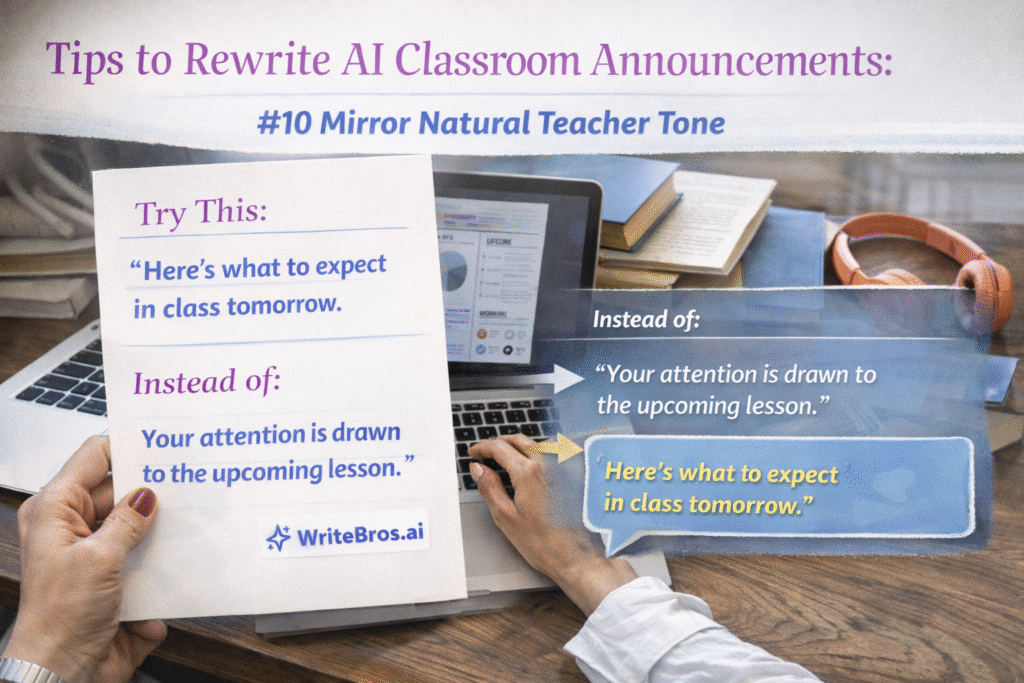
How to Rewrite AI Classroom Announcements – Strategy #10: Mirror natural teacher tone
AI generated text often carries a neutral or mechanical tone that feels noticeably different from the way teachers normally communicate with their students. Rewriting should adjust phrasing so the announcement reflects the teacher’s typical voice and communication style. This change helps the message feel authentic and familiar.
Students respond better when written announcements resemble spoken instructions they hear during lessons. A teacher’s natural tone often includes simple phrasing, practical examples, and straightforward explanations. Rewriting AI announcements with that tone creates communication that students recognize and trust.
How to Rewrite AI Classroom Announcements – Strategy #11: Emphasize key changes
AI announcements occasionally mention schedule updates or assignment changes without making them stand out clearly within the message. Teachers rewriting these drafts should highlight any modification so students immediately recognize that something has changed. Clear emphasis prevents confusion and ensures students do not overlook important updates.
Students often rely on announcements to track deadlines and instructions across multiple classes. When changes appear clearly in the rewritten message, students quickly adjust their plans without misunderstanding the situation. This clarity helps maintain organization and reduces the chance of missed assignments.
How to Rewrite AI Classroom Announcements – Strategy #12: Remove redundant explanations
AI writing frequently repeats ideas in slightly different ways because the model attempts to clarify its own wording. When rewriting classroom announcements, teachers should remove repeated explanations so the message stays focused and concise. Eliminating redundancy allows the core information to remain clear and direct.
Students reading announcements usually want the essential details without unnecessary repetition. When teachers edit out these extra sentences, the announcement becomes easier to read and faster to understand. The message then communicates exactly what students need without distraction.
How to Rewrite AI Classroom Announcements – Strategy #13: Use structured flow
AI announcements sometimes present information in a scattered order that does not match how students naturally process instructions. Teachers rewriting these messages should reorganize the text so the information follows a logical progression from task to details to deadline. A structured flow helps students interpret the message smoothly.
Announcements that follow a clear sequence mirror the way teachers typically explain assignments during class discussions. Students encounter the instruction first, followed by explanation and then any timing information. This predictable structure allows students to read quickly while still understanding every part of the message.
How to Rewrite AI Classroom Announcements – Strategy #14: Clarify submission steps
AI announcements sometimes mention that work should be submitted without clearly explaining where or how the submission should occur. Teachers rewriting the message should include the exact platform, location, or process students must follow. Clear submission instructions prevent mistakes and reduce confusion.
Students frequently juggle multiple platforms such as learning management systems, shared folders, and classroom email submissions. When announcements specify the exact submission path, students can complete the task without hesitation. This clarity significantly improves the reliability of assignment submissions.
How to Rewrite AI Classroom Announcements – Strategy #15: End with a reminder
AI announcements sometimes end abruptly after presenting information, which can leave students unsure about the most important takeaway. Teachers rewriting the message should close with a short reminder that restates the central task or deadline. This final sentence reinforces the purpose of the announcement.
A closing reminder functions as a quick mental checkpoint for students who read announcements rapidly. When they reach the end of the message, the reminder confirms what action they should remember. This simple edit ensures that the main instruction stays clear even after a quick read.
Common mistakes
- Teachers sometimes leave AI announcements almost unchanged after generating them, assuming the wording already communicates the message clearly, but this often leads to confusion because the structure reflects automated writing patterns rather than the natural communication style students recognize from everyday classroom instructions.
- Another frequent mistake occurs when teachers focus on correcting grammar or vocabulary while ignoring structural issues in the announcement, which means the message still begins with unnecessary context instead of the instruction students actually need to read first.
- Some announcements become longer during editing because teachers attempt to clarify every possible detail within a single message, which can overwhelm students who only need the essential instruction and deadline in order to understand the task.
- Teachers occasionally preserve vague AI wording such as “the upcoming activity” or “the required materials,” which forces students to interpret the meaning instead of immediately recognizing which assignment or lesson the announcement references.
- Another common problem appears when timing details remain unclear, especially when announcements include relative phrases like “later this week” rather than specific dates that students can easily recognize and organize within their schedules.
- Announcements also fail when the required action is buried within the middle of a long paragraph, which means students scanning the message quickly might overlook the instruction entirely and misunderstand what they are expected to do.
Edge cases
Some classroom announcements require a slightly different editing strategy because the message must communicate complex instructions that cannot easily be simplified into short statements. In those cases teachers should still preserve clarity by separating each instruction logically and ensuring the most important action appears early in the announcement.
Announcements used in large online courses or university settings may also require additional context so students who missed previous lessons still understand the message. Teachers can maintain clarity by briefly referencing the lesson or project before explaining the required task, while still keeping the structure direct and readable.
Supporting tools
- Learning management systems such as Google Classroom or Canvas allow teachers to post announcements with structured formatting, which helps break instructions into clear segments that students can read quickly during busy academic schedules.
- Grammar and editing tools like Grammarly assist teachers during the rewriting process by highlighting awkward phrasing or overly formal wording that might have originated from AI generated drafts.
- Collaborative document platforms such as Google Docs allow teachers to revise announcements together with colleagues, which often improves clarity because other educators can identify confusing sections quickly.
- Student feedback tools and short classroom surveys provide insight into whether announcements are actually understood, which helps teachers refine their editing approach over time.
- Text readability analyzers help teachers evaluate sentence complexity so rewritten announcements remain accessible to students with different reading levels.
- WriteBros.ai helps teachers refine AI generated announcements by adjusting tone, improving clarity, and aligning rewritten text with natural classroom communication patterns.
Ready to Transform Your AI Content?
Try WriteBros.ai and make your AI-generated content truly human.
Conclusion
Rewriting AI classroom announcements is not about eliminating AI from the writing process but about shaping the output so it reflects clear teacher communication. When teachers apply simple structural edits, announcements become easier to read, easier to understand, and far more useful for students who rely on quick instructions during busy academic schedules.
The goal is not perfection but clarity, which emerges from thoughtful editing rather than automated generation alone. Teachers who refine AI drafts with deliberate wording, logical structure, and natural tone create announcements that students recognize instantly and respond to with far fewer misunderstandings.
Did You Know?
AI-generated classroom announcements often seem ready to post because they follow a familiar school tone and usually include the main update in complete sentences. The wording can still feel mechanical or indirect, though, which makes it harder for students to quickly catch the instruction, deadline, or schedule change that actually matters.
Announcements usually become much clearer once teachers revise AI-generated wording to match the natural language they use in class. Putting the action first, naming the exact assignment or timing detail, and trimming filler often makes the message easier for students to read and act on right away.
Ready to Transform Your AI Content?