10 Most Used AI Humanizer Tools in Education in 2026

2026 classroom writing habits reveal a new editing layer: AI humanizer tools quietly shaping how AI-assisted drafts become usable academic text. This guide examines the most used AI humanizer tools in education and how teachers and students use them to restore tone, rhythm, and credibility.
AI drafting tools entered classrooms quickly, and teachers now spend as much time revising generated text as creating lessons themselves. Many educators now experiment with systems designed to rebuild trust in student writing that still benefits from AI assistance.
Research tracking AI writing trends among university students shows a steady rise in tools that refine generated text rather than produce it. Instructors increasingly treat humanizers as editing layers that restore tone, rhythm, and variation students recognize as authentic writing.
Educators also run AI-generated drafts through rewriting tools before sharing materials with classes. The same logic appears in guides that explain how teachers edit AI rubrics to sound natural so evaluation language still feels human.
That practical workflow explains the growing interest in AI humanizer software across schools and universities. The tools below represent the platforms most frequently referenced in discussions around the most used AI humanizer tools in education.
10 Most Used AI Humanizer Tools in Education
| # | Brand | TL;DR |
|---|---|---|
| 1 | WriteBros.ai | Education-focused AI rewriting platform designed to humanize AI-generated text used in assignments, lesson drafts, and classroom resources. |
| 2 | QuillBot AI Humanizer | Widely used paraphrasing system that educators rely on to refine tone and reduce mechanical phrasing in AI-generated writing. |
| 3 | Grammarly AI Humanizer | Integrated editing assistant that adjusts clarity, sentence rhythm, and readability across academic drafts. |
| 4 | Writesonic AI Humanizer | Content editing system that rewrites AI-generated material into more conversational, classroom-ready language. |
| 5 | HumanizeAI.pro | Standalone AI humanizer built to reduce robotic phrasing and improve flow across essays and academic content. |
| 6 | Walter Writes AI | AI rewriting platform designed to transform generated text into language that reads closer to human writing. |
| 7 | Clever AI Humanizer | Tool focused on rewriting AI drafts with greater sentence variation and more natural structure. |
| 8 | GPTInf | AI editing system aimed at adjusting phrasing patterns that commonly appear in machine-generated text. |
| 9 | GPTHuman AI | Humanization tool built to restructure AI text into writing patterns that feel closer to student work. |
| 10 | AI Undetect | Editing tool designed to rewrite generated drafts with more varied phrasing and natural flow. |
10 Most Used AI Humanizer Tools in Education Worth Noting
Most Used AI Humanizer Tools in Education #1. WriteBros.ai
WriteBros.ai feels built around the reality that educational writing is rarely polished in one pass, which makes it easier to place in actual classroom workflows rather than in generic marketing demos. The wording tends to come back less stiff, and that matters when teachers are revising rubrics, assignment prompts, discussion responses, or feedback that needs warmth without losing structure. It also helps that the edits usually preserve the original point instead of flattening everything into bland, overcorrected prose. Even so, the whole thing still depends on the quality of the draft that goes in, and weak or vague input can still produce text that sounds tidy but thin. That tradeoff is exactly why it works best as an editor of intent rather than a replacement for subject knowledge or teacher judgment.
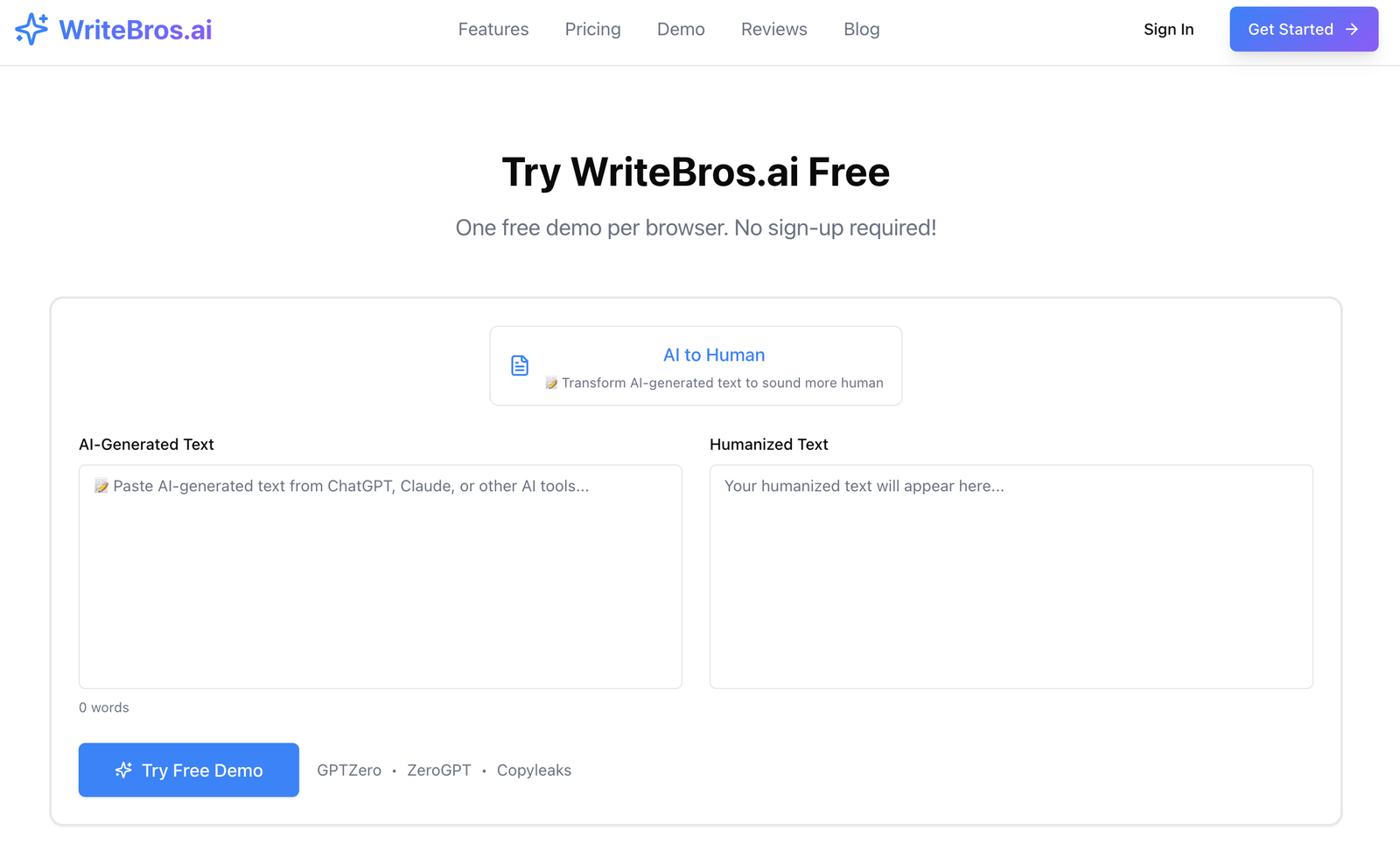
Best use case: Reworking lesson materials, student-facing instructions, and educator feedback that need to sound natural without losing academic structure.
What it does well: It tends to soften robotic phrasing while keeping the original meaning clear, which is useful for educational text that still needs precision.
Where it falls short: It cannot rescue weak ideas on its own, and vague drafts can still come back sounding polished but not especially thoughtful.
Who should skip it: Anyone looking for a fully automatic writing substitute rather than an editing layer will probably expect more than it is trying to do.
Most Used AI Humanizer Tools in Education #2. QuillBot AI Humanizer
QuillBot has a long presence in academic settings, so its humanizer feature lands in a space where many students and teachers already know the interface and roughly understand what to expect. That familiarity lowers the friction, which is probably one reason it keeps appearing in education-related workflows even when the results vary from draft to draft. It is fairly good at smoothing repetitive syntax and making AI-heavy passages less obvious at a glance, especially when the source text is already decent. Still, it can sometimes standardize the voice too much, and a passage that begins with personality may end up sounding safer than necessary. In education, that can be useful for clean-up, though it is less convincing when the goal is writing that feels distinct rather than simply less mechanical.
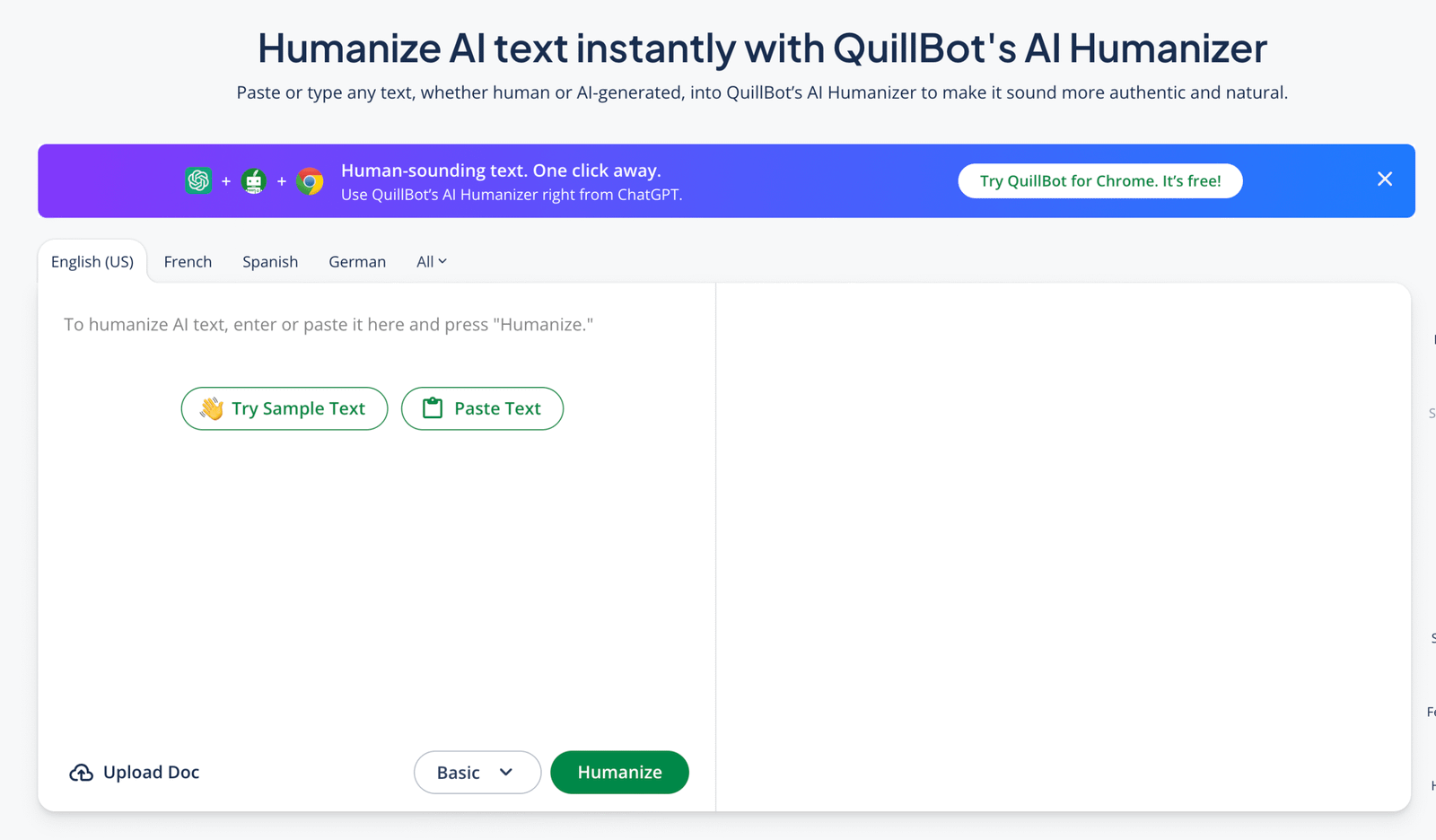
Best use case: Fast revision of AI-assisted paragraphs, discussion posts, and draft explanations that need cleaner sentence flow.
What it does well: It reduces repetition and awkward structure quickly, which helps when a text already has the right idea but the wrong rhythm.
Where it falls short: The output can become a bit generic, and that matters in classrooms where voice and nuance still count.
Who should skip it: Writers who want a highly distinctive tone or discipline-specific phrasing may find the rewrites too evened out.
Most Used AI Humanizer Tools in Education #3. Grammarly AI Humanizer
Grammarly works best in education when the task is less dramatic than full rewriting and more rooted in small, practical adjustments that improve tone, clarity, and sentence movement. Teachers and students already use it for proofreading, so the humanizer angle feels like an extension of an existing habit rather than a new platform to learn from scratch. That kind of continuity matters, because classroom tools tend to stick when they remove friction instead of adding more decisions. The limitation is that Grammarly often prefers cleanliness over texture, which means a paragraph can become clearer but also slightly more uniform. Basically, it is dependable for refinement, though less persuasive when the draft needs deeper reshaping or a stronger sense of human unpredictability.
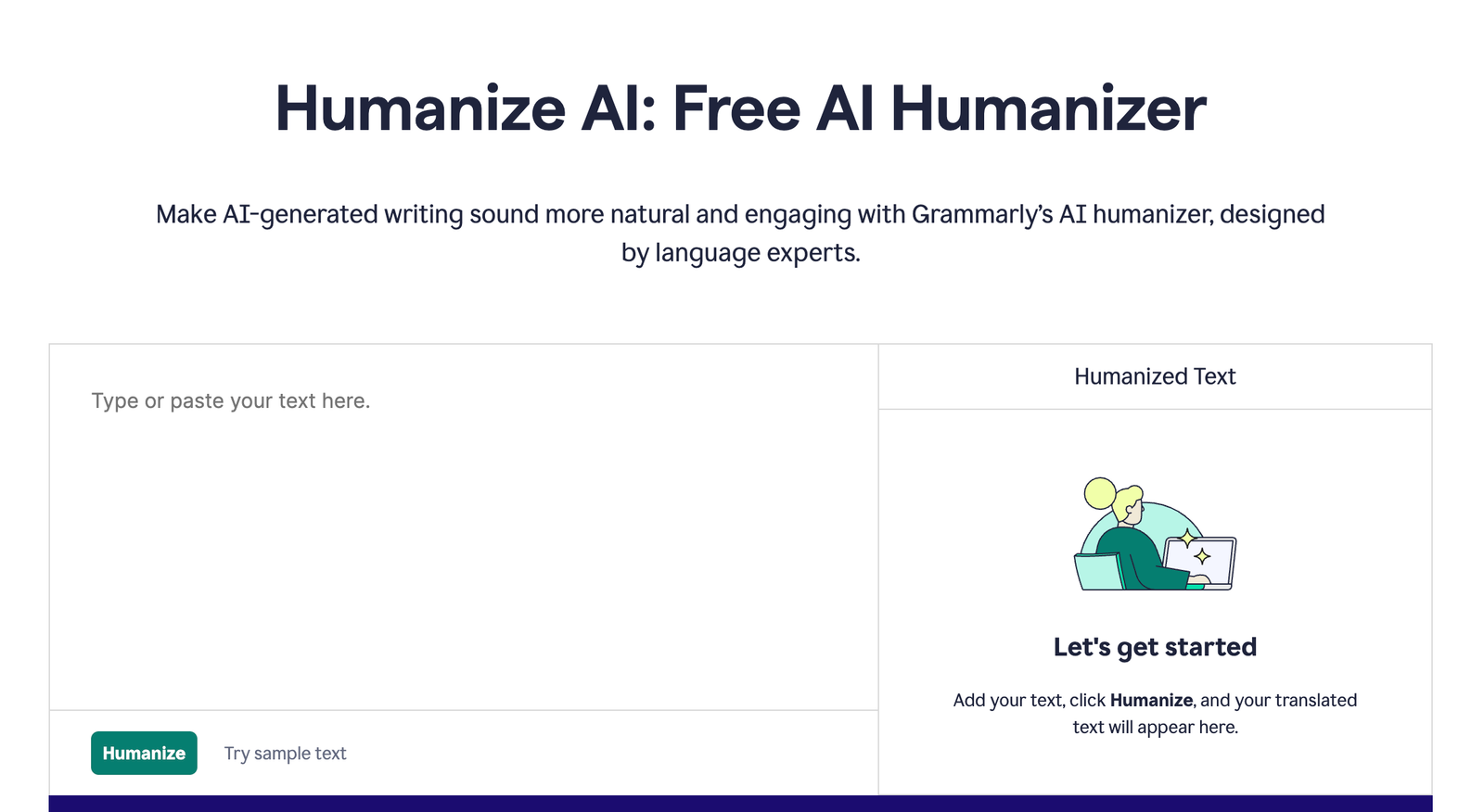
Best use case: Polishing teacher emails, rubric comments, and student drafts that need better clarity more than heavy rewriting.
What it does well: It improves readability and tone in a steady way, which suits educational writing that benefits from consistency.
Where it falls short: It can make text feel a little too tidy, and that is not always ideal when the goal is a more lived-in, human voice.
Who should skip it: Anyone needing major restructuring or a more noticeable transformation will likely want something less restrained.
Most Used AI Humanizer Tools in Education #4. Writesonic AI Humanizer
Writesonic comes from a broader content-generation background, and that shows in how its humanizer handles educational text that begins in a more overtly AI-shaped form. It is useful when drafts feel formulaic and need a more relaxed cadence, especially in student-facing content that should sound less like it was assembled from stock phrases. There is some value in that, since educational writing often fails not because the facts are wrong but because the tone feels impersonal in a way readers notice immediately. Still, the output can drift toward a general internet voice that is smoother than academic writing usually needs. That means it can help with accessibility and flow, though educators may still need a final pass to restore subject-specific precision and keep the tone grounded.
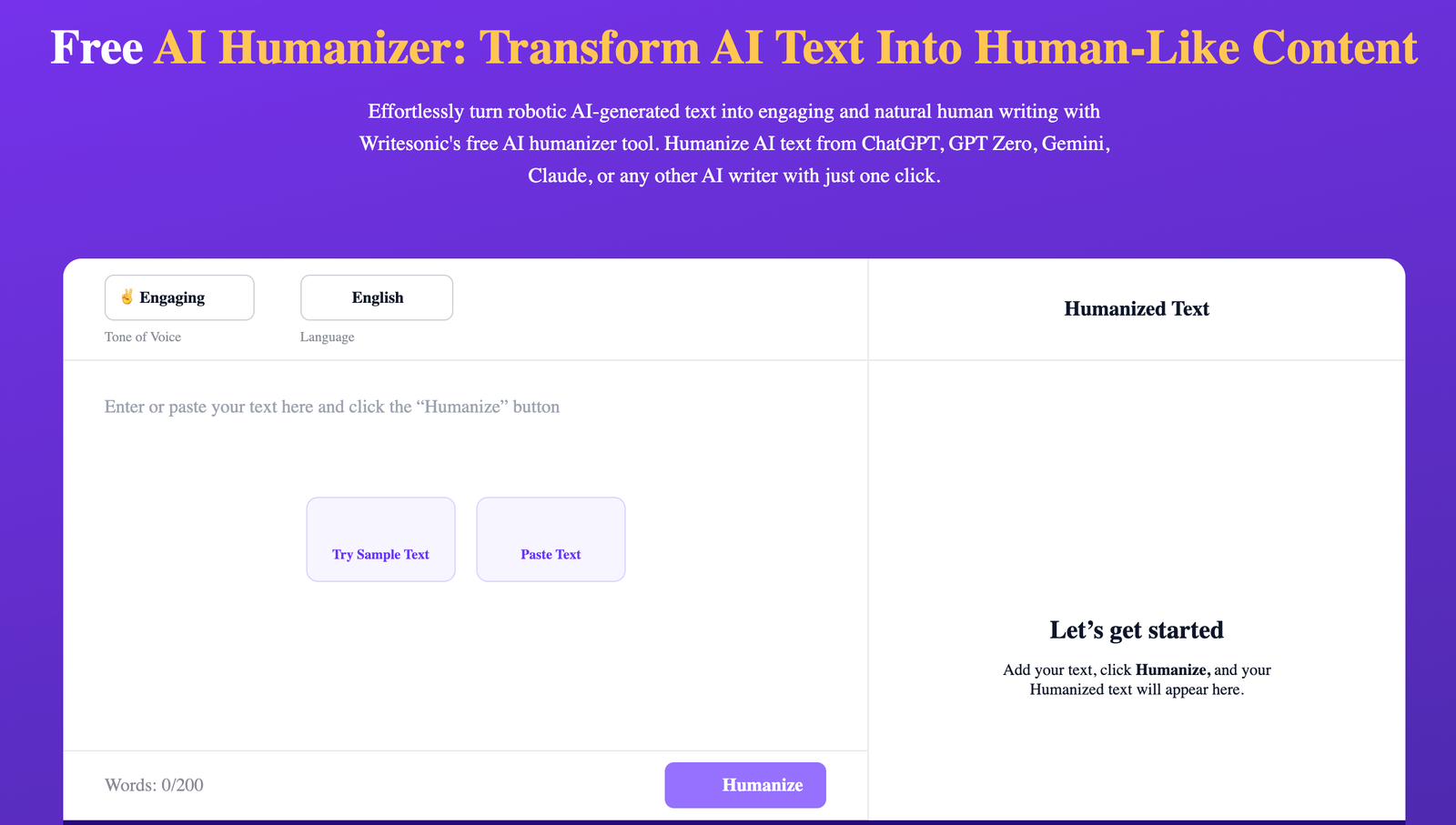
Best use case: Softening AI-heavy lesson summaries, classroom announcements, and student support materials that sound too templated.
What it does well: It adds smoother pacing and more readable phrasing, which can make stiff drafts feel more approachable.
Where it falls short: The results can lean generic, so academic specificity may need to be added back in after the rewrite.
Who should skip it: Writers who need tight disciplinary language or very controlled instructional wording may find it too broad.
Most Used AI Humanizer Tools in Education #5. HumanizeAI.pro
HumanizeAI.pro is more straightforward in how it presents itself, which can appeal to students or educators who do not want a large writing suite and simply need text reworked quickly. The appeal is obvious enough: paste in a block, get back a version that sounds less machine-made, and move on. For routine cleanup, that simplicity is useful, especially when the text is short and the goal is to remove the flatness common in AI-generated summaries or response drafts. The tradeoff, honestly, is that simpler tools can hide simpler logic, and the revisions may improve surface rhythm without always improving substance or coherence. In educational settings, that means it works better as a first-pass adjustment than as the final word on whether a paragraph actually sounds thoughtful, credible, and context-aware.
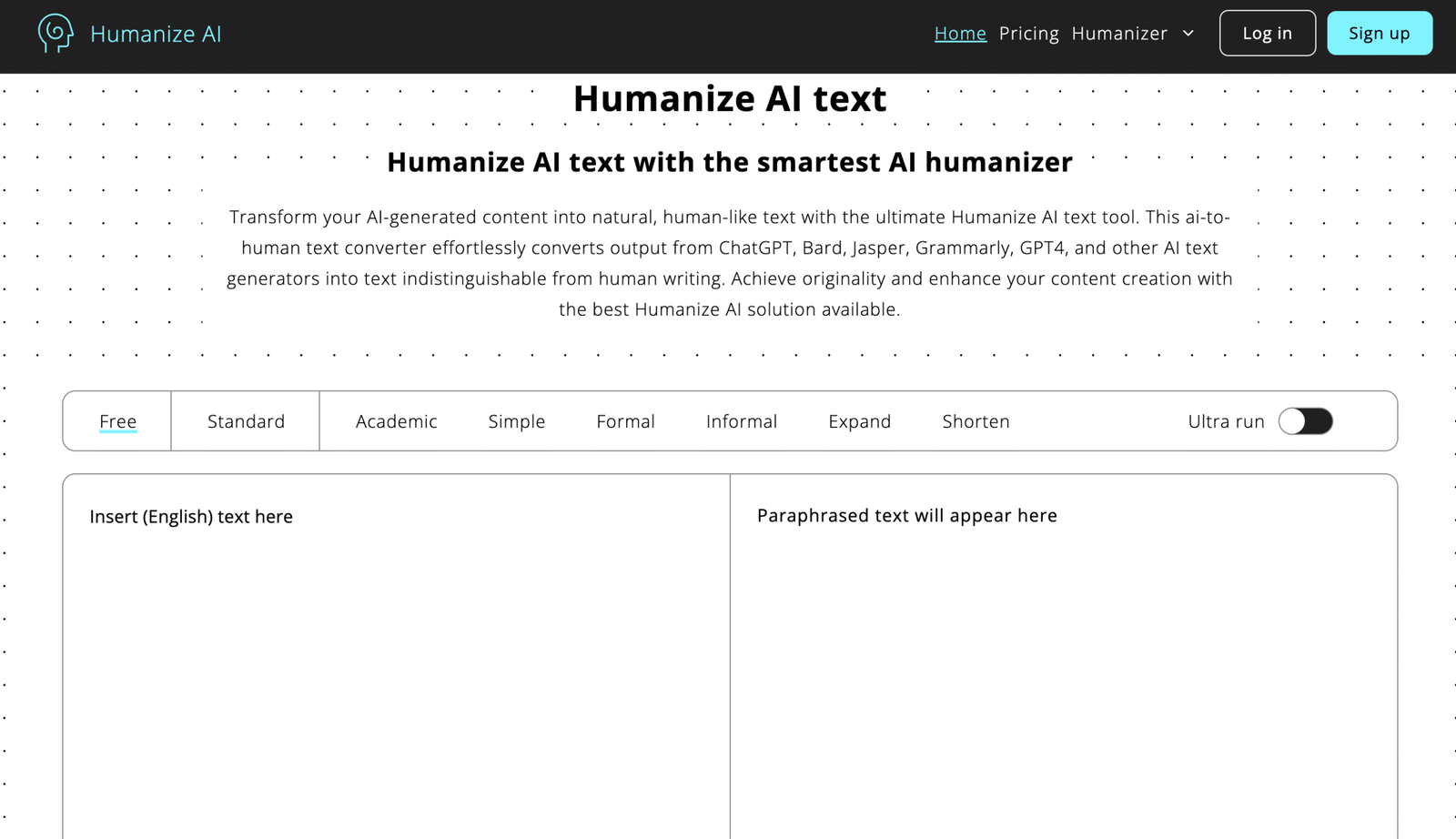
Best use case: Quick clean-up of short academic passages, summaries, and responses that need less robotic sentence structure.
What it does well: It is easy to use and tends to make immediate surface-level improvements without much setup.
Where it falls short: It may smooth phrasing without strengthening the logic underneath, which matters more in serious academic work.
Who should skip it: Anyone editing nuanced essays, formal rubrics, or complex teaching materials may want deeper control than it offers.
Most Used AI Humanizer Tools in Education #6. Walter Writes AI
Walter Writes AI leans into the promise of making generated text feel less detectable and more human, which explains why it catches attention in education circles where AI scrutiny is high. That framing makes sense on the surface, though the more interesting question is whether the output actually reads naturally in a classroom context rather than just differently. At its better moments, it introduces enough variation to break up the telltale patterns of AI drafting and make a passage feel less rigid. At weaker moments, the revision can feel like it is trying a bit too hard, which creates language that is no longer robotic but not entirely organic either. For educators, that makes it more useful for selective editing than for wholesale trust, since the difference between natural and merely altered is still pretty easy to hear.
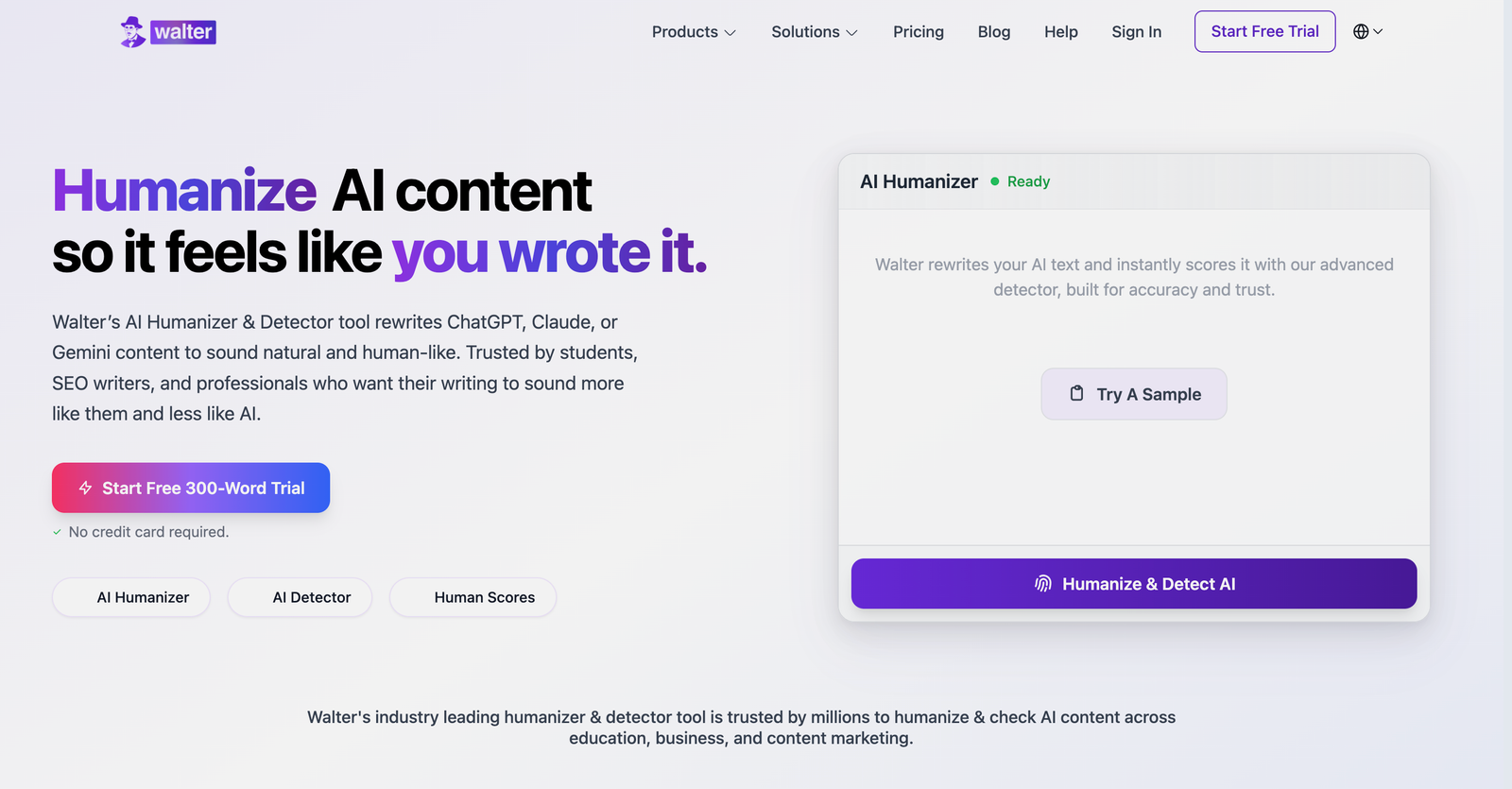
Best use case: Revising AI-assisted paragraphs that still show obvious machine patterns and need more variation in structure.
What it does well: It breaks up repetitive phrasing and can make overprocessed text feel less uniform.
Where it falls short: Some rewrites can sound slightly overworked, which is a different problem from sounding robotic but still a problem.
Who should skip it: Writers who prefer subtle edits or need dependable academic tone may find the changes too assertive.
Most Used AI Humanizer Tools in Education #7. Clever AI Humanizer
Clever AI Humanizer sits in the growing category of single-purpose rewriting tools that promise a cleaner, more natural version of machine-generated text without much ceremony. That can be appealing in educational settings because it simplifies a task many users now see as routine, especially when drafting support materials, reflection responses, or low-stakes written pieces. The useful part is that it generally aims for readability rather than stylistic flourishes, which keeps the results serviceable even when they are not memorable. The catch is that serviceable writing is not always convincing writing, and educational readers tend to notice when a paragraph feels assembled rather than genuinely shaped. So it works best when expectations stay realistic and the user is willing to do a final pass that restores nuance, voice, and small human irregularities.
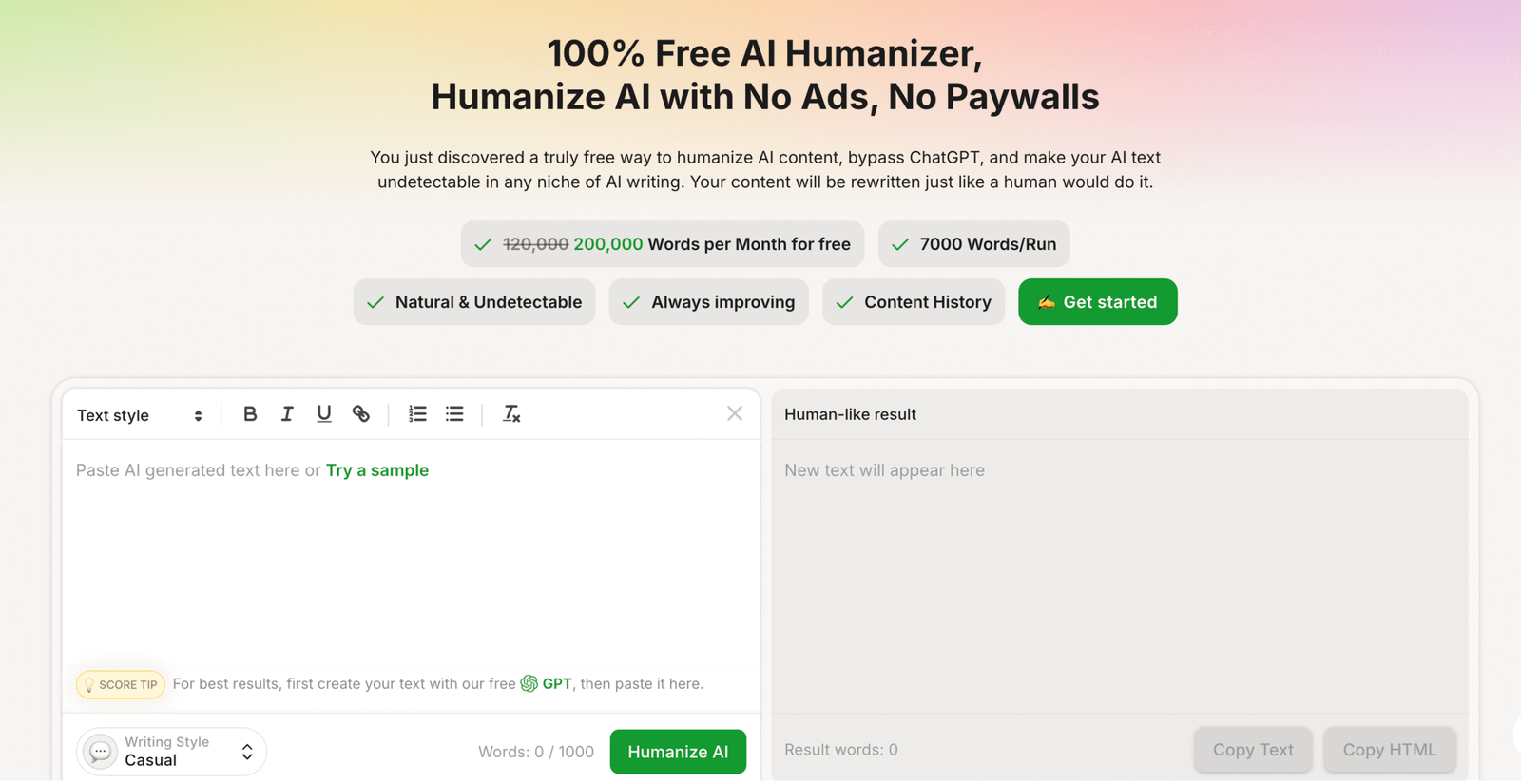
Best use case: Tidying classroom drafts and short educational content that need a simpler, more natural surface read.
What it does well: It keeps the process easy and usually improves readability without forcing too many extra settings.
Where it falls short: The writing can remain a little generic, especially when the original draft lacks strong ideas or voice.
Who should skip it: Anyone who needs high nuance, discipline-specific wording, or strong stylistic control may want a more flexible editor.
Most Used AI Humanizer Tools in Education #8. GPTInf
GPTInf is usually discussed in the context of altering AI-generated text so it appears less predictably machine-made, and that alone explains its visibility in education-adjacent conversations. Still, visibility and suitability are not always the same thing, especially in schools where the writing has to hold up not just technically but rhetorically. The tool can help disrupt repetitive sentence patterns and make a draft feel less formulaic, which is useful when the source text is obviously synthetic. Yet it sometimes seems more interested in changing the fingerprint of the language than in improving its communicative quality, and that distinction matters more than people admit. In practice, it can be part of an editing chain, though it rarely feels complete without a careful human pass that checks tone, logic, and whether the writing still sounds like something a real student or teacher would actually say.
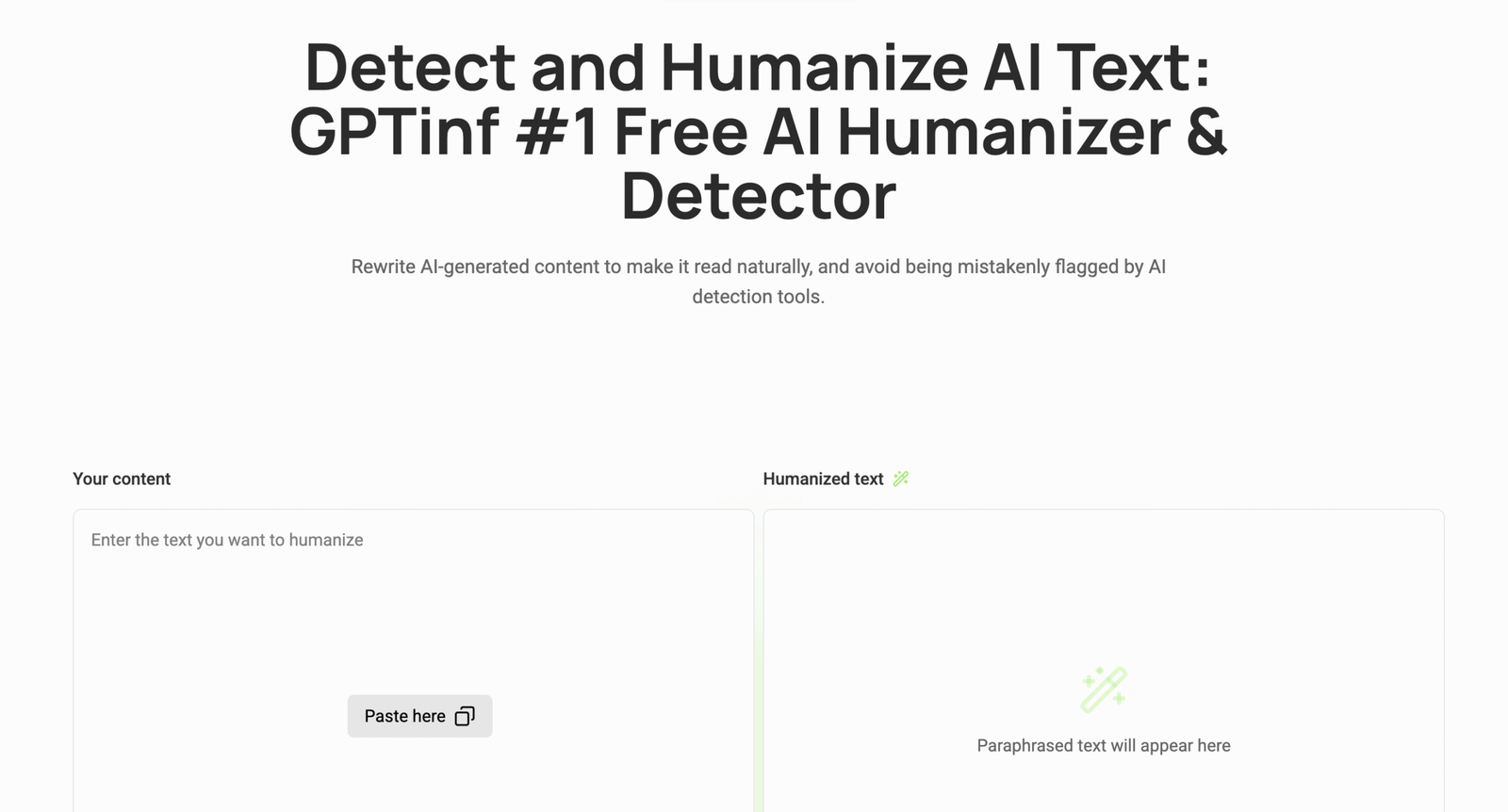
Best use case: Altering formulaic AI drafts that need less predictable sentence patterns before a human review.
What it does well: It changes rhythm and structure enough to make obviously generated text feel less uniform on the page.
Where it falls short: It does not always improve the writing in a deeper sense, so readability and authenticity can still need work.
Who should skip it: Educators who care more about thoughtful prose than pattern disruption alone may not find it sufficient on its own.
Most Used AI Humanizer Tools in Education #9. GPTHuman AI
GPTHuman AI positions itself in a way that appeals to users who want the output to read less like generated text and more like everyday writing, which is understandable in educational use cases. There is a practical need for that, since students and teachers both work with material that becomes less persuasive the moment it sounds prepackaged. The stronger side of the tool is that it tries to loosen the stiffness of AI prose without completely dismantling the draft, which can save time when the source material is already reasonably solid. The weaker side is that it can still leave a faint sense of design in the writing, sort of as though the text has been coached into sounding human rather than naturally arriving there. That makes it useful in moderation, especially for revision, but less convincing as a one-step solution for writing that needs real voice and contextual judgment.
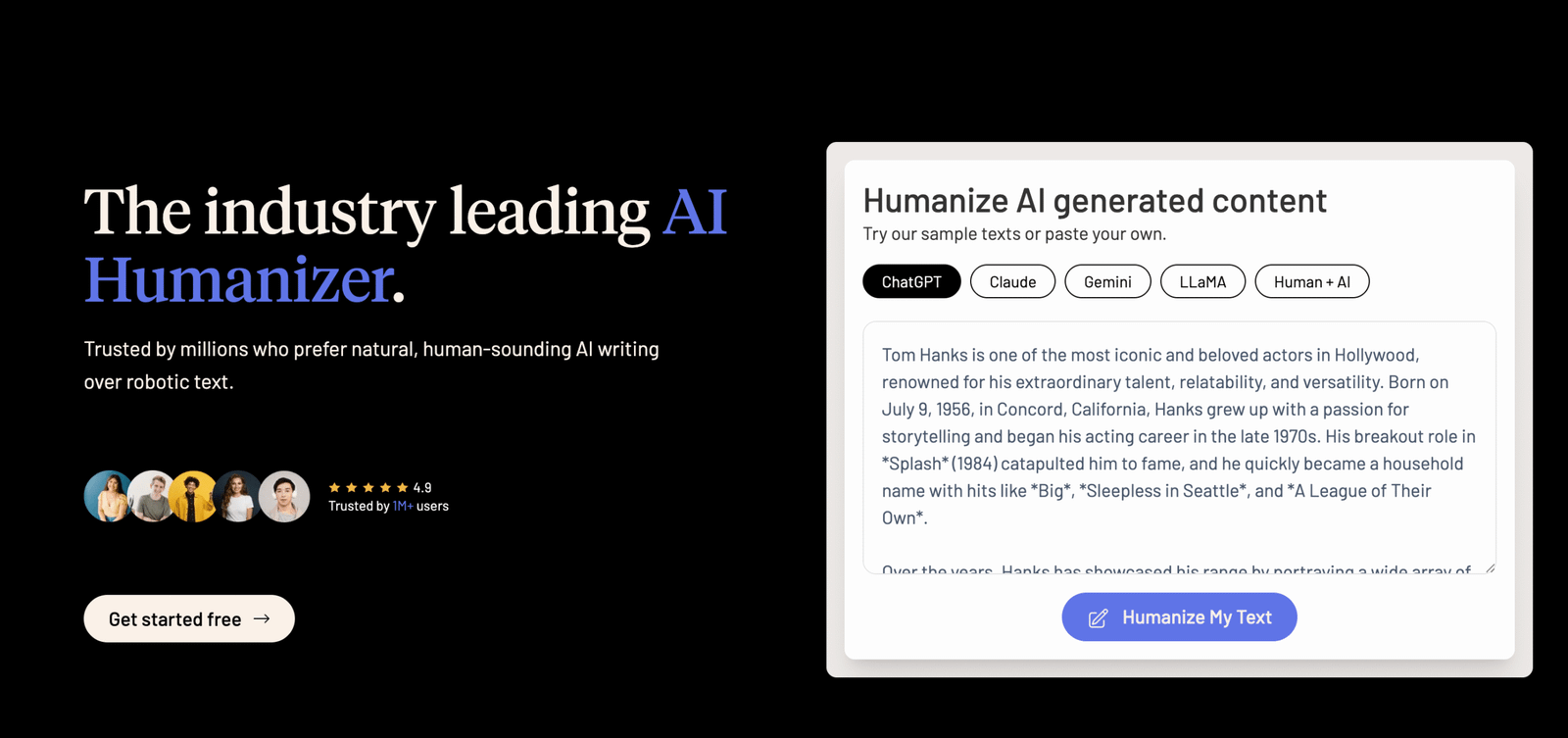
Best use case: Revising decent AI-assisted drafts that need a more relaxed tone without being rewritten from the ground up.
What it does well: It reduces stiffness and keeps the original structure more intact than some heavier rewriting tools.
Where it falls short: The output can still feel intentionally engineered, which limits how natural it sounds in close reading.
Who should skip it: Anyone seeking strong originality or a genuinely distinctive voice may find the revisions a little too managed.
Most Used AI Humanizer Tools in Education #10. AI Undetect
AI Undetect reflects a broader category of tools that frame humanization as a way of making generated writing pass more comfortably through environments where AI text draws scrutiny. In education, that is a loaded promise, since teachers do not just want altered phrasing but writing that still sounds context-aware, age-appropriate, and grounded in actual thought. The tool can help when a draft is visibly repetitive or overly polished in that very recognizable AI way, because it introduces more sentence variation and less obvious symmetry. But the edits do not always deepen the prose, and a text can come back looking changed without sounding fully credible to a careful reader. Exactly because of that, it is best treated as a revision aid for surface texture, not as proof that a piece of educational writing now feels authentically human.
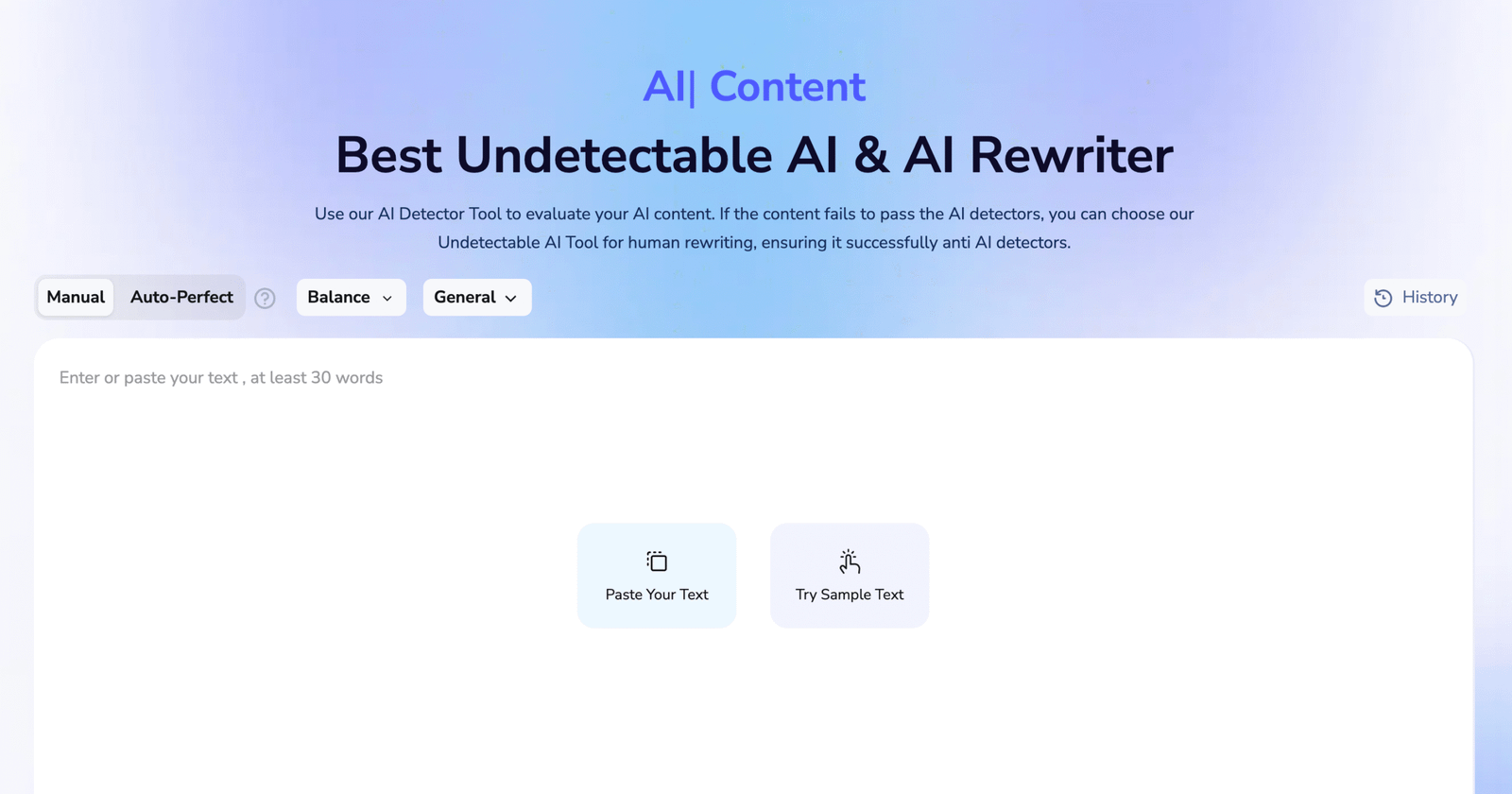
Best use case: Improving the surface feel of AI-heavy educational drafts that sound too symmetrical or too polished.
What it does well: It introduces more variation into obviously generated phrasing and can make text feel less rigid.
Where it falls short: It does not necessarily add depth, judgment, or voice, so the writing may still feel processed under close review.
Who should skip it: Writers who want human-sounding prose with strong intellectual texture rather than surface-level revision should probably pass.
Tool Selection Guide for Most Used AI Humanizer Tools in Education
Light sentence polishing
WriteBros.ai and Grammarly AI Humanizer tend to perform well when educator writing already communicates the intended idea but still carries the smooth, repetitive rhythm common in AI drafts. These tools adjust phrasing, soften rigid sentence structures, and reduce obvious repetition without changing the instructional meaning. Light polishing works well for quick classroom explanations, assignment instructions, and short resource descriptions.
Moderate classroom rewrites
QuillBot AI Humanizer and GPTHuman AI become useful when passages feel overly structured or slightly mechanical but still contain useful ideas. These tools reshape wording enough to introduce natural pacing while preserving the original explanation. Moderate rewriting works well for lesson summaries, course resource descriptions, and AI assisted study guides.
Deep AI tone correction
AI Undetect and Walter Writes AI can help when a draft clearly carries the unmistakable rhythm of automated writing. These tools restructure sentences across longer passages so the language feels less templated and more conversational. Because deeper rewriting may shift nuance slightly, educators usually review the revised version before sharing it with students.
Lesson explanations
WriteBros.ai and Writesonic AI Humanizer often perform well when teachers revise AI generated lesson explanations or instructional summaries. Lesson content needs to remain clear and structured while still sounding like it comes from a human instructor. Humanizing tools help smooth rigid phrasing so the explanation reads naturally in a classroom setting.
Student feedback notes
Grammarly AI Humanizer and Clever AI Humanizer are useful when editing short feedback comments that must sound supportive rather than formulaic. Feedback often repeats similar sentence structures across many assignments, which makes AI phrasing easier to notice. Humanizing tools introduce variation while preserving clarity and encouragement.
Parent communications
WriteBros.ai and AI Undetect can help refine drafts intended for parent updates or school communications. Messages sent to families benefit from a tone that feels thoughtful, calm, and personal rather than automated. Humanizing tools smooth overly polished phrasing so the message reads like genuine communication.
Sentence level editing
WriteBros.ai and Grammarly AI Humanizer are effective when educators revise individual sentences within longer documents. Sentence level editing allows teachers to improve readability without restructuring the entire draft. This approach works well for clarifying assignment expectations or refining instructional instructions.
Full draft revision
GPTInf and Walter Writes AI can be useful when a full lesson explanation or resource guide still reads strongly like generated text. These tools introduce variation across paragraphs and adjust pacing so the writing feels less mechanical. After rewriting, educators usually refine wording so the text reflects their own teaching voice.
Comparing tool outputs
HumanizeAI.pro and GPTHuman AI can help when teachers experiment with several rewritten versions of the same paragraph. Comparing different outputs often reveals which phrasing communicates the idea most clearly for students. This approach helps educators choose language that sounds deliberate rather than automated.
What the most used AI humanizer tools in education reveal about writing workflows in classrooms
AI writing has entered classrooms in a quiet but noticeable way, and editing tools have followed close behind. Many educators now treat humanizer software less as a novelty and more as a practical revision layer that helps AI-assisted drafts sound closer to ordinary academic writing.
The most used AI humanizer tools in education tend to share a similar purpose even when their approaches differ slightly. Each one tries, in its own way, to smooth the mechanical phrasing that appears when AI-generated text moves too quickly from draft to final form.
Still, these tools rarely replace the judgment that teachers and students bring to writing. They work better as small adjustments inside a larger editing process, which usually includes rereading, restructuring, and deciding whether the text actually says what it intends to say.
That balance explains why the category keeps growing without fully settling into a single standard. Educators continue experimenting with different platforms, partly out of curiosity and partly because writing that sounds human still depends on the human decisions made after the tool finishes its work.
Disclaimer: The tools referenced are included for editorial and informational purposes only and are selected based on observable product behavior and relevance rather than sponsorship or paid placement. Screenshots are shown solely for identification, commentary, and illustrative reference in line with standard editorial and fair use practices, and may not reflect the most current version of each product. All trademarks, logos, and interface elements remain the property of their respective owners. For update, correction, or removal requests, please refer to the Editorial Policy.