10 Best AI Humanizer Tools for Teachers in 2026

2026 is the year AI writing quietly became a classroom editing problem. This guide examines the Best AI Humanizer Tools for Teachers, comparing how different platforms reshape AI-generated text, soften mechanical tone, and reveal what actually makes writing feel human in academic settings.
Language models have quietly entered classrooms, which means teachers are now dealing with writing that sometimes reads polished yet oddly distant. Much of the recent discussion around how educators rebuild trust in student writing focuses on tone, voice, and authenticity rather than banning tools entirely.
AI humanizers attempt to soften that mechanical quality, adjusting phrasing so writing sounds more conversational and less algorithmic. Ongoing research into AI detection accuracy trends also explains why teachers increasingly want tools that clarify voice instead of triggering false positives.
Used thoughtfully, these tools can help instructors demonstrate editing techniques, highlight natural phrasing, and show students how revisions change readability. Many educators experimenting with how to make AI essays read naturally treat them as teaching aids rather than shortcuts.
Still, the whole thing varies widely depending on the platform, because some humanizers simply shuffle vocabulary while others reshape structure and tone. The tools below represent a practical range of options teachers tend to explore when evaluating how AI-assisted text can remain clear, readable, and distinctly human.
10 Best AI Humanizer Tools for Teachers
| # | Brand | TL;DR |
|---|---|---|
| 1 | WriteBros.ai | Flexible rewriting designed to soften AI tone and restore natural classroom-style writing. |
| 2 | Grammarly AI Humanizer | Editing-focused rewriting that emphasizes readability and tone refinement. |
| 3 | QuillBot AI Humanizer | Structured paraphrasing modes useful for rewriting formal academic text. |
| 4 | Writesonic AI Humanizer | AI rewriting layer integrated into a broader writing and content workflow. |
| 5 | AISEO AI Humanizer | Focused on rewriting AI-generated drafts into more natural sounding text. |
| 6 | Scribbr’s AI Humanizer | Academic-focused rewriting that fits research papers and formal assignments. |
| 7 | Humanizer.Pro | Simple interface aimed at quickly converting AI text into natural phrasing. |
| 8 | GPTInf | Focuses on reducing detectable AI patterns in generated writing. |
| 9 | Walter Writes AI | Rewrites AI drafts into more conversational, less formulaic language. |
| 10 | AI Undetect | AI rewriting tool aimed at making machine-generated text read more naturally. |
On this page
10 Best AI Humanizer Tools for Teachers Worth Noting
Best AI Humanizer Tools for Teachers #1. WriteBros.ai
WriteBros.ai feels built for people who care less about flashy rewriting and more about whether a paragraph still sounds like it belongs in a real classroom. For teachers, that matters because the tool can help demonstrate the difference between robotic phrasing and wording that sounds as though an actual person revised it with purpose. The platform is also useful in feedback settings, where an instructor wants to show students how sentence rhythm, transitions, and emphasis can be adjusted without flattening the original point. It is not magic, though, and the output still benefits from a teacher reading it closely before using it as an example. That slight friction is honestly part of its value, because it keeps the editing process visible instead of pretending the software should replace judgment.
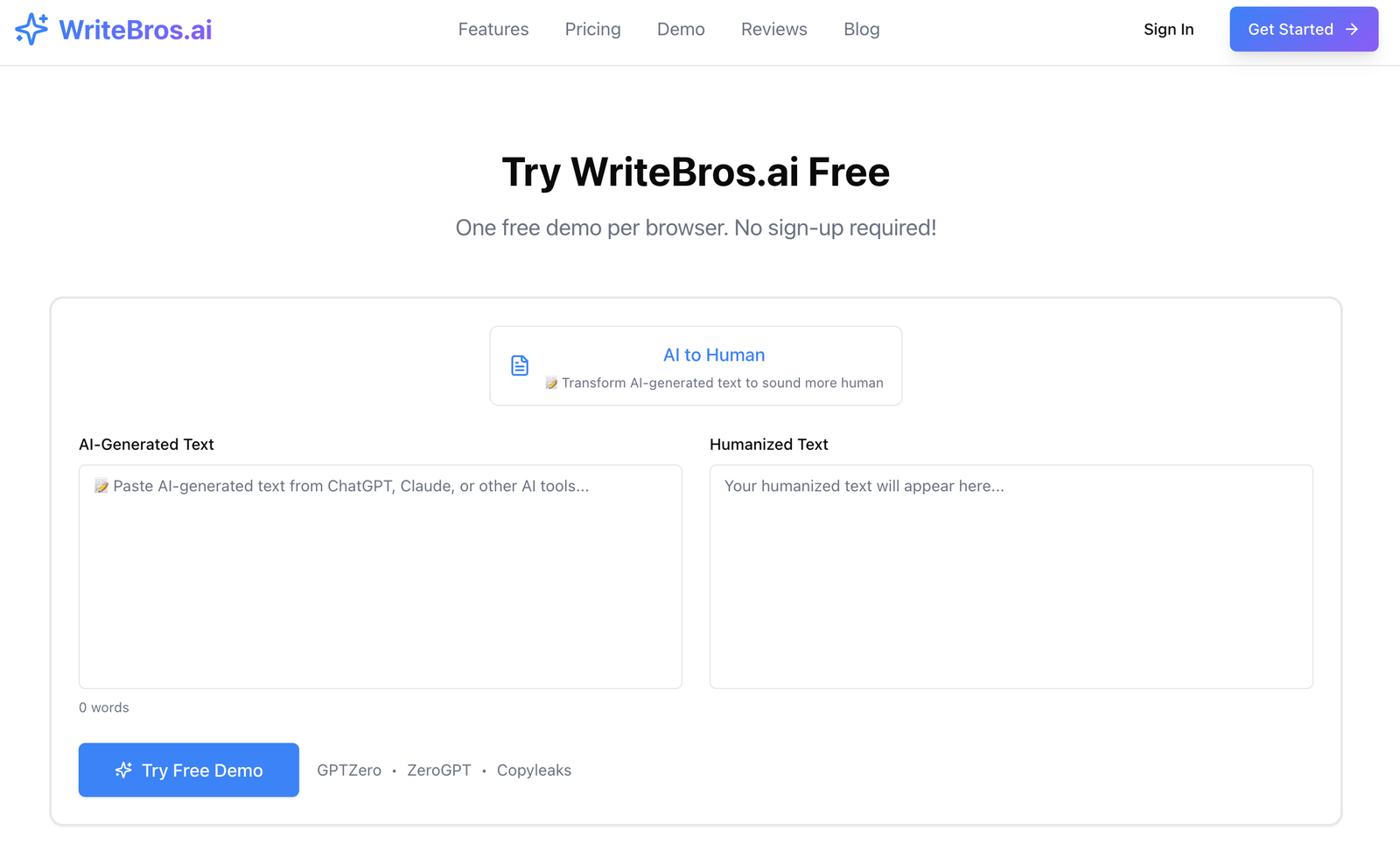
Best use case: Demonstrating to students how AI-heavy drafts can be revised into clearer, more natural academic writing without losing the original idea.
What it does well: It tends to preserve intent while softening the repetitive phrasing and stiff cadence that make AI text feel obvious.
Where it falls short: Teachers still need to review nuance, because no humanizer reliably understands classroom context, citation expectations, or assignment-specific voice.
Who should skip it: Anyone looking for a fully automatic fix with no manual review will probably find the process more deliberate than expected.
Best AI Humanizer Tools for Teachers #2. Grammarly AI Humanizer
Grammarly AI Humanizer makes sense for teachers who already live inside Grammarly and want one familiar place for revision, tone edits, and sentence cleanup. The interface is straightforward, which lowers the barrier for instructors who do not want to learn a completely separate workflow just to test rewritten phrasing. In practice, it tends to make text smoother and easier to read, especially when the original draft is too stiff or repetitive. The tradeoff is that Grammarly sometimes leans toward safe, polished language, which can make student voice feel slightly standardized if used too heavily. That means it works best as a revision companion rather than a final authority on what human writing should sound like.
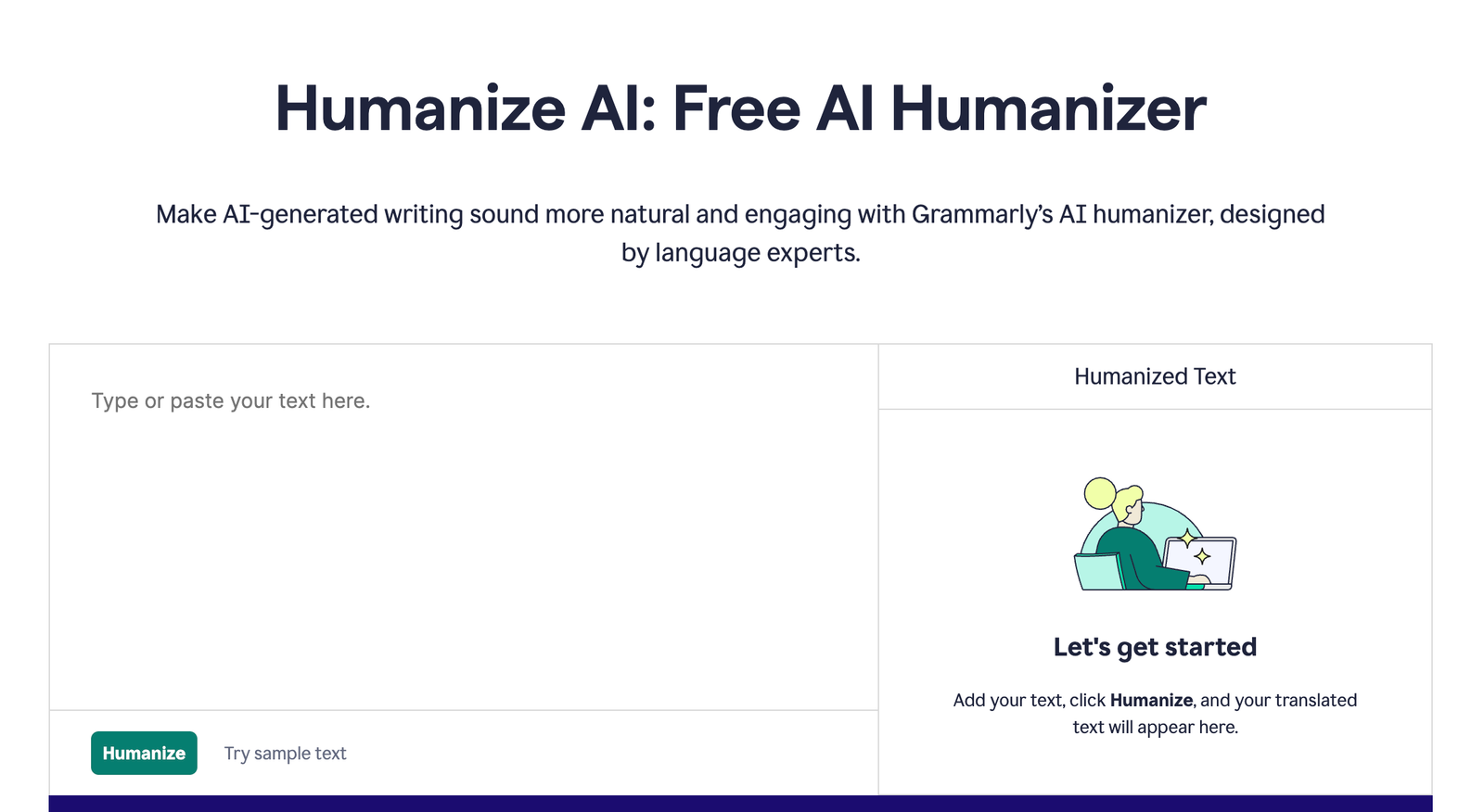
Best use case: Teachers already using Grammarly who want a low-friction way to test softer, more natural alternatives inside an editing workflow they know well.
What it does well: It improves fluency fast and usually cleans up awkward wording without requiring much setup or experimentation.
Where it falls short: The output can become a bit too neat, which is useful for clarity but not always ideal when a teacher is trying to preserve personality and texture.
Who should skip it: Teachers who want deep structural rewriting or stronger control over stylistic direction may find it a little restrained.
Best AI Humanizer Tools for Teachers #3. QuillBot AI Humanizer
QuillBot AI Humanizer suits teachers who already use paraphrasing tools to explain revision, sentence variation, and formal versus informal phrasing. Its appeal is the sense of control, because the platform has long framed rewriting as something adjustable rather than completely hidden. That makes it useful for classroom demonstrations where an instructor wants to compare one version of a paragraph against a less mechanical alternative and talk through the edits line by line. At the same time, QuillBot can occasionally sound like a paraphraser trying very hard not to sound like a paraphraser, which students will notice if the draft is pushed too far. Exactly for that reason, it works better as an illustration tool than as something a teacher should treat as a final stylistic answer.
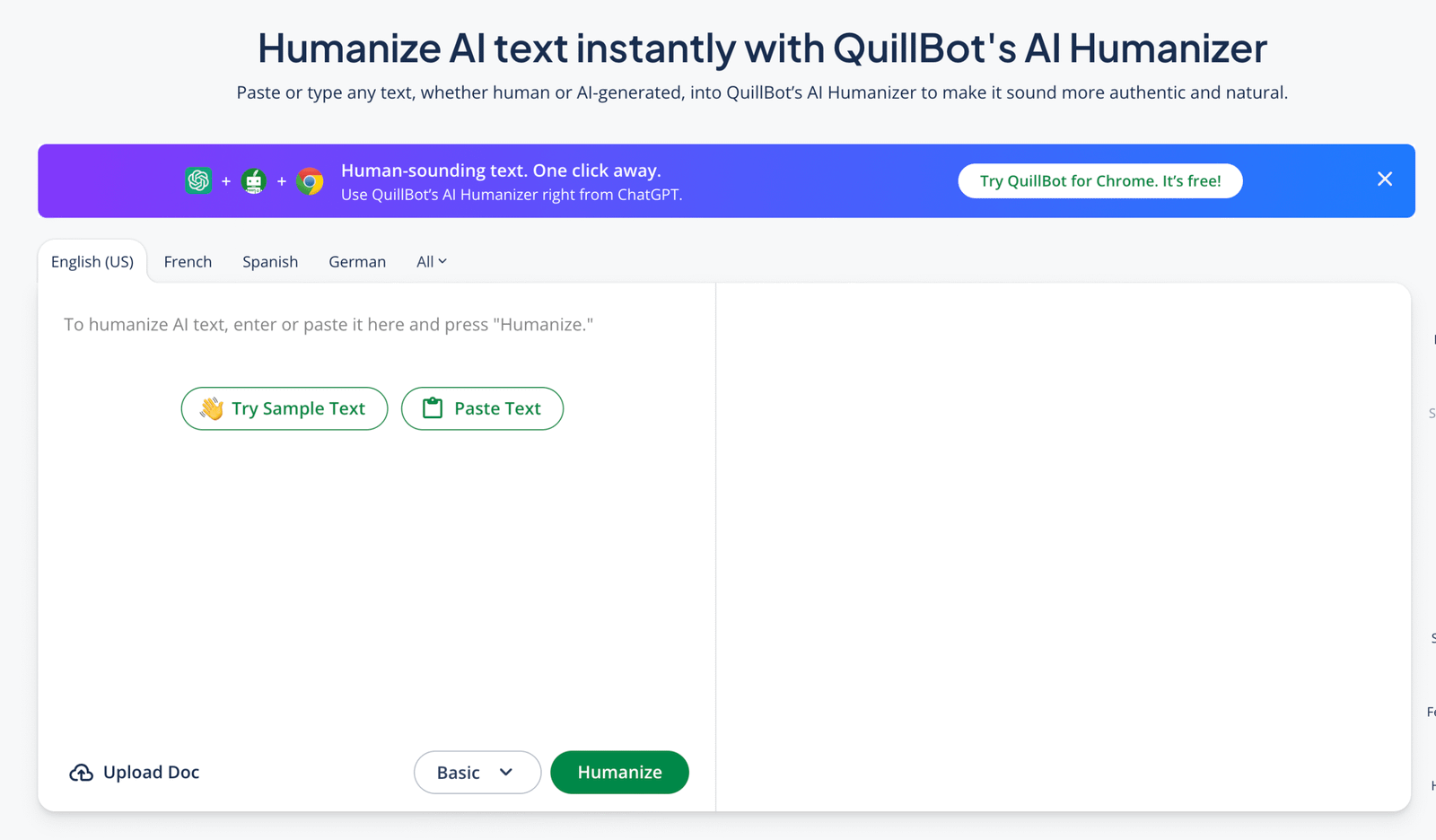
Best use case: Showing students how paraphrasing choices affect tone, rhythm, and readability across formal classroom writing.
What it does well: It gives teachers a practical way to compare alternate phrasings and discuss revision as a visible process.
Where it falls short: Some outputs still feel engineered, so careful review is needed when the goal is truly natural, voice-driven prose.
Who should skip it: Teachers who dislike paraphrasing-style interfaces or want less experimentation and more instant final copy may not enjoy it.
Best AI Humanizer Tools for Teachers #4. Writesonic AI Humanizer
Writesonic AI Humanizer is best understood as one feature inside a larger AI writing system, which makes it useful for teachers who already test multiple drafting tools. Its humanizing layer can help convert text that feels overly optimized into something that reads more conversationally, and that is helpful when comparing machine-like output with a more teacher-friendly version. The broader platform also means there is room to move between drafting, rewriting, and editing without starting from scratch every time. Still, the whole thing can feel slightly busy if a teacher only wants a simple classroom-facing rewrite tool and nothing else. That breadth is useful for power users, but it can feel like more product than some educators really need.
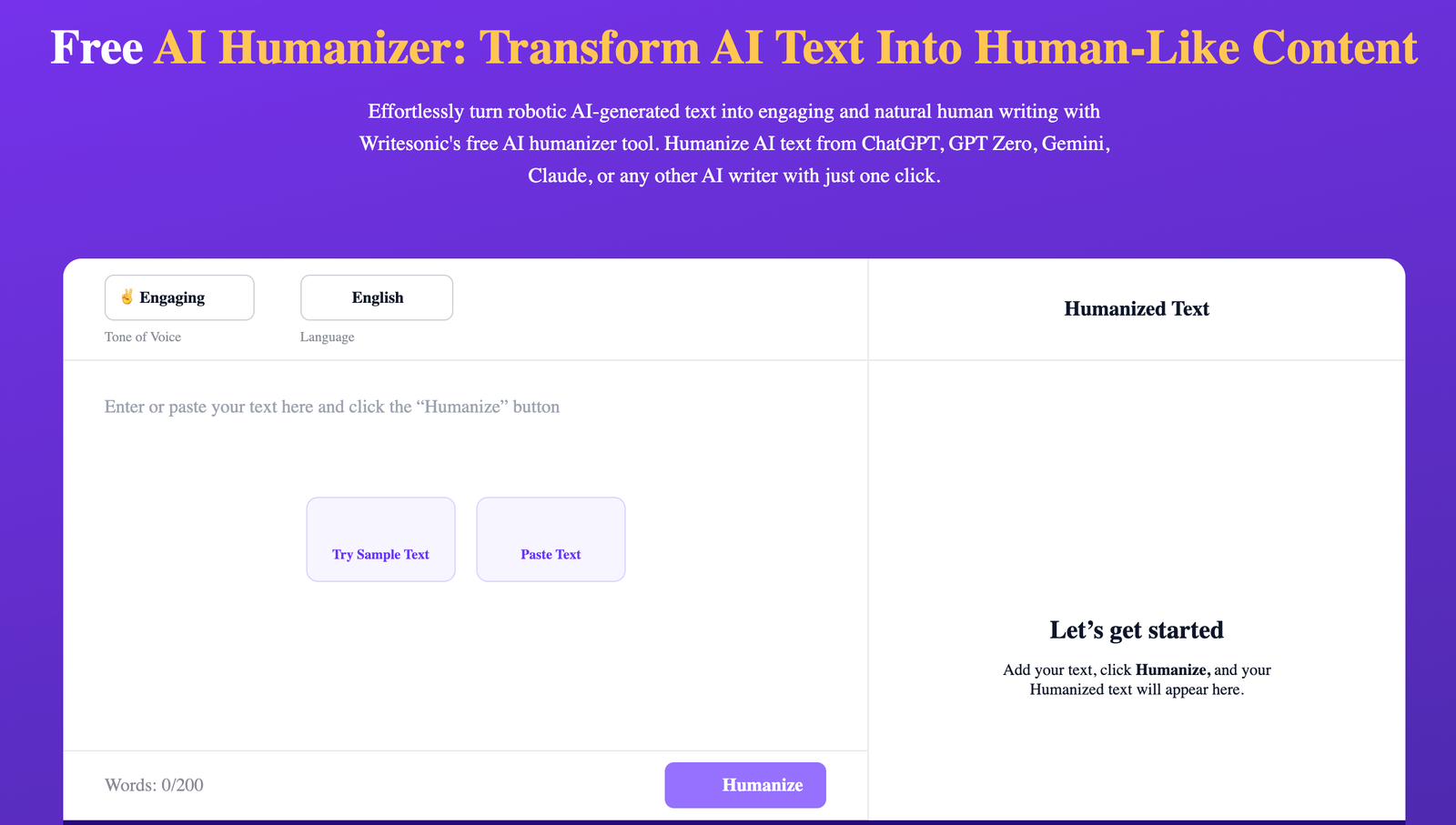
Best use case: Teachers experimenting with several AI writing stages who want humanizing built into a larger drafting workflow.
What it does well: It lets users move from generation to revision fairly smoothly, which is useful for side-by-side teaching examples.
Where it falls short: The wider platform can feel crowded when the only goal is polishing one paragraph for classroom discussion.
Who should skip it: Educators who prefer a narrower, calmer interface built only for rewriting may find it unnecessarily expansive.
Best AI Humanizer Tools for Teachers #5. AISEO AI Humanizer
AISEO AI Humanizer has a more direct, utility-first feel, which some teachers will appreciate because it gets to the rewriting quickly. It is useful when an instructor wants to test how a plainly AI-sounding response can be softened before discussing it with students in a lesson on revision or authorship. The outputs tend to aim for smoother, less repetitive phrasing, and that alone can make rough machine text easier to evaluate in class. The caveat is that speed sometimes comes with a slightly generalized tone, so the result may read cleaner without sounding truly individual. In a teaching setting, that is not fatal, though it does mean the teacher still has to supply the human judgment the software is trying to imitate.
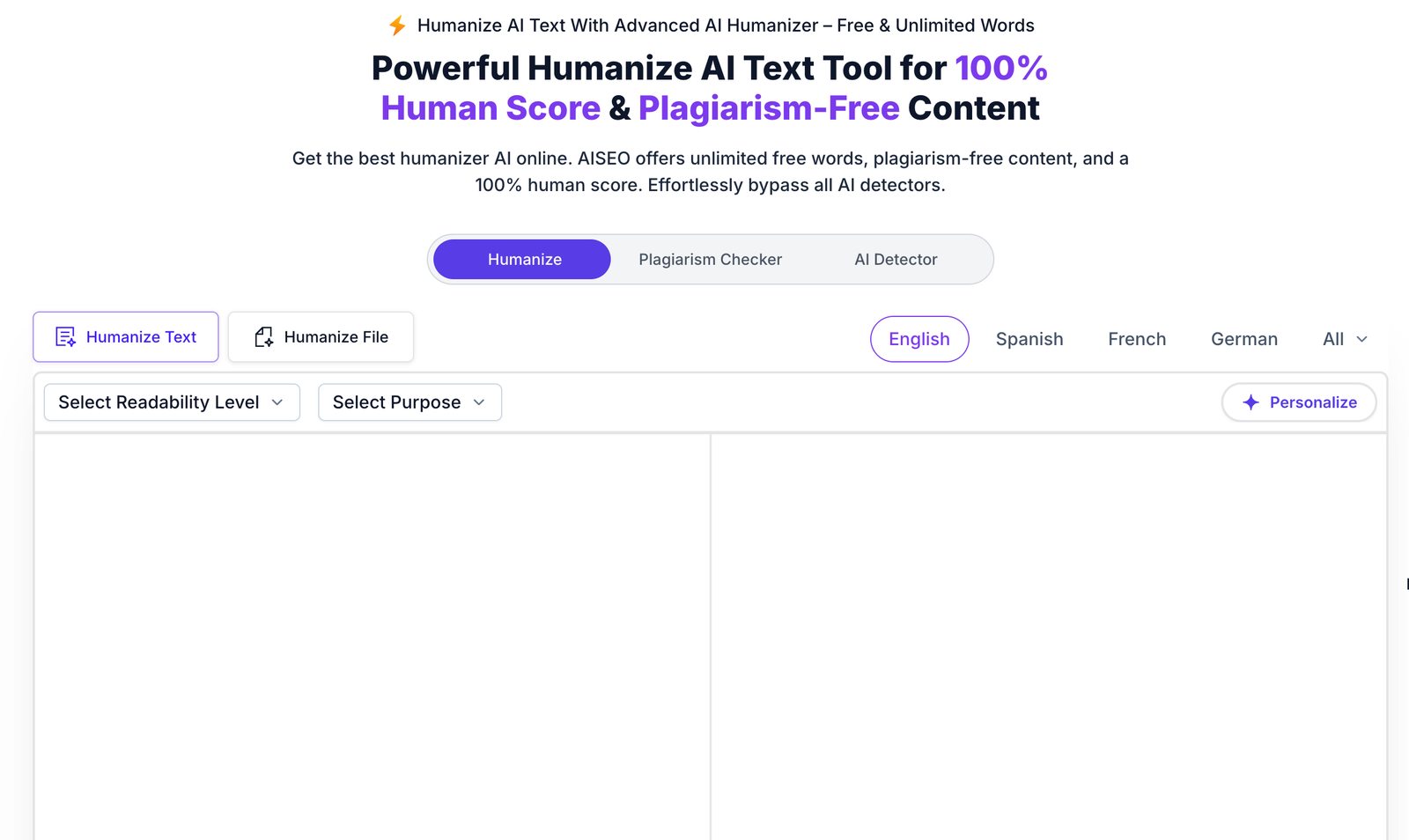
Best use case: Quick classroom tests where a teacher wants to compare blunt AI wording against a smoother revised version.
What it does well: It is fast, accessible, and generally good at reducing repetition and flattening the obvious AI cadence.
Where it falls short: Cleaner text does not always mean distinctive text, and some outputs can sound broadly polished rather than genuinely human.
Who should skip it: Teachers who care strongly about preserving a very specific student or instructor voice may want finer stylistic control.
Best AI Humanizer Tools for Teachers #6. Scribbr’s AI Humanizer
Scribbr’s AI Humanizer is probably the most naturally aligned with academic settings, which makes it appealing for teachers working with essays, reports, and research writing. The tone of the platform feels educational rather than growth-driven, and that subtle difference matters when a teacher wants a tool that does not seem imported from a content marketing stack. It tends to make formal text less stiff without dragging it too far away from academic expectations, which is a useful balance in classrooms. Even so, the safer academic framing can sometimes produce revisions that are sensible but slightly conservative, especially if a teacher wants students to hear more personal cadence in the text. In other words, it is dependable in a school setting, though not always the most vivid option on the page.
Best use case: Essay-focused teaching where instructors want AI-softened wording that still stays within an academic register.
What it does well: It generally respects formal structure and makes classroom writing easier to read without making it sound too casual.
Where it falls short: Some revisions feel cautious, which supports clarity but can reduce the liveliness teachers may want when discussing voice.
Who should skip it: Teachers seeking punchier, more flexible stylistic range beyond academic prose may want a less restrained tool.
Best AI Humanizer Tools for Teachers #7. Humanizer.Pro
Humanizer.Pro is the sort of tool teachers may try when they want a plain interface and do not need a big ecosystem wrapped around the rewrite. That simplicity can be refreshing, because it keeps attention on the sentence-level changes rather than burying the task under dashboards, templates, and extras. For classroom use, it can help an instructor quickly generate comparison examples that show how AI-heavy wording becomes more natural with a few targeted edits. The compromise is that simple tools sometimes hide their limits until the passage gets more nuanced, and longer or more voice-sensitive writing may still need substantial cleanup. So it is useful, basically, when the assignment is straightforward and the teacher wants a quick reference point rather than a sophisticated editorial partner.
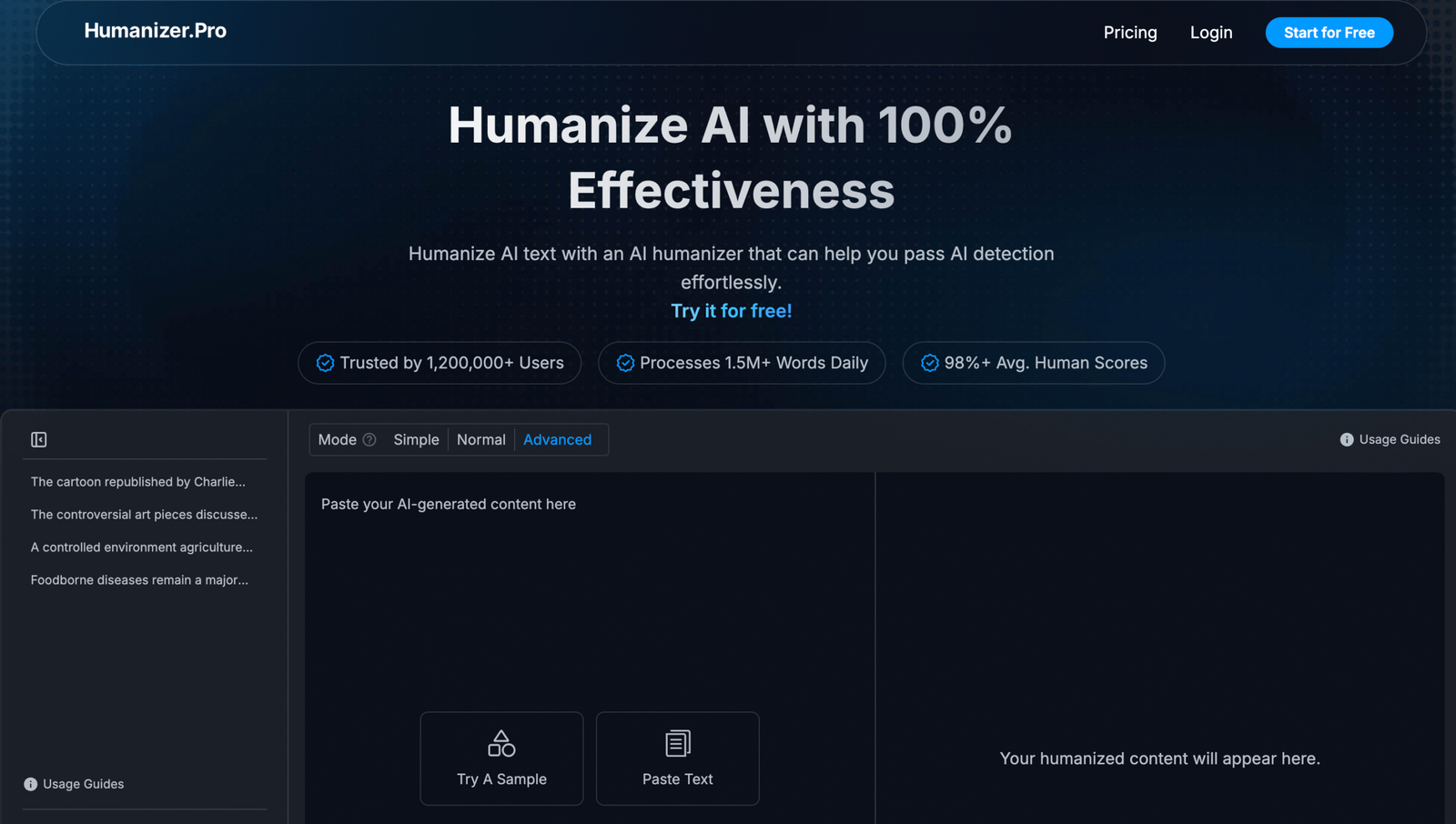
Best use case: Fast rewrite checks for short classroom passages where a teacher wants a simple before-and-after example.
What it does well: It keeps the workflow light and gives quick output without much setup or interface clutter.
Where it falls short: More subtle, voice-heavy, or structurally complex writing can expose its limits and require extra editing afterward.
Who should skip it: Educators who need detailed controls, multiple revision modes, or a more developed academic toolkit should look elsewhere.
Best AI Humanizer Tools for Teachers #8. GPTInf
GPTInf comes with a more detection-conscious framing, which means teachers will probably approach it with a different mindset from the start. Rather than simply polishing text, it seems aimed at reducing patterns that detectors may flag, and that can be useful for educators studying how these systems interpret language. In a classroom context, the tool can help demonstrate how predictability, rhythm, and lexical patterns influence whether writing appears machine-generated. The tension, of course, is that a detection-oriented tool can prompt ethical questions, especially for teachers who do not want the discussion to slide from revision into evasion. That makes GPTInf more appropriate for analysis and policy conversations than for everyday classroom rewriting.
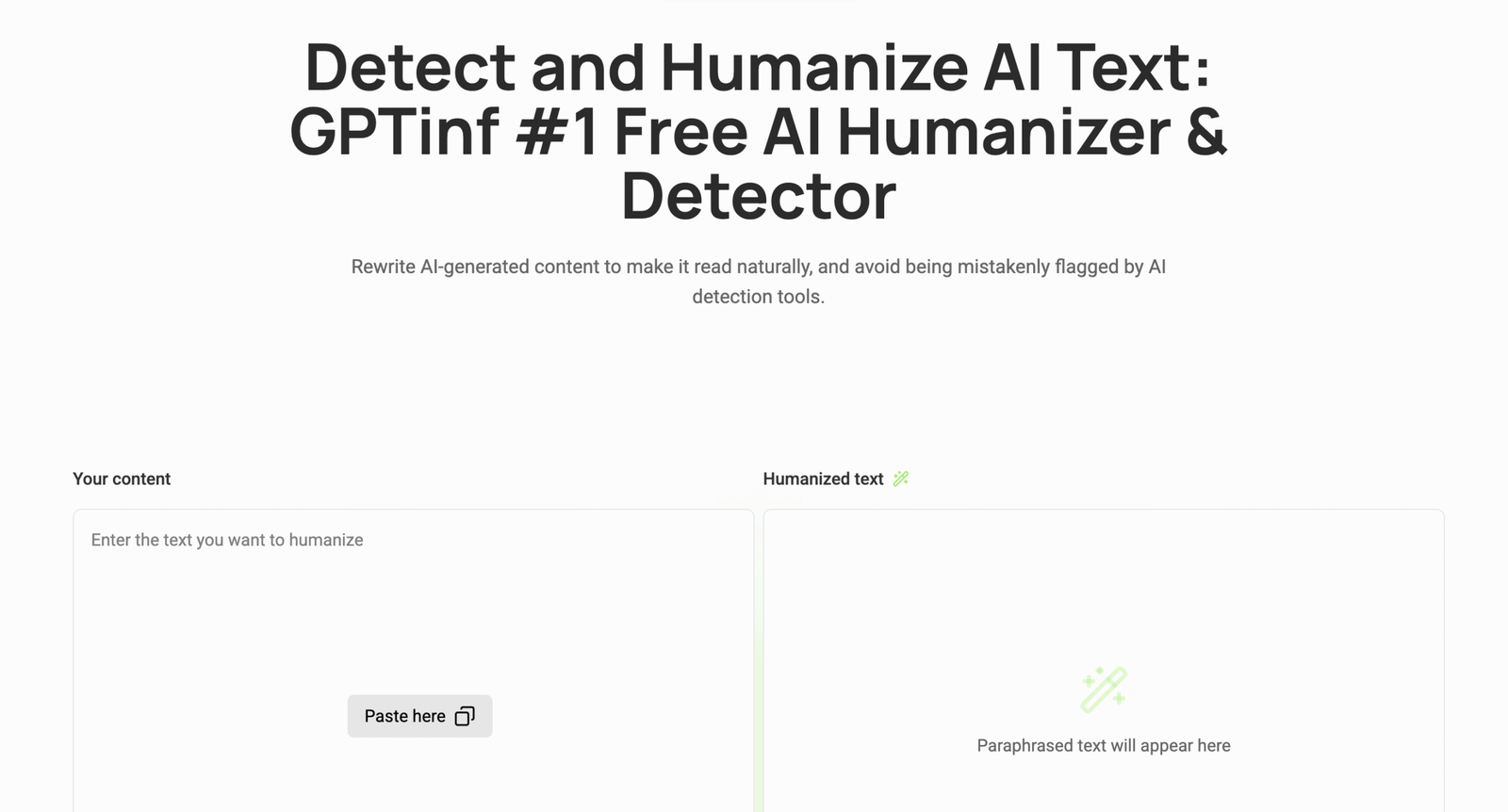
Best use case: Teaching discussions on detector behavior, linguistic patterns, and the limits of AI classification systems.
What it does well: It gives teachers a practical way to examine how certain textual signals influence detection outcomes.
Where it falls short: Its framing can feel more tied to avoidance concerns than to classroom-centered revision and writing instruction.
Who should skip it: Teachers who want a straightforward pedagogical rewrite tool with less ethical ambiguity will likely prefer other options.
Best AI Humanizer Tools for Teachers #9. Walter Writes AI
Walter Writes AI is useful for teachers who want to see whether a more conversational rewrite can make AI-assisted text feel less templated. The tool tends to push text away from rigid phrasing and into something closer to ordinary explanation, which can help during lessons on voice and readability. That is valuable when a teacher needs examples showing that human-sounding prose is usually less perfect, less repetitive, and a little more textured. Still, there are moments when the tool seems to reach for informality instead of true naturalness, and those two things are not exactly the same. A teacher reviewing the output will likely appreciate the improvement while also noticing where a human editor would have made subtler choices.
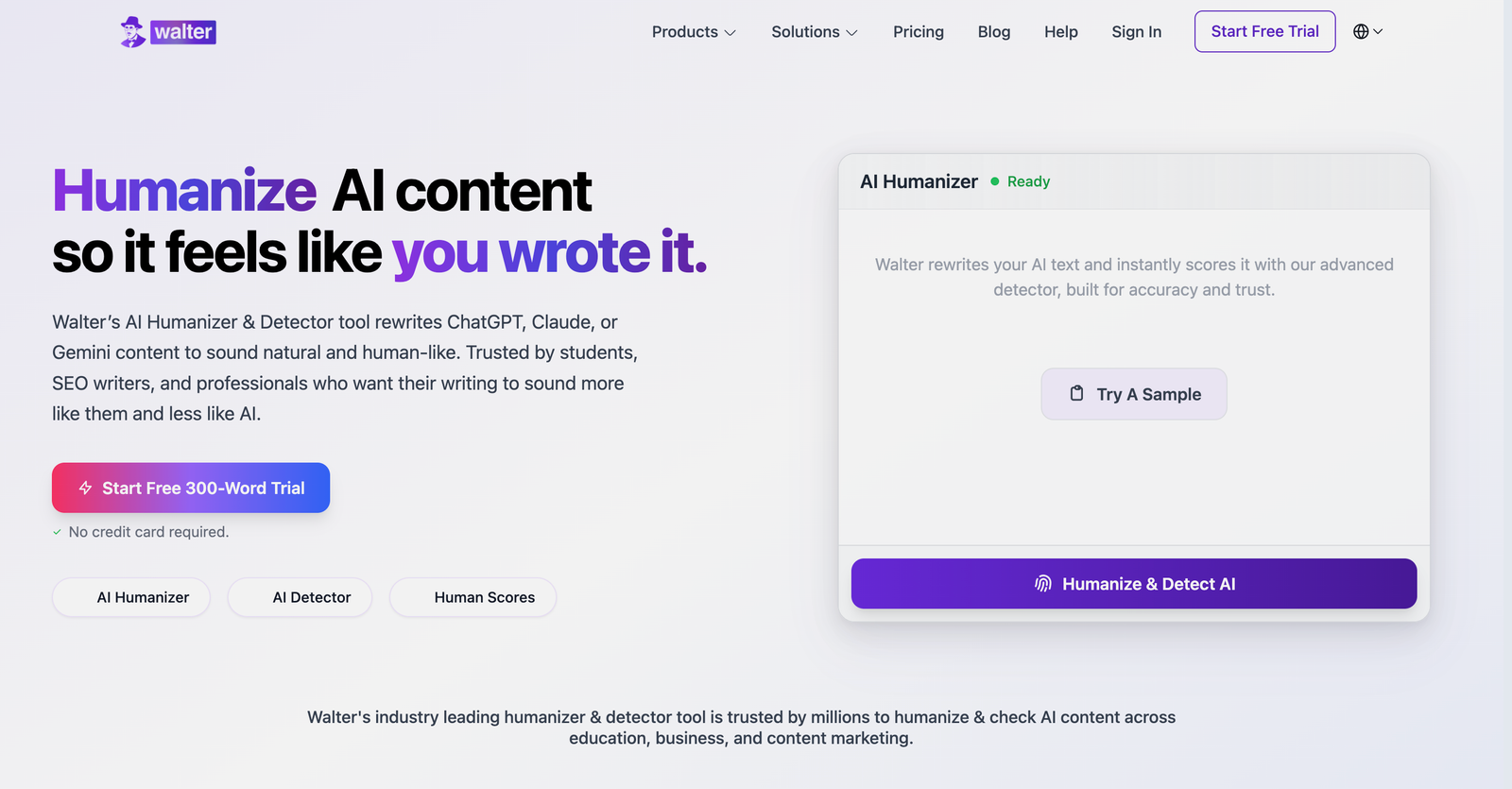
Best use case: Classroom examples where instructors want to contrast formulaic AI prose with more conversational rewrites.
What it does well: It often reduces stiffness and makes explanatory writing feel less repetitive and less obviously machine-shaped.
Where it falls short: Some rewrites lean a bit too informal, which can be unhelpful for formal assignments or academic modeling.
Who should skip it: Teachers who need polished academic tone above all else may find its conversational lean slightly mismatched.
Best AI Humanizer Tools for Teachers #10. AI Undetect
AI Undetect sits in the same general territory as other detector-aware humanizers, though its value for teachers depends a lot on how it is being used. If the goal is to study how phrasing changes detector behavior, then it can be a useful comparison point in a broader classroom conversation about authenticity, policy, and revision. It also gives instructors a way to inspect what kinds of wording patterns these tools try to break apart when they aim for less machine-like output. The downside is that the framing can make the pedagogical purpose feel less obvious, because the tool is not really pretending to be a neutral writing tutor. For teachers, it makes the most sense as an analysis object rather than the default choice for everyday student-facing revision examples.
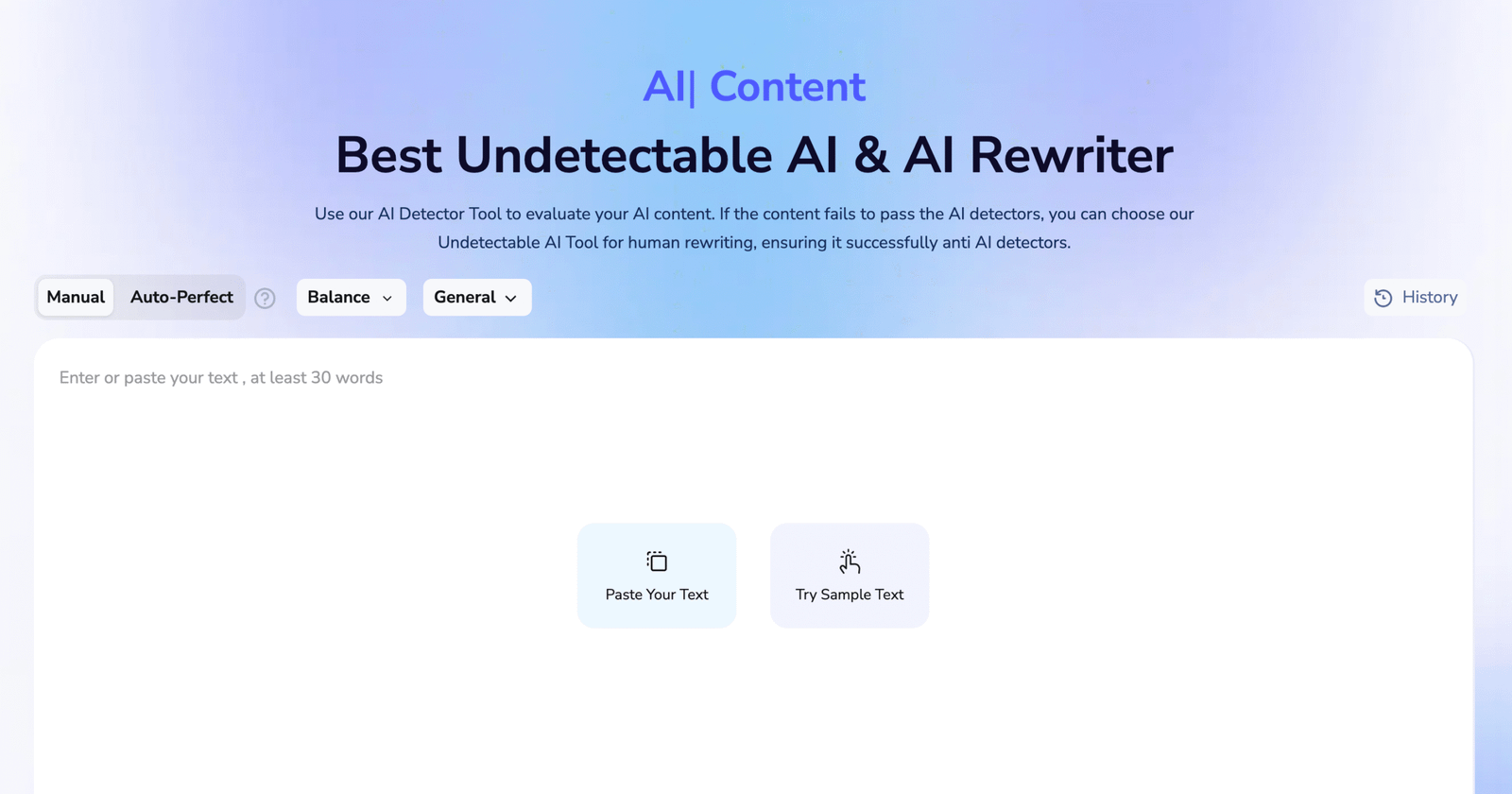
Best use case: Comparative review of detection-aware rewriting tools in discussions around policy, writing ethics, and AI literacy.
What it does well: It shows how these products attempt to alter recognizable AI patterns and gives teachers useful material for critique.
Where it falls short: It is less naturally suited to day-to-day instruction focused on revision craft, clarity, and genuine author voice.
Who should skip it: Teachers looking for a plainly educational humanizer with a more classroom-native tone should probably pass on it.
Tool Selection Guide for Best AI Humanizer Tools for Teachers
Light sentence polishing
WriteBros.ai and Grammarly AI Humanizer tend to work best when a sentence already communicates the right idea but still sounds stiff or overly algorithmic. These tools focus on smoothing phrasing, adjusting cadence, and improving clarity without rebuilding the entire sentence. Light polishing keeps the teacher’s example intact while making the wording easier for students to read.
Moderate structural rewrites
QuillBot AI Humanizer and AISEO AI Humanizer generally fit situations where the sentence structure itself feels rigid and needs visible reorganization. They redistribute clauses, adjust emphasis, and introduce small variations in phrasing that break the predictable rhythm of AI text. Moderate rewriting helps teachers demonstrate how editing improves readability while preserving the core explanation.
Deep sentence restructuring
GPTInf and AI Undetect are often used when lighter editing still leaves a passage sounding formulaic. These tools introduce stronger variation in sentence pacing and phrasing patterns, which can reduce the uniform structure common in AI-generated drafts. Deep restructuring can reset the rhythm of an entire paragraph, though the results usually benefit from careful review before being used in class examples.
Short class essays
WriteBros.ai and Scribbr’s AI Humanizer tend to perform well with short academic essays where the reasoning must remain clearly visible. In shorter assignments, rewriting too aggressively can blur the original explanation. These tools refine tone and flow while keeping the student’s argument understandable and traceable.
Research assignments
QuillBot AI Humanizer and Grammarly AI Humanizer are often practical choices for longer research drafts that repeat similar terminology across sections. Research writing depends on precision and consistent vocabulary, which limits how dramatically sentences should change. These tools introduce variation in phrasing while maintaining the academic tone expected in research papers.
Reflection writing
Humanizer.Pro and Walter Writes AI often perform better in reflection assignments where tone and pacing matter as much as structure. Reflection writing benefits from language that sounds slightly more conversational and less mechanical. These tools soften rigid phrasing without disrupting the narrative perspective behind the assignment.
Sentence-by-sentence editing
WriteBros.ai and Grammarly AI Humanizer are useful when teachers want to revise individual sentences during editing demonstrations. They adjust word balance, tone, and rhythm while keeping the meaning of the original line stable. Sentence-level editing helps instructors show students how small revisions affect readability.
Whole draft smoothing
Writesonic AI Humanizer and AISEO AI Humanizer can be useful when an entire document reads with the same mechanical pacing from start to finish. AI-generated drafts often repeat sentence structures across paragraphs. These tools introduce variation so the overall text reads with more natural rhythm.
Comparing rewrite styles
GPTInf and Walter Writes AI are sometimes used when teachers want to compare multiple rewriting approaches for the same passage. Generating different versions of a sentence helps illustrate how phrasing choices affect clarity and tone. Side-by-side comparisons also make it easier to discuss how different tools reshape writing.
Choosing Humanizer Tools That Support Classroom Writing Without Replacing Judgment
AI humanizer tools for teachers sit in an unusual space, somewhere between editing aid and teaching prompt. They can reveal how subtle changes in rhythm, phrasing, and emphasis alter the way writing feels to a reader.
Some platforms focus on smoothing awkward wording, while others lean into detection-aware rewriting that examines patterns detectors might notice. The difference matters in a classroom, because the purpose is usually less about bypassing systems and more about understanding how language actually works.
Teachers experimenting with these tools often find the real value appears during revision discussions rather than during the rewrite itself. A side-by-side comparison of original and humanized text tends to spark better conversations around voice, authorship, and clarity.
Exactly for that reason, the most useful humanizer is rarely the one that changes text the most aggressively. The better option is usually the tool that keeps the editing process visible, which makes it easier for students to see how thoughtful writing evolves.
Disclaimer: The tools referenced are included for editorial and informational purposes only and are selected based on observable product behavior and relevance rather than sponsorship or paid placement. Screenshots are shown solely for identification, commentary, and illustrative reference in line with standard editorial and fair use practices, and may not reflect the most current version of each product. All trademarks, logos, and interface elements remain the property of their respective owners. For update, correction, or removal requests, please refer to the Editorial Policy.