10 Best AI Rewriter Tools for Academic Draft Revisions in 2026

2026 academic writing workflows look noticeably different as AI-assisted drafts become common in classrooms and research labs. This guide examines the best AI rewriter tools for academic draft revisions, comparing how they reshape tone, structure, and sentence rhythm during real editing cycles.
Draft revisions in academic writing rarely come down to grammar fixes alone. Many students now rely on structured rewriting tools, similar to the guidance explored in this essay humanizer for students, which quietly reshape early drafts into clearer, more natural prose.
The challenge is that automated rewriting can easily drift into patterns that detectors recognize. Research summarized in recent AI detection error rates across tools suggests that rewriting quality, sentence variation, and structure diversity all matter far more than most users expect.
Academic revisions therefore demand tools that understand tone, citation-safe language, and sentence flow rather than simple paraphrasing. Guides on how to rewrite AI drafts for originality increasingly point toward rewriters that rebuild arguments instead of swapping words.
The platforms below represent a cross-section of tools students and researchers quietly test during revision cycles. Each one handles academic drafts slightly differently, which means the “best” option often depends on whether the goal is clarity, detection resilience, or structural editing.
10 Best AI Rewriter Tools for Academic Draft Revisions
| # | Brand | TL;DR |
|---|---|---|
| 1 | WriteBros.ai | Academic-focused AI rewriting that restructures drafts while preserving meaning and tone. |
| 2 | Scribbr’s AI Humanizer | Designed for student writing with gentle tone correction and thesis-friendly sentence rewrites. |
| 3 | Grammarly AI Humanizer | Blends rewriting with grammar and clarity suggestions inside a familiar editing interface. |
| 4 | QuillBot AI Humanizer | Well-known paraphrasing engine offering multiple rewriting modes and tone adjustments. |
| 5 | AISEO AI Humanizer | Focuses on rewriting AI-generated text into more conversational, readable academic language. |
| 6 | Uncheck AI | Attempts deeper sentence restructuring aimed at reducing detector-style writing patterns. |
| 7 | Walter Writes AI | Rebuilds paragraphs with heavier stylistic edits rather than surface-level paraphrasing. |
| 8 | Clever AI Humanizer | Lightweight rewriting tool suited for quick sentence polishing and readability fixes. |
| 9 | EssayDone.ai | Academic essay editor that reshapes arguments and improves logical sentence flow. |
| 10 | uPass | Targets AI-style phrasing with subtle rewriting aimed at cleaner human-sounding drafts. |
On this page
10 Best AI Rewriter Tools for Academic Draft Revisions Worth Noting
Best AI Rewriter Tools for Academic Draft Revisions #1. WriteBros.ai
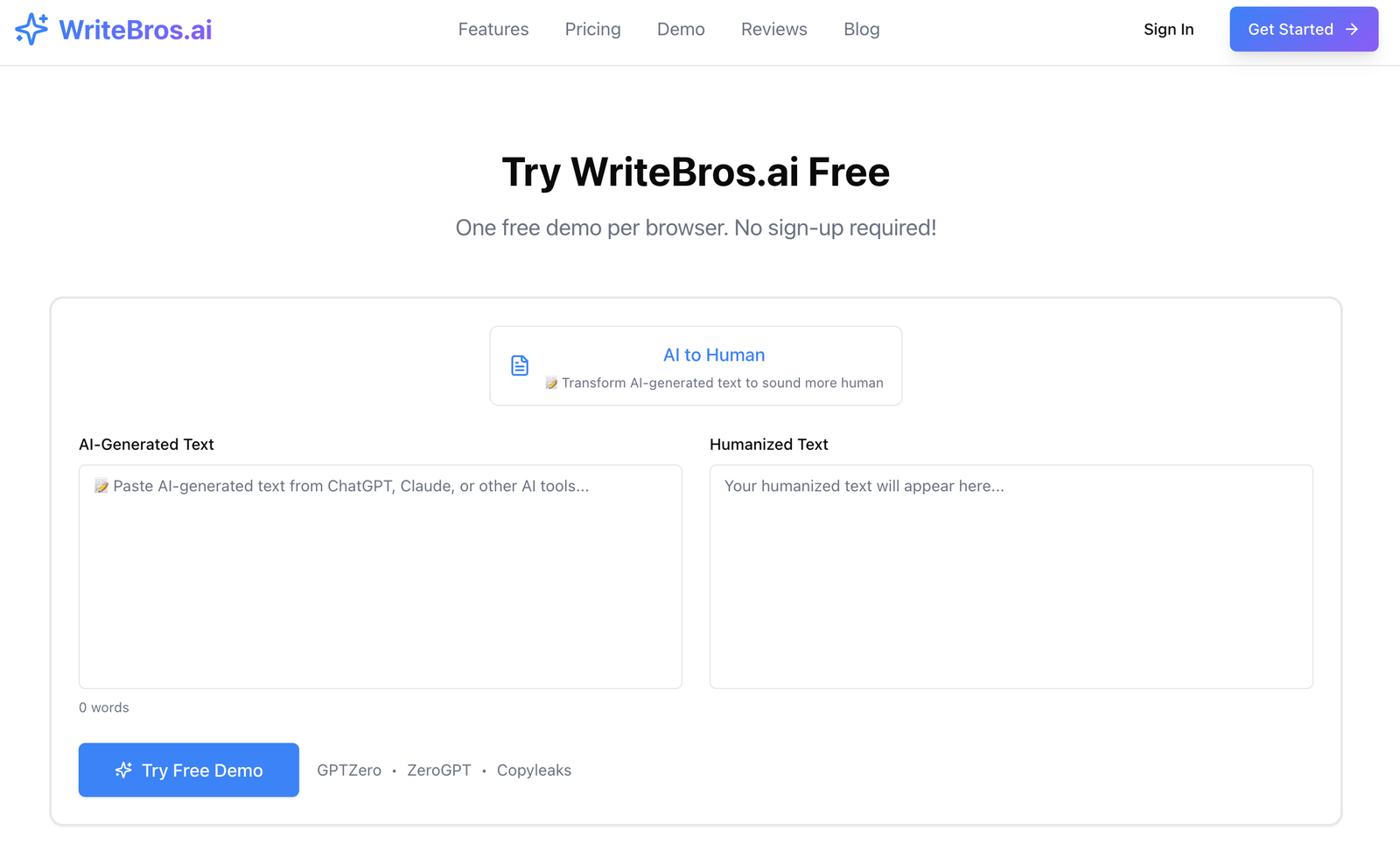
WriteBros.ai feels built for the awkward middle stage of an academic draft, which is usually the point where ideas are clear enough to keep but still stiff on the page. It tends to revise sentences in a way that loosens rhythm and removes the oddly polished texture that gives AI-assisted writing away, and that matters when a paper needs to sound like a student actually worked through it. The whole thing is more useful for revision than generation, because it works best when there is already a claim, structure, and voice hiding inside the draft. That said, it still benefits from a careful final pass, since any tool that rewrites at sentence level can smooth out a phrase that had a sharper intention before. It is strongest when the goal is to make a paper feel lived in rather than merely cleaned up.
Best use case: Revising essay drafts that already have a solid argument but still sound too even, too formal, or too machine-shaped.
What it does well: It breaks predictable sentence patterns, keeps the original point intact, and usually produces revisions that feel more like genuine redrafting than synonym swapping.
Where it falls short: It will not rescue a weak thesis, thin evidence, or fuzzy structure, so poor source work still looks poor after the rewrite.
Who should skip it: Anyone looking for a tool to invent content from scratch, rather than improve a draft that already has real academic substance.
Best AI Rewriter Tools for Academic Draft Revisions #2. Scribbr’s AI Humanizer
Scribbr’s AI Humanizer makes immediate sense for students because Scribbr already sits close to citation help, proofreading, and academic formatting, which gives the tool a slightly more school-aware feel than many broader rewriters. Its revisions are usually careful rather than dramatic, so it can be useful when a paragraph needs to sound less synthetic without losing the sober tone expected in coursework. That restraint is helpful, although it also means the output can stay a bit too tidy when a draft needs deeper stylistic variation. In practice, it feels better for smoothing rough AI phrasing than for rebuilding a section that needs stronger movement or more individual voice. There is a quiet reliability to it, though the tradeoff is that the rewrites may need a second manual edit before they stop sounding polished in the same way all the way through.
Best use case: Students who want modest, citation-safe revisions inside a more academic-looking ecosystem.
What it does well: It keeps meaning stable, avoids wild rewrites, and generally preserves the formal tone that many class submissions still need.
Where it falls short: It can remain a little too controlled, which means heavily AI-shaped drafts may still need more personality after the first pass.
Who should skip it: Writers who want aggressive restructuring or a tool that pushes a draft much further away from its original phrasing.
Best AI Rewriter Tools for Academic Draft Revisions #3. Grammarly AI Humanizer
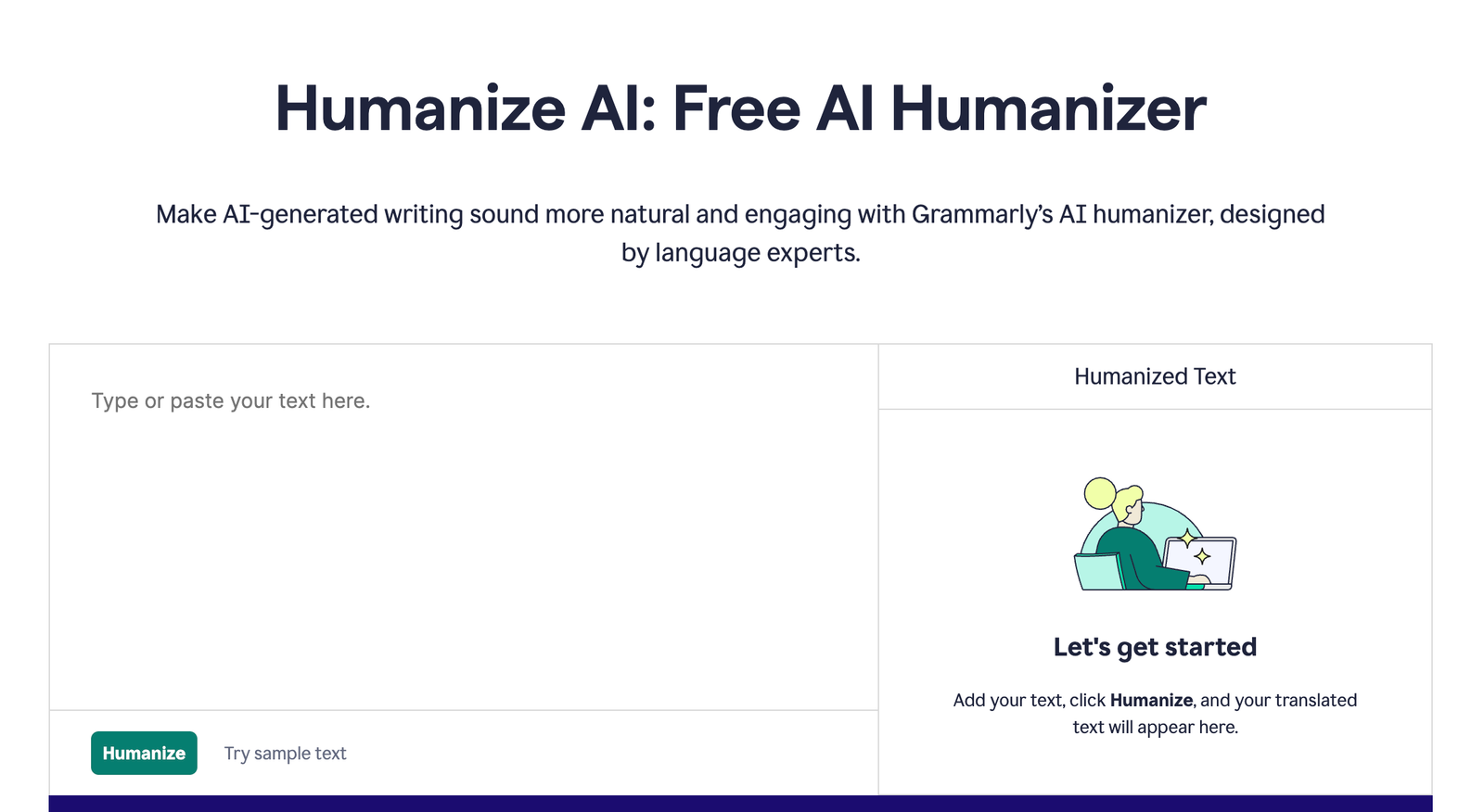
Grammarly AI Humanizer benefits from the fact that many students already use Grammarly for surface editing, so the learning curve is basically nonexistent. It tends to improve readability fast, especially in drafts that are grammatically correct but still carry that flat, over-composed texture common in AI-assisted writing. The catch is that Grammarly still feels most comfortable as a clarity layer, not as a serious structural rewriter, which means complex academic paragraphs can come back cleaner yet not much more distinctive. That is not always a problem, since some drafts need restraint more than reinvention, but it does leave less room for voice recovery. For short sections, introductions, and transitions, it is useful in a straightforward way, though long argumentative passages usually need a human editor to restore friction, nuance, and a more believable cadence.
Best use case: Quick revision passes on essays that mostly need smoother wording, stronger transitions, and less robotic sentence texture.
What it does well: It is fast, familiar, and unusually convenient for polishing text that already has the right structure and evidence in place.
Where it falls short: It does not always dig deep enough into paragraph rhythm or argument flow to make a draft feel fully redrafted.
Who should skip it: Writers who need a heavier rewrite engine for long research sections that sound uniformly AI-generated from start to finish.
Best AI Rewriter Tools for Academic Draft Revisions #4. QuillBot AI Humanizer
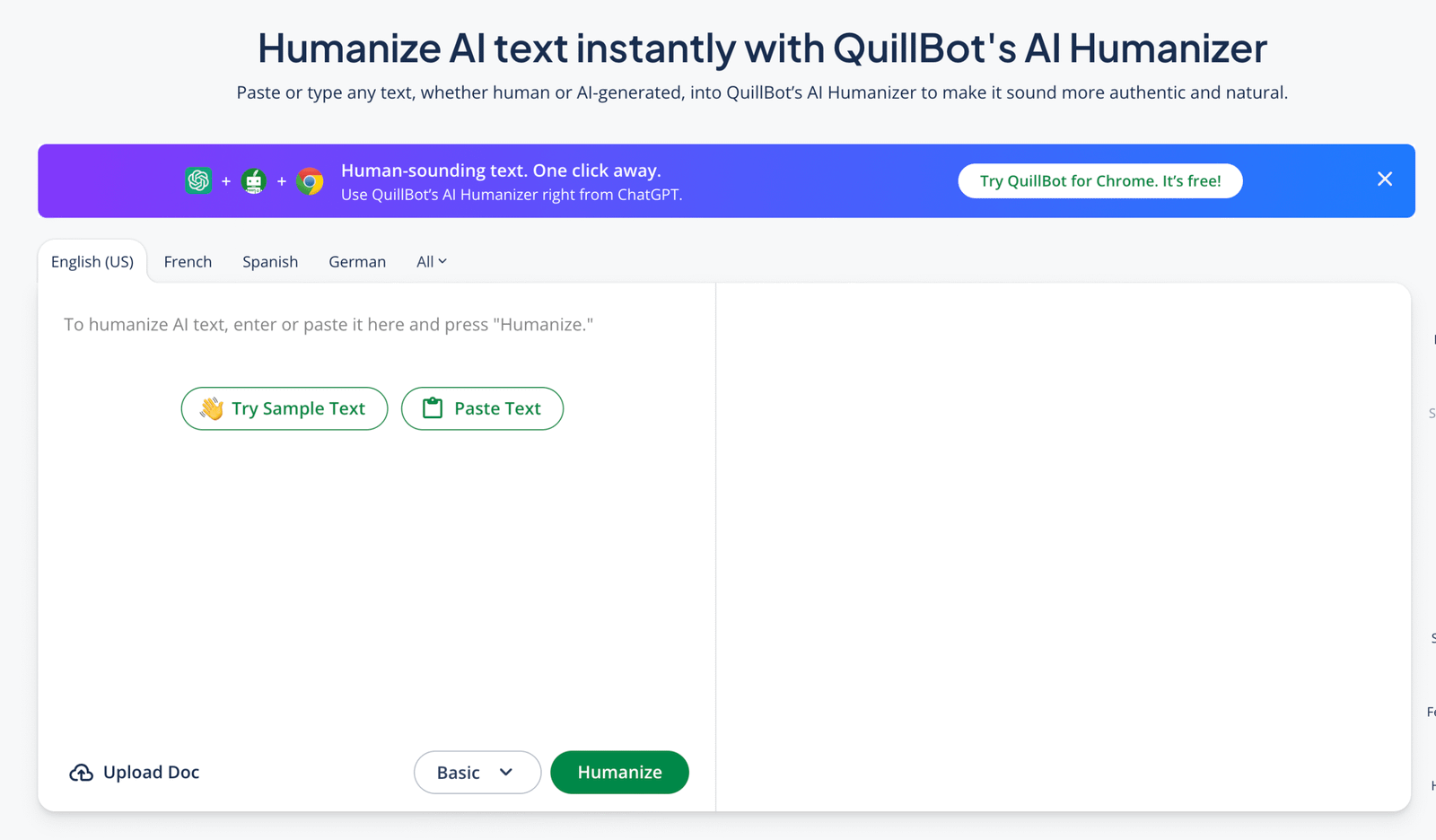
QuillBot sits in a familiar place for students because its paraphrasing tools have been circulating through essay workflows for years, and that history shows in how approachable the interface feels. The AI Humanizer extends that logic into a more natural-sounding rewrite, which can help when a draft feels too symmetrical or too crisp in a way real student writing rarely does. It is practical, although the results can sometimes lean toward sentence-level substitution rather than genuinely rebuilt prose. That matters in academic work, where surface changes are not always enough to make a paragraph sound independently written. QuillBot is solid for breaking repetition and opening up stiff wording, but it benefits from a final read that checks whether the paragraph now sounds natural or merely differently engineered.
Best use case: Reworking repetitive class drafts that need cleaner phrasing and a less patterned sentence structure.
What it does well: It is accessible, easy to test, and quite good at reducing repetition without completely distorting the original point.
Where it falls short: It can stop at paraphrase logic, which means deeper voice repair and paragraph-level naturalness may still be missing.
Who should skip it: Anyone who wants a rewriter that behaves more like a full editorial pass than a strong paraphrasing assistant.
Best AI Rewriter Tools for Academic Draft Revisions #5. AISEO AI Humanizer
AISEO AI Humanizer has a more deliberate emphasis on reducing detectable patterns, which makes it interesting for academic drafts that feel obviously machine-assisted even after normal proofreading. It tends to alter flow and rhythm more noticeably than some mainstream grammar tools, and that can be useful when a paragraph needs to stop sounding evenly manufactured. Still, a stronger hand is not always a better one, because the rewrites can occasionally drift into phrasing that feels slightly generic in a different direction. In academic work, that tradeoff matters since the goal is not simply to look less artificial but to sound specific, precise, and still aligned with the writer’s actual point. AISEO works best as a pressure-release tool for text that is too detectable in tone, not as a substitute for the slower judgment needed to shape a credible paper.
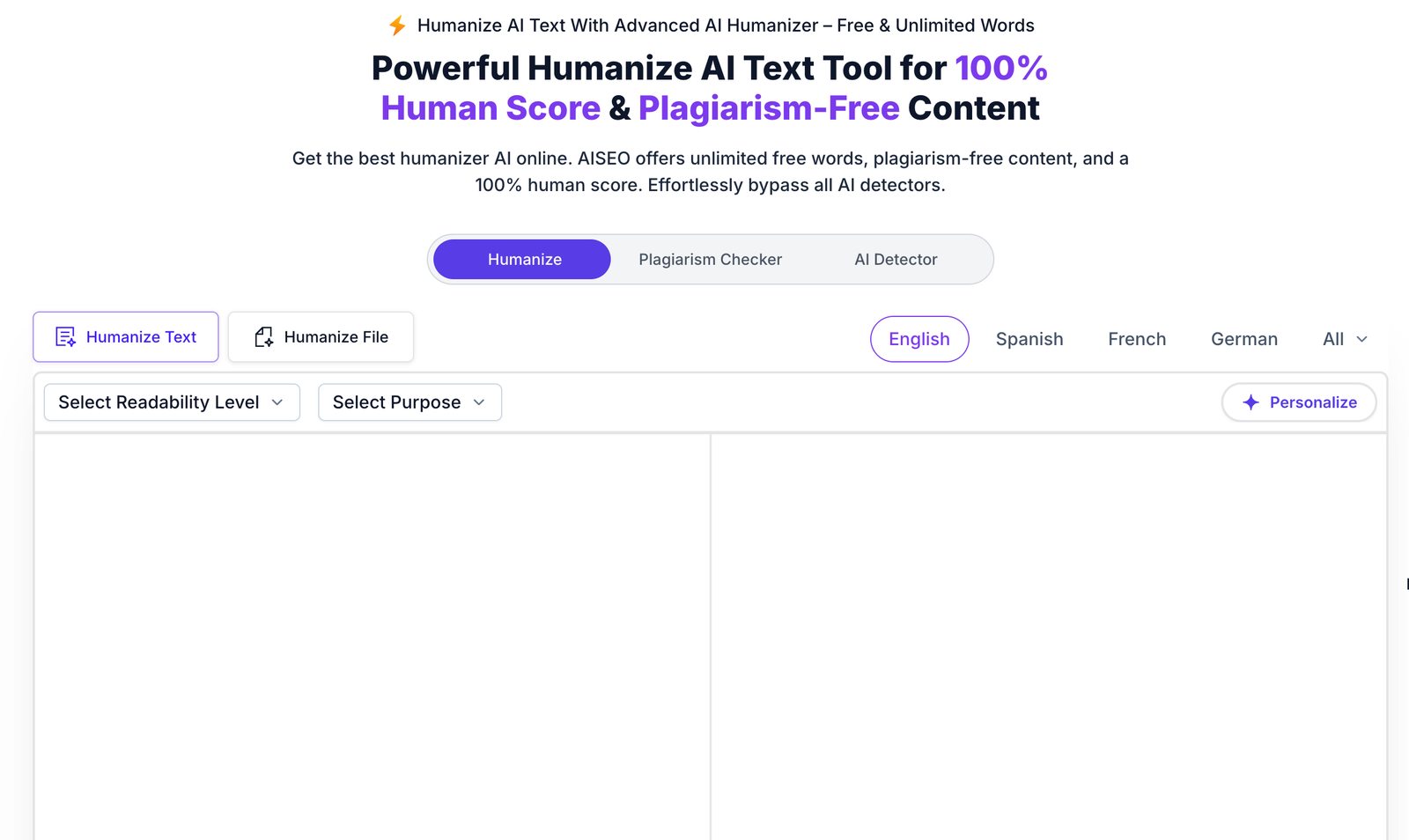
Best use case: Drafts that already read clearly but still need more variation in cadence and less obvious AI-style polish.
What it does well: It changes rhythm more assertively than lighter tools and can make rigid prose feel less mechanically composed.
Where it falls short: Those stronger edits can occasionally blur specificity, which is a problem in research-heavy or citation-dense writing.
Who should skip it: Writers whose papers already have a strong personal voice and only need minimal cleanup rather than noticeable reshaping.
Best AI Rewriter Tools for Academic Draft Revisions #6. Uncheck AI
Uncheck AI presents itself very directly as a humanizer paired with detection concerns, which tells a user exactly what problem it is trying to solve. For academic revision, that clarity is useful because it frames the tool less as a writing coach and more as a text reshaper meant to reduce obvious AI patterns in essays and assignments. The limitation is that tools with this framing can sometimes prioritize detector-facing changes over stylistic subtlety, and that tension shows up in output that is improved yet not always graceful. A paragraph may look safer after revision without fully sounding like a thoughtful student composed it line by line. Used carefully, Uncheck AI can help weaken predictable machine habits, though it should sit inside a larger revision process that still checks argument quality, citation accuracy, and whether the prose sounds genuinely owned by the writer.
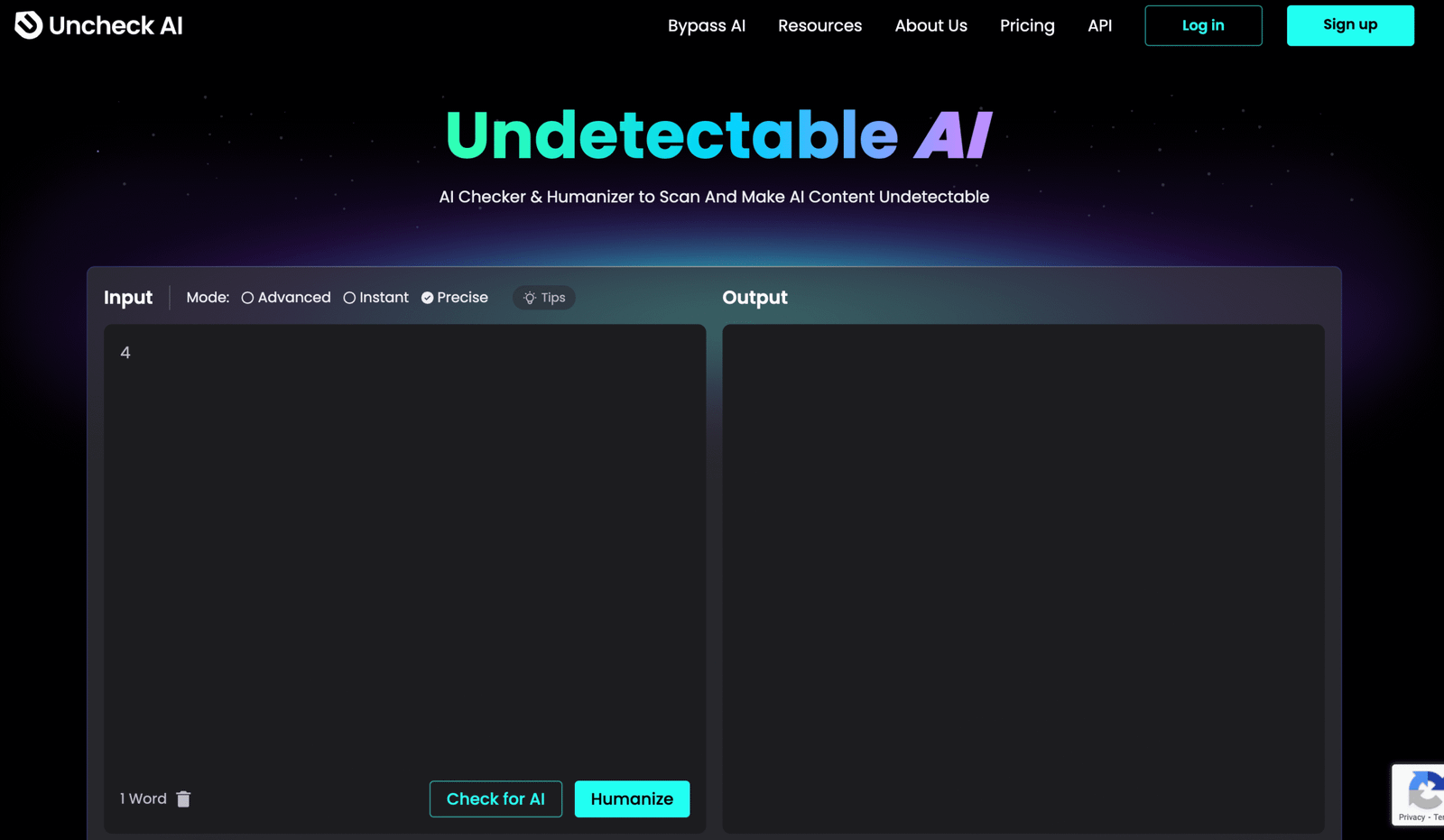
Best use case: Students revising heavily AI-shaped sections that need a more human rhythm before final proofreading.
What it does well: It focuses clearly on reducing machine-like phrasing and can make bluntly synthetic text feel less exposed.
Where it falls short: The output can still feel functional rather than expressive, so it is not always the best fit for nuanced academic voice.
Who should skip it: Writers who care most about elegant prose and would rather accept a slower, more editorial style of revision.
Best AI Rewriter Tools for Academic Draft Revisions #7. Walter Writes AI
Walter Writes AI is interesting because it openly leans into student and academic use cases, which makes its fit for draft revision fairly obvious. Its rewrites can be more substantial than those from a typical grammar-first tool, and that helps when a paper still sounds like an evenly generated block rather than something revised through real thought. The advantage is depth, although depth brings risk, because heavier rewriting can occasionally move a sentence just far enough from the writer’s original intention to need close checking. That is exactly the sort of tradeoff academic users should pay attention to, especially in analytical or source-based writing where a small tonal change can alter the force of a claim. Walter Writes works best when used section by section, with the writer still acting as editor, not spectator.
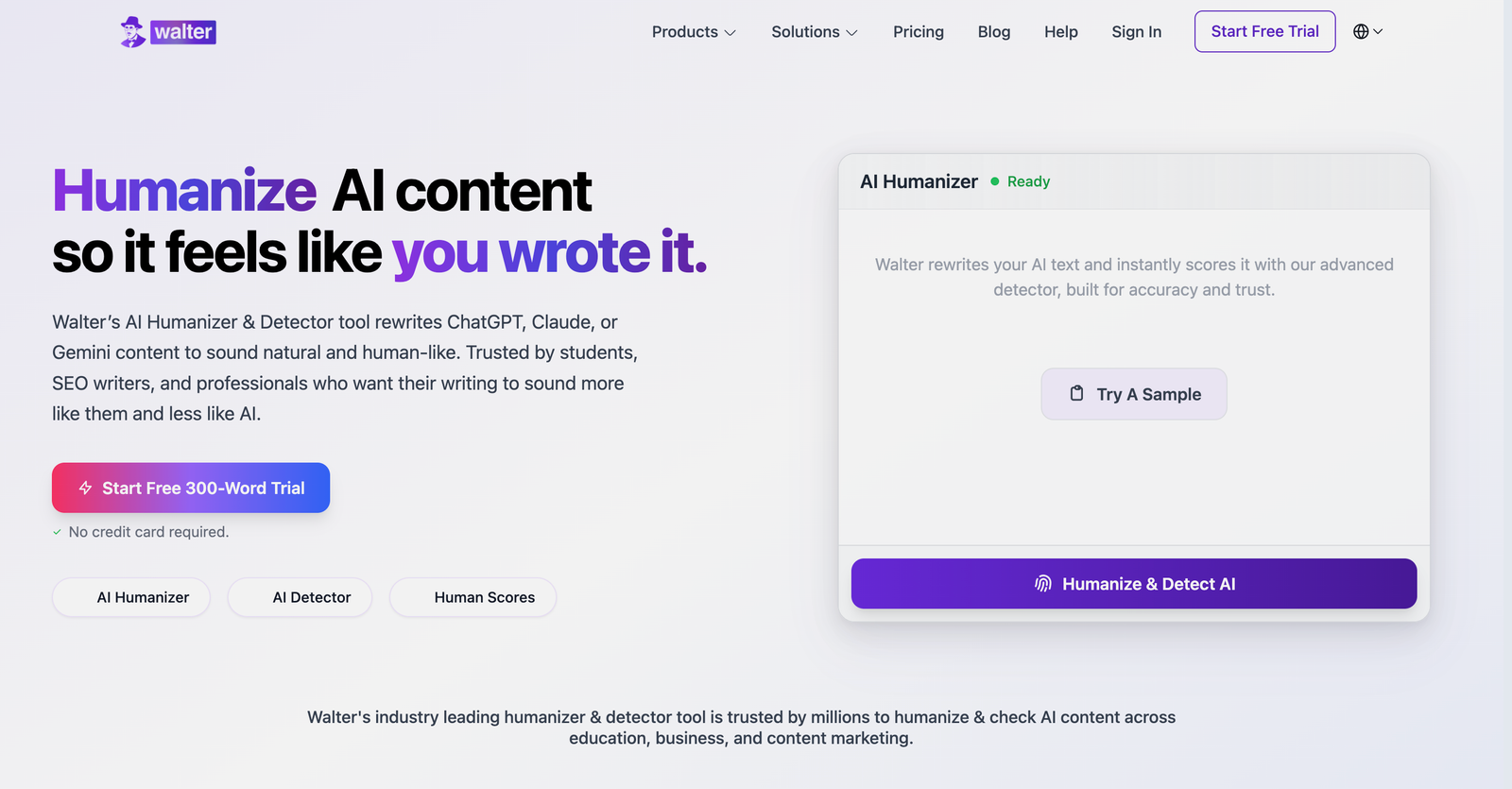
Best use case: Revising full essay sections that need more than grammar help and would benefit from deeper reworking.
What it does well: It can make a paragraph feel materially different, which is useful when a draft still sounds too smooth and too generated.
Where it falls short: Heavier rewriting increases the chance of tonal drift, so exact wording and source-sensitive claims need manual review.
Who should skip it: Writers who only want light cleanup and would find extensive rephrasing more disruptive than helpful.
Best AI Rewriter Tools for Academic Draft Revisions #8. Clever AI Humanizer
Clever AI Humanizer positions itself as a free tool aimed at improving readability and natural flow, which makes it appealing for quick academic cleanup when time is tight. It is the sort of tool that can remove the most obvious machine gloss from a paragraph without demanding much setup or commitment. That convenience is real, though free tools usually come with a narrower range of control, and the results can feel more one-size-fits-most than genuinely adaptive. In academic revision, that means it can help with awkward phrasing yet still leave a paper sounding somewhat generic if the original draft lacked a strong voice. Clever works best as a light pass for readability, not as the final authority on whether an essay now sounds convincing, individual, and fully worked through.
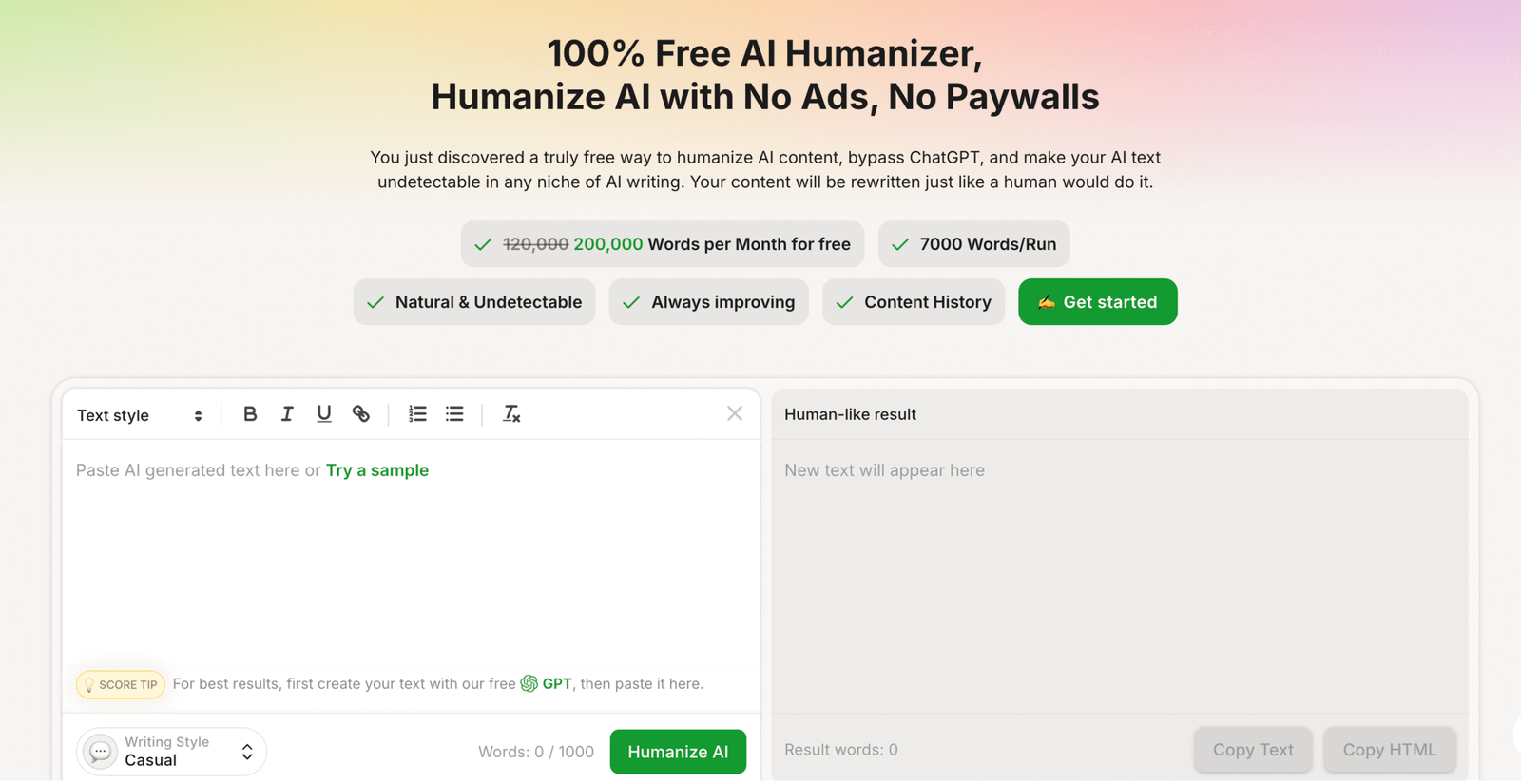
Best use case: Fast readability improvement on short academic sections that feel too stiff or too polished.
What it does well: It is easy to access, simple to test, and useful for softening obviously artificial wording in a hurry.
Where it falls short: It offers less editorial depth, so the final draft may still need stronger human revision to feel truly individual.
Who should skip it: Writers working on complex research papers that need fine-grained control over tone, precision, and argumentative texture.
Best AI Rewriter Tools for Academic Draft Revisions #9. EssayDone.ai
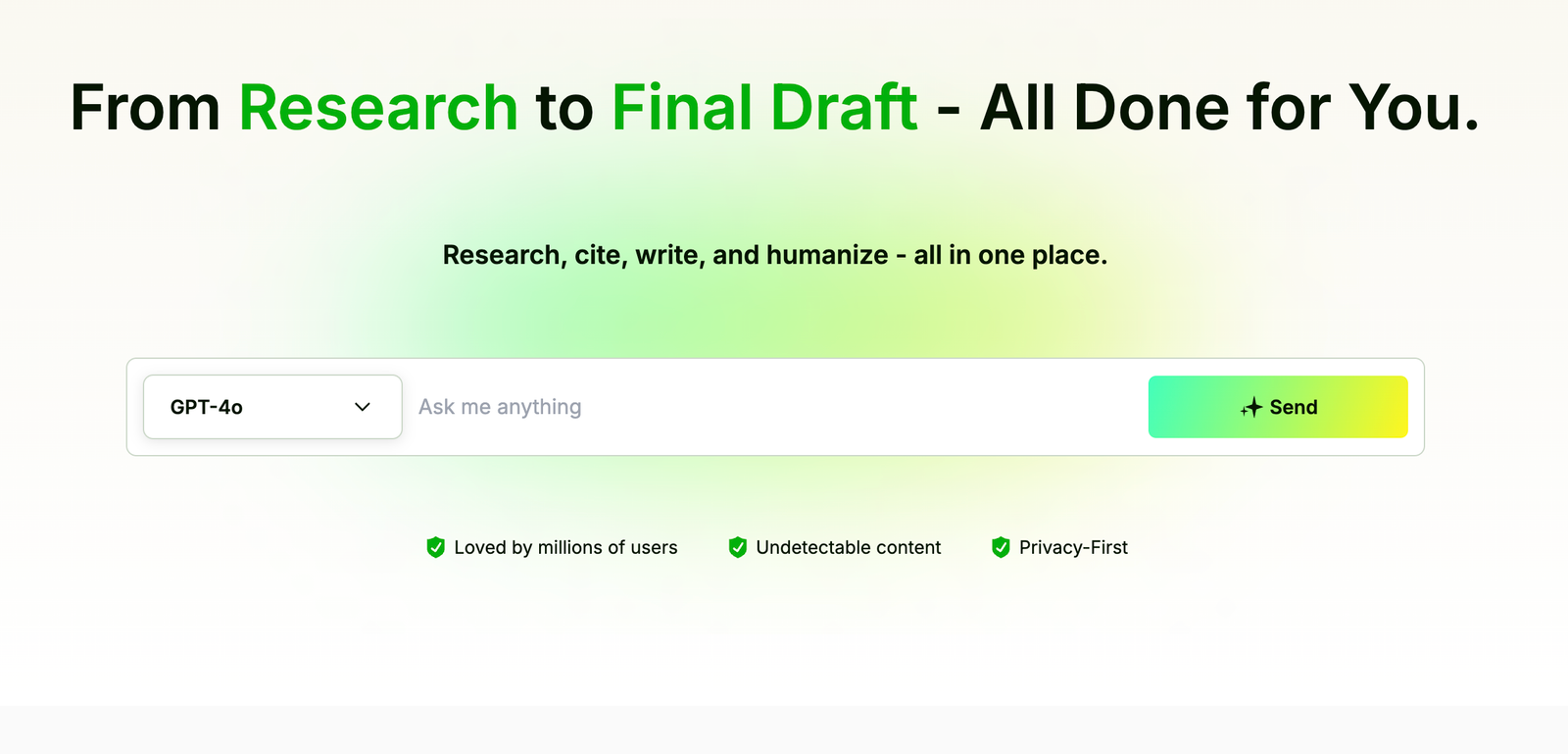
EssayDone.ai sits very close to the academic writing market, so its humanizer naturally frames itself around essays, detectors, and longer student assignments. That focus can make it useful for users dealing with large draft revisions, especially when a paper needs more than line edits and starts to require section-level smoothing. Still, tools that promise broad detector success can sound slightly too optimized for the screening problem, which sometimes leaves the writing better hidden but not necessarily better argued. That distinction matters in coursework, because professors read for coherence, precision, and whether the prose seems intellectually owned, not just technically altered. EssayDone.ai can help move a draft away from obvious machine patterns, but it is most convincing when paired with real revision choices made by the student after the rewrite.
Best use case: Longer essay drafts that need broad rewriting across multiple paragraphs rather than isolated sentence tweaks.
What it does well: It is oriented toward student writing and can push a draft further away from obviously generated phrasing.
Where it falls short: Detector-focused messaging can translate into prose that is safer than it is distinctive, which is not always enough for strong academic writing.
Who should skip it: Writers who want a quiet, minimal editor instead of a tool that may reshape large stretches of the paper.
Best AI Rewriter Tools for Academic Draft Revisions #10. uPass
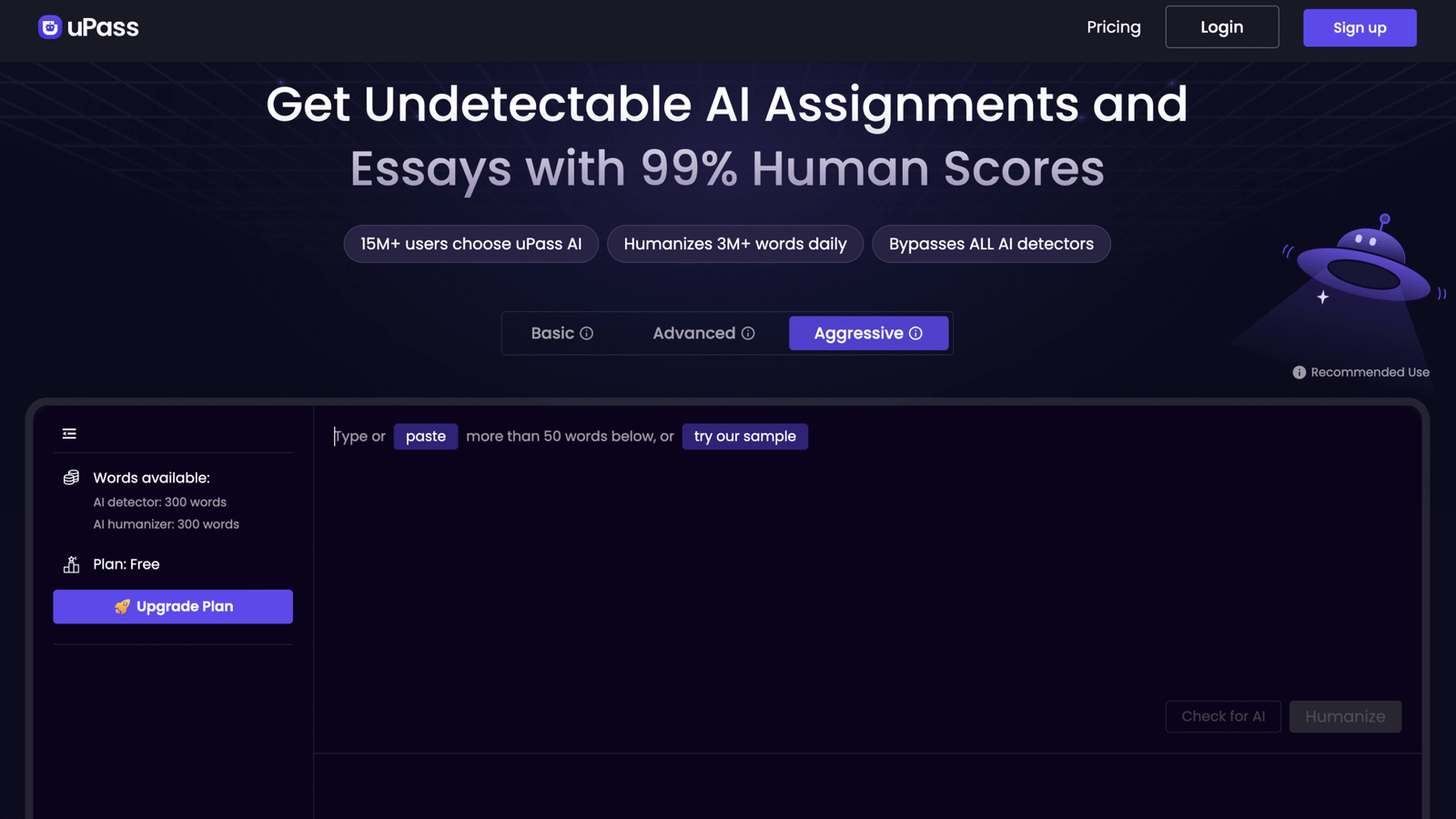
uPass is fairly blunt in how it describes itself, and there is something useful in that honesty because it makes clear that the tool is aimed at rewriting AI-generated text to appear more human. For academic draft revision, it can serve as a practical option when a student wants to break out of a recognizably generated tone without learning a more elaborate editing platform. The caution is that directness in the pitch does not automatically translate into subtlety in the prose, and subtlety is exactly what academic writing usually needs. A revision can become less detectable yet still feel oddly generic or too uniformly adjusted from line to line. uPass is best treated as a first-pass reshaper that clears out obvious machine patterns before a slower human edit restores nuance, source-sensitive language, and the small imperfections that make real writing believable.
Best use case: Early revision passes on AI-assisted drafts that still carry obvious machine patterns across the whole paper.
What it does well: It offers a straightforward rewrite path and can quickly reduce the most visible traces of generated phrasing.
Where it falls short: The prose may still need considerable human shaping to feel specific, credible, and naturally academic.
Who should skip it: Writers who want polished scholarly tone straight from the tool, without needing a careful final edit afterward.
Tool Selection Guide for Best AI Rewriter Tools for Academic Draft Revisions
Light academic polishing
WriteBros.ai and Grammarly AI Humanizer usually work best when a draft already communicates its argument clearly but still sounds slightly mechanical. These tools focus on rhythm adjustments, clause variation, and sentence flow rather than aggressive rewriting. Light polishing helps preserve the original reasoning while removing the overly balanced phrasing common in AI-assisted writing.
Balanced structural editing
QuillBot AI Humanizer and Scribbr’s AI Humanizer tend to sit in the middle range where a paragraph needs more than minor adjustments but not a full rewrite. They reorganize sentence order, refine transitions, and redistribute emphasis across ideas. Balanced editing improves readability while keeping the academic explanation recognizable.
Deep pattern rewriting
AISEO AI Humanizer and Walter Writes AI are often used when lighter edits still leave a section sounding algorithmic. These tools introduce stronger variation in sentence length, pacing, and phrasing patterns so the paragraph stops repeating identical structures. Deep rewriting can reset heavily AI-shaped passages, though careful human review usually improves the final tone.
Short analytical essays
WriteBros.ai and Clever AI Humanizer tend to work well for short assignments where clarity and direct explanation matter most. Short essays rarely benefit from heavy rewriting because the argument still needs to sound like the student’s own reasoning. These tools smooth phrasing and improve flow while keeping the explanation intact.
Long research papers
WriteBros.ai and QuillBot AI Humanizer are more practical for longer academic papers that repeat structural patterns across many paragraphs. Research writing depends on consistent terminology and precise meaning, which limits how aggressively sentences should change. These tools distribute variation across sections without disturbing the paper’s academic tone.
Personal reflection papers
Walter Writes AI and EssayDone.ai often perform better in reflective writing where tone and pacing carry as much weight as structure. Reflection essays benefit from language that feels less rigid and more conversational in rhythm. These tools soften the cadence of AI drafts while maintaining the personal narrative behind the assignment.
Sentence-level revisions
WriteBros.ai and Grammarly AI Humanizer are useful when writers want to preserve meaning while improving how individual sentences read. They adjust wording balance, rhythm, and clarity without shifting analytical claims or factual details. Sentence-level editing works well for coursework that requires precise arguments and consistent terminology.
Whole draft smoothing
WriteBros.ai and Uncheck AI help distribute variation across essays edited section by section. AI-assisted drafts often repeat identical sentence pacing from introduction to conclusion, which creates a subtle mechanical pattern. These tools introduce structural variation so the entire draft reads less uniformly generated.
Revision experimentation
Clever AI Humanizer and uPass are sometimes used when writers want to test multiple rewrite versions quickly. These tools generate noticeably different outputs rather than simple synonym swaps. Comparing several rewrites can help identify phrasing that feels most natural before a final manual edit.
Choosing AI Rewriter Tools for Academic Draft Revisions Often Comes Down to Editorial Intent
Academic rewriting tools tend to look similar at first glance, yet their behavior during revision can feel surprisingly different. Some tools quietly soften mechanical phrasing, while others rebuild entire paragraphs in ways that change rhythm and structure.
That difference matters because draft revision is rarely a single task. A student might need light readability fixes in one section and deeper restructuring in another, which means the most reliable workflow often mixes careful manual editing with selective AI rewriting.
Tools that promise perfect humanization can still produce prose that feels a little too balanced or overly neat, especially in analytical writing. The stronger revisions usually appear when the writer treats the tool as a collaborator rather than a replacement for real editing judgment.
Seen that way, AI rewriting software becomes less of a shortcut and more of a drafting companion that nudges language toward clarity. The final tone of a paper still depends on the writer’s own revisions, which is exactly the part no software can fully replicate.
Disclaimer: The tools referenced are included for editorial and informational purposes only and are selected based on observable product behavior and relevance rather than sponsorship or paid placement. Screenshots are shown solely for identification, commentary, and illustrative reference in line with standard editorial and fair use practices, and may not reflect the most current version of each product. All trademarks, logos, and interface elements remain the property of their respective owners. For update, correction, or removal requests, please refer to the Editorial Policy.