How to Humanize AI-Generated Worksheets: 15 Classroom-Ready Improvements

In 2026 classrooms, many teachers refine automated materials so they sound natural and student-friendly. Research in the International Journal of Educational Technology in Higher Education shows clearer instructional wording improves comprehension.
How to Humanize AI-Generated Worksheets: 15 Classroom-Ready Improvements
AI can generate worksheets quickly, but the results often feel stiff, repetitive, or oddly phrased for real classroom use. Teachers looking for human writing quality frequently notice that AI outputs miss the natural rhythm students expect from teacher-written materials.
This happens because AI models prioritize structure and clarity over personality, context, and instructional nuance. Many educators start with automated drafts and then refine them using tools like the best AI rewriter tools for lesson planning drafts to bring the language closer to a real classroom voice.
Small editing choices can transform a robotic worksheet into something students actually understand and engage with. Data on AI writing quality improvement for students statistics also shows that clearer phrasing and more natural instructions lead to better comprehension.
| # | Strategy focus | Practical takeaway |
|---|---|---|
| 1 | Natural instruction phrasing | Rewrite rigid prompts so they sound like directions a teacher would actually say to students. |
| 2 | Context-rich questions | Add small bits of classroom context so tasks feel grounded rather than generic. |
| 3 | Balanced difficulty wording | Adjust phrasing so instructions guide students without sounding overly formal or confusing. |
| 4 | Student-friendly tone | Replace robotic wording with simple language that mirrors real classroom explanations. |
| 5 | Clear task sequencing | Organize steps so students can follow the worksheet naturally without rereading instructions. |
| 6 | Examples within prompts | Insert short examples that demonstrate what a completed answer should look like. |
| 7 | Instruction brevity | Shorten overly long prompts so students focus on the task rather than deciphering directions. |
| 8 | Question variety | Mix different question styles so the worksheet feels less repetitive and more engaging. |
| 9 | Conversational cues | Use small conversational phrases that mimic how teachers naturally introduce tasks. |
| 10 | Relevant scenarios | Frame problems around familiar examples that make exercises easier to visualize. |
| 11 | Guided thinking prompts | Add light guidance that nudges students toward the right reasoning process. |
| 12 | Readable formatting language | Use labels and transitions that help students quickly understand what to do next. |
| 13 | Instruction clarity checks | Review wording to remove vague phrasing that might confuse students. |
| 14 | Age-appropriate phrasing | Adjust wording so it aligns with the reading level of the intended class. |
| 15 | Teacher-style review pass | Perform a final read-through focused on how the worksheet would sound if spoken aloud. |
15 Classroom-Ready Improvements to Humanize AI-Generated Worksheets
How to Humanize AI-Generated Worksheets – Strategy #1: Natural instruction phrasing
Many AI-generated worksheets rely on stiff directive language that technically communicates the task but fails to resemble how teachers actually speak to students in a classroom environment. A helpful improvement is rewriting instructions so they read like spoken directions, using everyday phrasing that reflects real teaching language rather than algorithmic structure. This adjustment helps the worksheet feel more approachable while also ensuring students immediately understand what is expected without needing to decode overly formal or technical wording.
When a teacher naturally explains a task, the language often contains subtle cues that guide comprehension, such as gentle prompts, clarifying phrases, or contextual reminders. Translating these patterns into worksheet instructions creates a smoother reading experience and mirrors the rhythm students recognize from classroom interactions. In practice, this might mean turning rigid prompts into friendly guidance that maintains clarity while sounding closer to the voice students already associate with instruction.
How to Humanize AI-Generated Worksheets – Strategy #2: Context-rich questions
AI-generated worksheets frequently produce questions that are structurally correct but disconnected from meaningful context, which can make the exercises feel generic or abstract to students. Adding small contextual elements such as classroom situations, everyday examples, or relatable scenarios helps transform a simple prompt into a task that students can mentally visualize. This contextual grounding makes questions easier to interpret and encourages students to approach the activity with greater engagement.
Students often respond more confidently when they can picture the situation described in a worksheet question rather than processing an isolated instruction. Context does not need to be elaborate, since even a short sentence explaining why the question matters can make the task feel purposeful. As a result, the worksheet becomes less mechanical and more aligned with the narrative structure teachers naturally incorporate during live instruction.
How to Humanize AI-Generated Worksheets – Strategy #3: Balanced difficulty wording
AI systems often produce instructions that sound excessively formal or overly simplified, which can unintentionally create confusion around the difficulty level of the task. Humanizing the worksheet means adjusting the language so it communicates challenge clearly without sounding intimidating or overly technical. The goal is to present the activity in a tone that signals guidance rather than authority, allowing students to focus on solving the problem rather than interpreting the wording.
Teachers instinctively balance encouragement and clarity when explaining assignments, and replicating that tone in worksheets helps maintain the same learning environment. Rewriting AI prompts to soften rigid phrasing while preserving precision ensures students feel supported as they work through the exercise. Over time, this subtle adjustment improves readability and makes the worksheet feel consistent with the teacher’s voice across other classroom materials.
How to Humanize AI-Generated Worksheets – Strategy #4: Student-friendly tone
One of the most noticeable traits of AI-generated worksheets is the neutral and slightly impersonal tone that appears throughout instructions and questions. Adjusting the wording so it reflects the language teachers typically use with students can dramatically improve how approachable the worksheet feels. This change involves replacing robotic expressions with simpler, conversational phrasing that mirrors everyday classroom communication.
Students respond more comfortably to materials that feel familiar rather than formal, particularly when learning new concepts that already require concentration. When instructions sound like something a teacher might say during a lesson, the worksheet naturally becomes easier to follow. Over time this consistency strengthens comprehension because students are interacting with language patterns they already recognize.
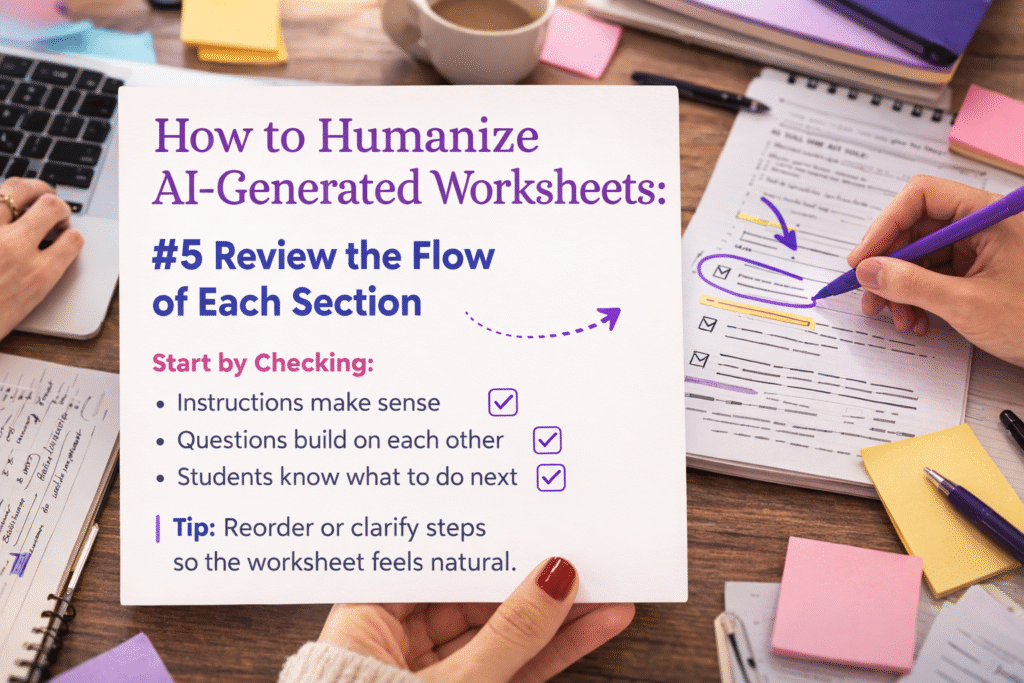
How to Humanize AI-Generated Worksheets – Strategy #5: Clear task sequencing
AI-generated worksheets sometimes present instructions in a logical order that works structurally but does not always match the flow students expect when completing a task step by step. Improving the sequence of instructions helps ensure that each stage of the worksheet builds naturally on the previous one. This kind of thoughtful progression reduces confusion and prevents students from needing to reread directions repeatedly.
Teachers instinctively structure tasks so students move through activities in a predictable and comfortable rhythm. Translating that same structure into AI-generated worksheets helps maintain a familiar learning pattern even when the initial draft was produced automatically. The result is a worksheet that feels intuitive to navigate and more consistent with the pacing students experience during normal classroom instruction.
How to Humanize AI-Generated Worksheets – Strategy #6: Examples within prompts
AI-generated worksheets often provide instructions without demonstrating what a successful answer might look like, which can leave students uncertain about expectations. Adding short examples directly within prompts gives students a visual reference that clarifies both format and reasoning. These examples act as a bridge between the instruction and the task itself, allowing students to approach the activity with a clearer understanding of how their response should be structured.
Teachers frequently provide quick demonstrations during lessons because seeing a model answer reduces hesitation and builds confidence. When worksheets include a similar reference, students spend less time wondering how to begin and more time focusing on the actual concept being practiced. This small adjustment helps the material feel more supportive and reflective of the guidance students receive during classroom discussions.
How to Humanize AI-Generated Worksheets – Strategy #7: Instruction brevity
AI-generated instructions sometimes expand into longer explanations than necessary, which can overwhelm students who are trying to identify the actual task hidden within the wording. Humanizing the worksheet means trimming instructions so they remain clear while avoiding unnecessary detail. This editing step ensures that students can quickly understand what to do without becoming distracted by lengthy phrasing.
Teachers naturally refine directions when they notice students losing focus or rereading instructions multiple times. Applying the same logic to AI-generated worksheets helps maintain clarity while preserving the structure of the activity. Over time, concise instructions improve the overall flow of the worksheet and make each task easier for students to process.
How to Humanize AI-Generated Worksheets – Strategy #8: Question variety
AI-generated worksheets often repeat the same sentence structure across many questions, which can make the exercise feel mechanical even when the tasks themselves are useful. Introducing different phrasing patterns or slightly varied question formats creates a more engaging learning experience. This variety keeps students attentive because the worksheet feels less predictable.
Teachers frequently adjust the way questions are asked in order to sustain attention during longer assignments. Replicating that practice within AI-generated worksheets adds subtle variation that prevents the material from feeling repetitive. The result is a worksheet that still maintains structure but feels more dynamic and closer to the style used in teacher-created materials.
How to Humanize AI-Generated Worksheets – Strategy #9: Conversational cues
AI-generated prompts typically avoid conversational language, which can make the worksheet feel distant from the tone students encounter during classroom instruction. Adding light conversational cues such as guiding phrases or brief reminders helps replicate the natural flow of teacher explanations. These cues encourage students to approach the task with the same mindset they would use during a live lesson.
Students often rely on subtle signals in teacher language that indicate how to begin thinking about a problem. Including similar signals within worksheet instructions provides a gentle sense of direction without revealing the full answer. Over time this approach helps the worksheet feel more interactive even though it remains a written activity.
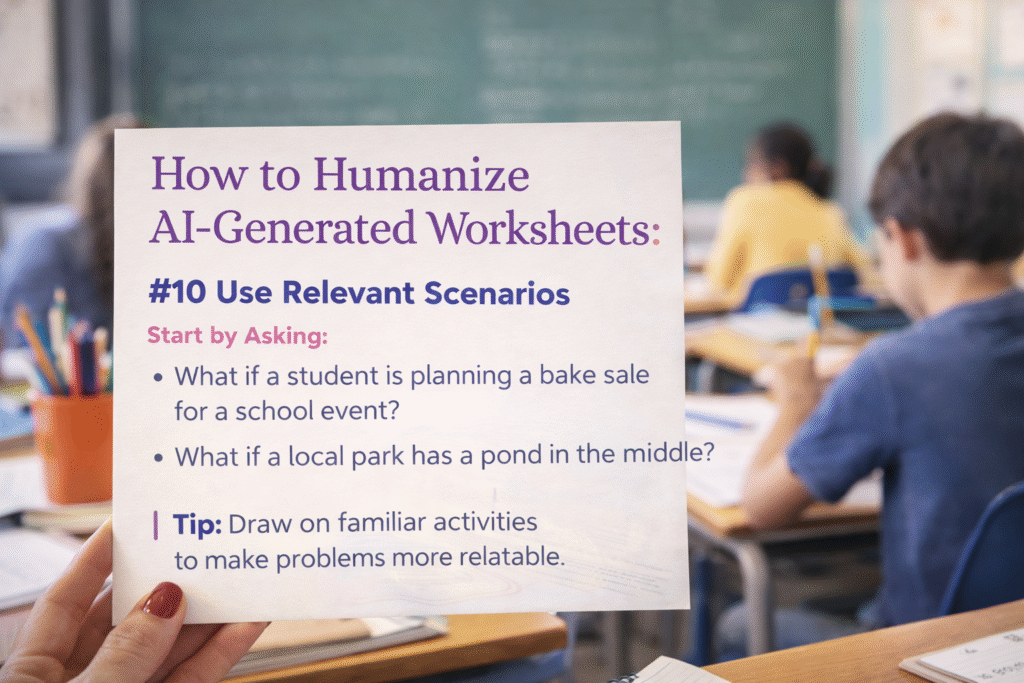
How to Humanize AI-Generated Worksheets – Strategy #10: Relevant scenarios
AI-generated worksheets frequently rely on abstract prompts that technically address the concept but lack connection to real situations students recognize. Adding small, relatable scenarios makes each question easier to imagine and therefore easier to interpret. Even simple references to everyday activities can transform an abstract instruction into a meaningful exercise.
Teachers often use familiar situations to explain ideas because students can picture the example immediately. When worksheets adopt the same strategy, the tasks become easier to engage with and the overall activity feels more purposeful. This adjustment also helps students see how the concept might apply beyond the worksheet itself.
How to Humanize AI-Generated Worksheets – Strategy #11: Guided thinking prompts
AI-generated worksheets sometimes present questions without offering hints that help students begin the reasoning process. Adding small prompts that guide thinking can make the task more approachable without revealing the solution. These prompts encourage students to reflect on the concept before attempting their answer.
Teachers frequently include subtle hints during instruction because they understand that students often need a starting point rather than a full explanation. Replicating this guidance within worksheets helps maintain that supportive environment even when students work independently. Over time the worksheet becomes a tool that encourages reasoning rather than simply presenting isolated questions.
How to Humanize AI-Generated Worksheets – Strategy #12: Readable formatting language
AI-generated worksheets sometimes use labels and transitions that are technically correct but feel awkward or inconsistent. Revising these small pieces of language can significantly improve readability and help students navigate the page more comfortably. Clear formatting language ensures that students know exactly what type of response is expected for each task.
Teachers naturally structure written materials so students can quickly identify sections and instructions without confusion. Applying this same principle to AI-generated worksheets ensures that the layout and wording support the learning process. The result is a worksheet that feels organized and easy to follow.
How to Humanize AI-Generated Worksheets – Strategy #13: Instruction clarity checks
AI-generated worksheets occasionally include vague instructions that appear clear at first glance but leave room for multiple interpretations. Reviewing the wording carefully helps identify phrases that might confuse students during independent work. Replacing those phrases with clearer alternatives improves both comprehension and efficiency.
Teachers often perform a quick mental test while reviewing worksheets, imagining how students might interpret each instruction. Applying this same review step to AI-generated drafts helps eliminate ambiguity before the worksheet reaches the classroom. The process results in instructions that are straightforward and easy for students to follow.
How to Humanize AI-Generated Worksheets – Strategy #14: Age-appropriate phrasing
AI-generated worksheets sometimes use vocabulary that does not perfectly match the reading level of the intended group of students. Adjusting phrasing so it aligns with the age and comprehension level of the class makes the worksheet far easier to understand. This change ensures students spend their effort solving the task rather than decoding the language.
Teachers naturally adjust their wording when speaking to different grade levels, simplifying or expanding explanations depending on the audience. Translating that same awareness into worksheet editing helps maintain consistency between spoken instruction and written materials. As a result, the worksheet feels more accessible and supportive of the learning process.
How to Humanize AI-Generated Worksheets – Strategy #15: Teacher-style review pass
The final step in improving an AI-generated worksheet is reading through the entire document as though it were being delivered during a lesson. This perspective helps identify phrasing that feels unnatural or disconnected from the teacher’s voice. Adjusting those sections ensures the worksheet reflects authentic classroom communication.
Teachers often instinctively edit materials once they imagine explaining them aloud to students. Performing the same review for AI-generated worksheets ensures that the tone, pacing, and clarity match real instructional practices. This final pass transforms an automated draft into a worksheet that feels genuinely teacher-created.
Common mistakes
- Many educators rely on AI-generated worksheets exactly as they appear, assuming the structure and wording are already suitable for classroom use, which often leads to instructions that feel stiff, repetitive, or slightly confusing for students who expect materials to reflect the natural tone of teacher explanations.
- Another common mistake occurs when teachers focus only on correcting factual content while overlooking the language itself, even though wording that sounds overly formal or robotic can make otherwise accurate exercises harder for students to understand.
- Some educators attempt to humanize worksheets by simply shortening sentences without considering whether the overall phrasing still reflects authentic classroom language, which can unintentionally create instructions that feel abrupt or incomplete.
- It is also common to leave AI-generated question structures unchanged across an entire worksheet, which results in repetitive patterns that reduce engagement and make the activity feel more mechanical than educational.
- Teachers sometimes remove too much context when editing worksheets, believing simplicity alone will improve clarity, yet removing helpful cues can make instructions harder to interpret.
- A final mistake appears when worksheets are never reviewed aloud before distribution, since reading the instructions as spoken language often reveals phrasing that feels unnatural or inconsistent with normal teaching communication.
Edge cases
Some AI-generated worksheets already contain reasonably clear instructions, especially when the prompt used to generate the material was highly specific and aligned with classroom language. In these situations, the editing process may require only small refinements rather than full rewrites, focusing on tone adjustments and contextual examples instead of structural changes. Recognizing when minimal editing is appropriate helps teachers maintain efficiency while still ensuring that worksheets feel natural and approachable.
Another edge case appears when worksheets are designed for advanced students who are accustomed to formal academic language. In those environments, slightly more technical phrasing may actually match the expectations of the learners. Even then, teachers often benefit from reviewing the instructions to ensure clarity, since complex language should still feel deliberate rather than artificially generated.
Supporting tools
- Grammar and readability editors can help teachers refine AI-generated worksheets by highlighting sentences that are overly complex or difficult to interpret, allowing educators to quickly revise phrasing so it sounds more like natural classroom communication.
- Document collaboration platforms make it easier to review worksheet drafts with colleagues, which helps identify wording that might confuse students before the material is distributed in class.
- Readability scoring tools are useful for verifying that worksheet instructions align with the intended grade level, ensuring students can focus on the learning task instead of struggling with vocabulary.
- Lesson planning platforms often include templates that help organize questions and instructions in a consistent structure, making it easier to adjust AI-generated drafts to match existing classroom materials.
- AI editing tools can assist teachers during the revision stage by suggesting alternative phrasing that sounds more conversational while maintaining the meaning of the original instruction.
- WriteBros.ai can help refine automated drafts by adjusting tone and structure so worksheets read more like authentic teacher-written materials rather than raw AI outputs.
Ready to Transform Your AI Content?
Try WriteBros.ai and make your AI-generated content truly human.
Conclusion
AI-generated worksheets provide a fast starting point for classroom materials, yet the real value emerges when teachers refine the language so it reflects authentic instructional communication. Editing small details such as phrasing, context, and tone allows the worksheet to match the natural rhythm students recognize from classroom lessons. When these adjustments are applied thoughtfully, the material becomes easier to read and more engaging for learners.
Humanizing AI-generated worksheets does not require rewriting the entire document, since most improvements come from small language choices that clarify instructions and support comprehension. Teachers who review worksheets with the same attention they would give to lesson explanations often discover that even minor changes can transform the learning experience. Over time this editing habit turns automated drafts into practical classroom tools.
Did You Know?
AI writing tools often create worksheet language that looks organized because they are good at producing clean patterns, tidy instructions, and balanced question formats. Even when the draft seems polished, it can still miss the natural rhythm, classroom tone, and small clarifications that help students understand what the teacher is really asking.
Editing for voice, context, and readability can make a big difference very quickly. Small revisions often turn an AI worksheet from a generic draft into classroom material that feels clearer, more human, and easier for students to work through independently.
Ready to Transform Your AI Content?